

News

Miro: A New Standard in Responsible Innovation

Miro: A New Standard in Responsible Innovation The Miro monitor arm is setting new benchmarks in sustainability. It offers a high-performance solution without compromising on environmental responsibility. Designed with careful material selection, local sourcing, and longevity in mind, Miro’s responsible approach to design and unique manoeuvrability set it apart from the competition. Sustainable Choices Miro is crafted from energy-efficient materials with a lower carbon impact....

Read more
HSE Advisor

Role Purpose Support in the development, implementation and maintenance of the company’s Health, Safety & Environmental policies, processes, operational procedures, and standards.  Ensuring best practice and championing a continually improving HSE culture within the business. Key Responsibilities Liaise with and provide support to all areas of the business to eliminate, mitigate or reduce identified HSE exposures. Partner with the production management team and team leaders,...

Read more
CMD Ltd LAUNCHES 48-HOUR TURNAROUND ON BETATRAK® RAPID ORDERING SERVICE

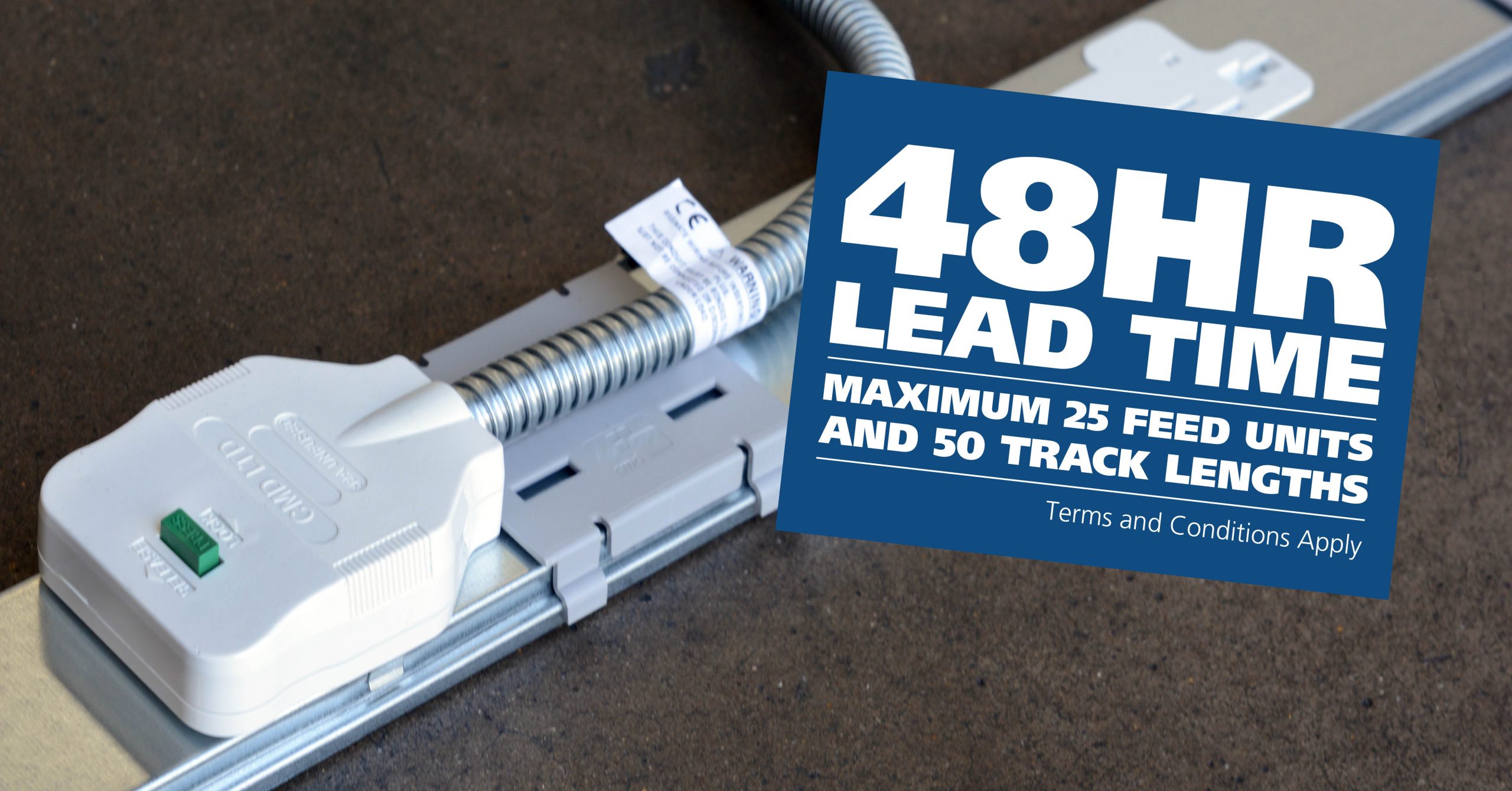
CMD Ltd, the specialist in power distribution systems, workstation power and monitor arms, has launched a rapid ordering service for its Betatrak® underfloor powertrack distribution systems and accessories, with a commitment to delivering within 48-hours of an approved purchase order*. The service enables customers to order up to 50 lengths of Standard or Clean Earth (C/E) low noise Betatrak, along with up to 25 feed...

Read more
CMD INVESTS £1/4 MILLION IN NEW MACHINE AS PART OF FACTORY UPGRADE

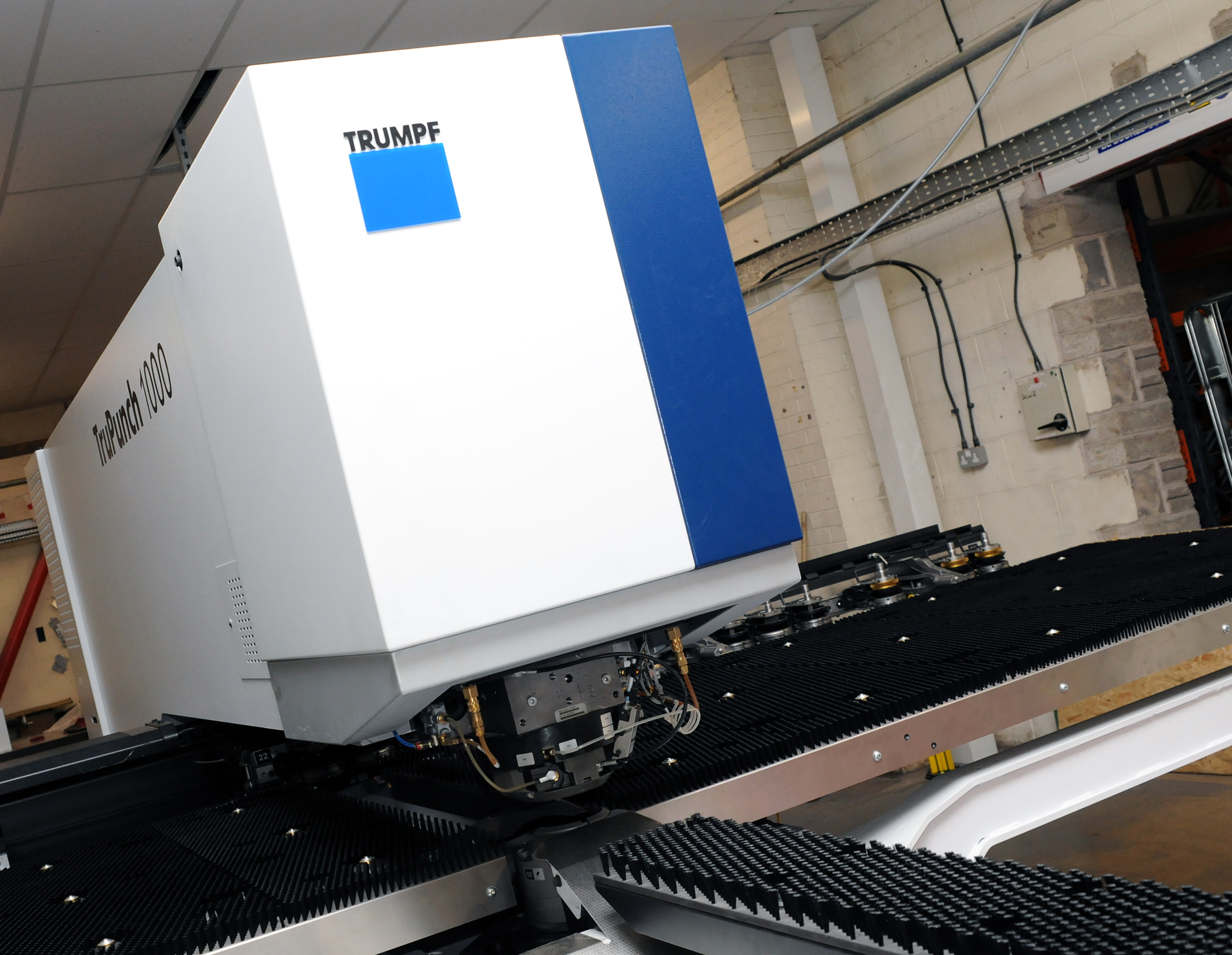
We have invested in a new £1/4m TRUMPF CNC metal punch as part of an asset renewal strategy for our UK manufacturing capability. The new machine will be used in the production of a wide variety of our power distribution systems and workstation power products at our Rotherham factory. Suitable for handling sheet metal between 0.9mm and 3.0mm thick, the new machine will replace one...

Read more
CMD CATALOGUE PROVIDES TECHNICAL POWER DISTRIBUTION GUIDE

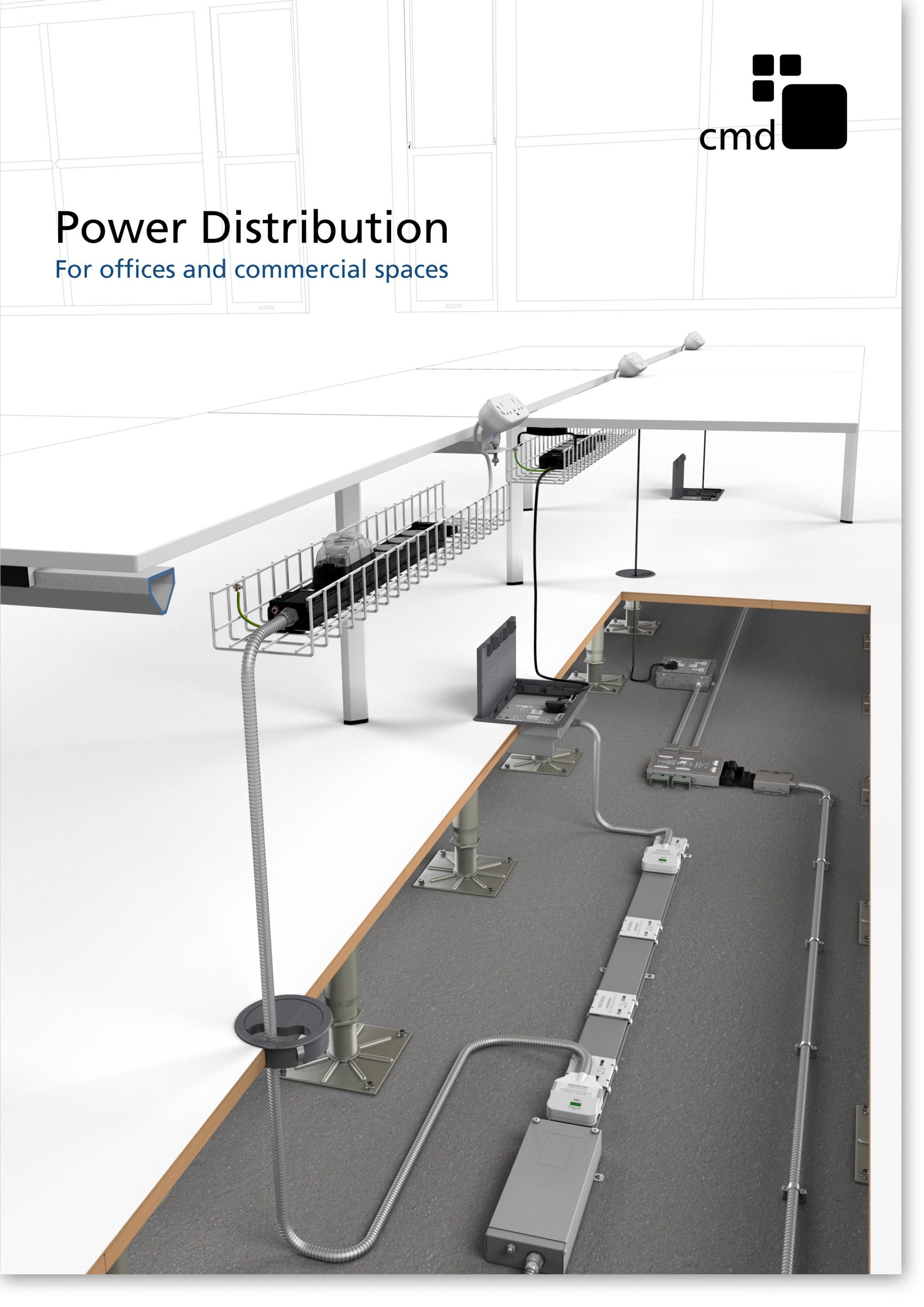
CMD Ltd has released a new catalogue, providing an easy to follow technical guide to our power distribution systems and plug and play desk modules. Detailing CMD’s full range of UK-manufactured power distribution systems and plug and play desk modules, the catalogue will be a helpful source of information to M&E engineers and contractors alike to understand how our power distribution systems connect together and...

Read more
Power Distribution Catalogue
CMD Ltd PLAYS ESSENTIAL ROLE IN ELECTRICAL FIT OUT AT LONDON’S PRESTIGIOUS OFFICE DEVELOPMENT

CMD Ltd, specialist in workplace connectivity and ergonomic solutions, has provided a flexible and high-quality power distribution network for The Ray, a prestigious office development in London’s Farringdon. Well-known for being the former site of The Guardian newspaper, The Ray now stands as an 83,000ft² office development characterised by a modernised warehouse aesthetic, with level two now occupied by a global social media company. The...

Read more

The Ray
CMD plugs in to european opportunity with Schuko Capsule unit launch

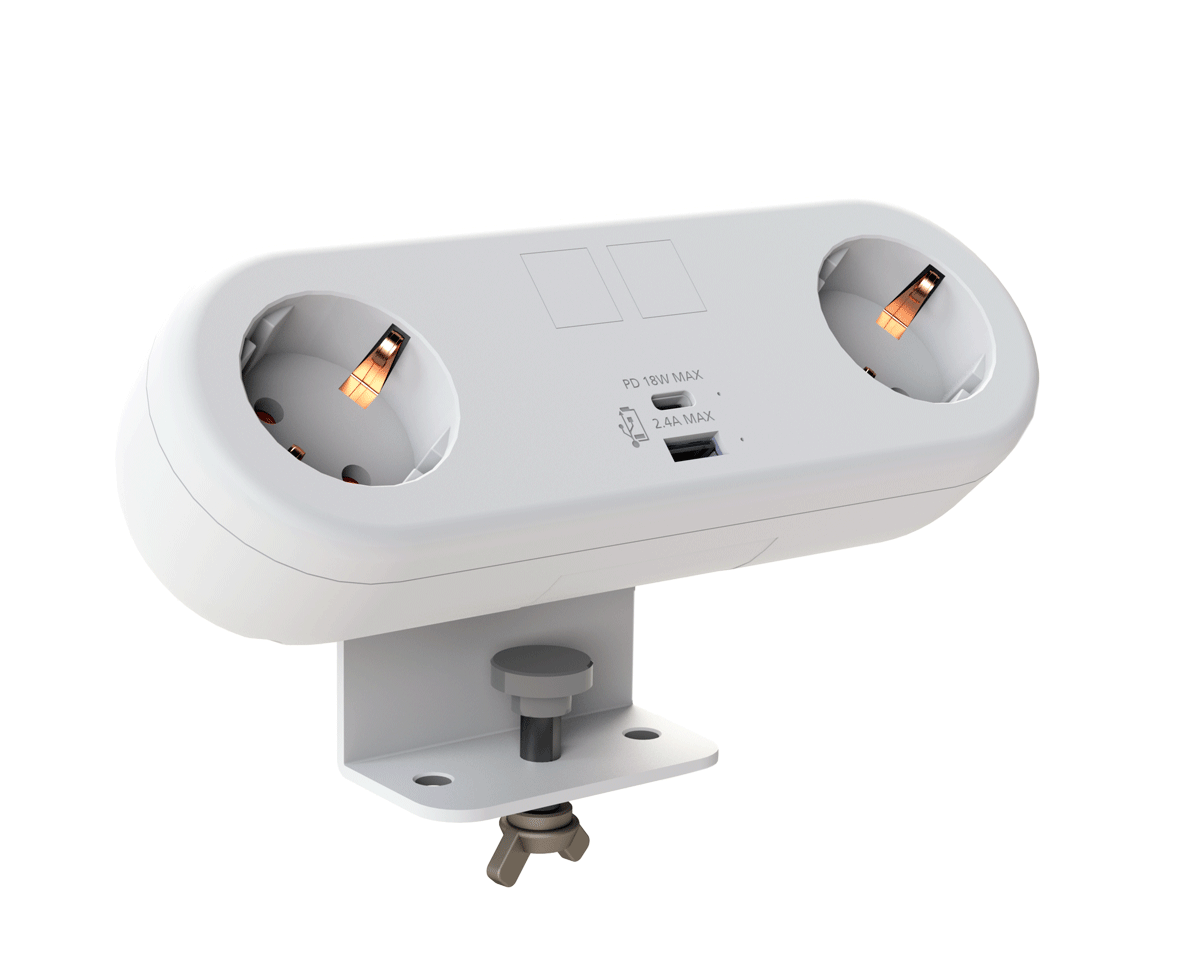
CMD Ltd, the specialist in power and connectivity solutions for commercial environments, has launched a Schuko version of its popular fixed format Capsule workstation power module for export to mainland Europe and beyond. A popular on desk power module comprising two sockets and dual USB (type A and C) chargers, CMD’s Capsule unit is already widely specified in the UK as an off-the-shelf workstation power...

Read more
CMD White Schuko Capsule Desk Power Module
CMD LTD EXTENDS MONITOR ARM RANGE WITH THE LAUNCH OF REACH PLUS

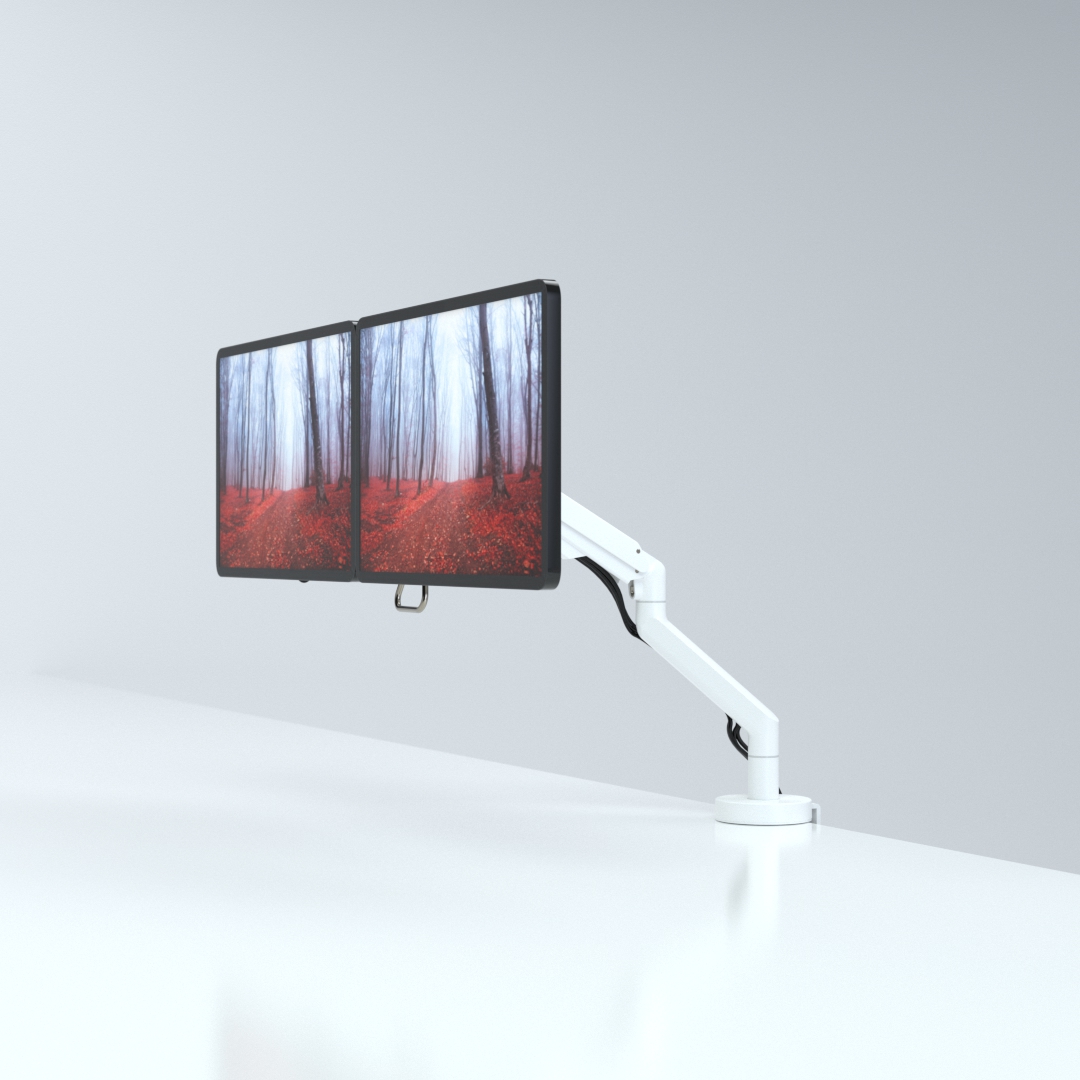
CMD Ltd, the specialist in ergonomic and connectivity solutions for commercial interiors, has completed its Reach monitor arm range with the launch of the Reach Plus. Available in single or dual screen options, the Reach Plus has been designed to provide an ideal solution for both single and dual screen workstation configurations, or can be used with next generation of large format curved screens. Suitable...

Read more
CMD Ltd DEMONSTRATES THE ART OF POWER DISTRIBUTION AT THE UNIVERSITY OF WARWICK

CMD Ltd, the specialist in workplace connectivity and ergonomic solutions, has provided Betatrak busbar power distribution and a range of electrical accessories for two major capital investment projects at the University of Warwick. Designed by Fielden Clegg Bradley Studios, the £33 million Faculty of Arts building is a showpiece development comprising four interconnected structures set around a central atrium, which will enable inter-disciplinary collaboration across...

Read more

University of Warwick
CMD BRINGS HARMONY TO COVENTRY UNIVERSITY RESEARCH FACILITIES

CMD Ltd, the specialist in power distribution solutions and workstation power and ergonomics, has provided under desk and on desk power modules for the refurbishment of three Coventry University research buildings. Located on Coventry University Technology Park, a business park designed to encourage collaboration between the university and knowledge-based businesses, the three buildings are being repurposed as office accommodation for university research teams. The refurbishment...

Read more

Coventry University

7 Tips for Choosing the Right Welding Machine

Choosing a welding machine is less about buying the biggest unit and more about matching its capabilities to the work in front of you. A thin-gauge repair on a quiet garage bench has different demands from repeated structural fabrication. The right choice affects weld quality, setup time, and operator comfort. It also affects the jobs you can confidently accept. Small details matter: a stable arc, clear controls, and cables that reach your workpiece without stretching.

A useful reminder from Elena Ruiz, a fictional composite welding-equipment specialist, is: “Choose for the work you do most, and leave room for the work you may grow into.” Treat that as a guiding principle, not a substitute for checking product specifications. This guide’s seven tips examine welding processes, material thickness, input power, duty cycle, portability, controls, and after-sales support. Together, they offer a practical way to compare a Machine Welding Machine without getting distracted by impressive-looking numbers. Bring a real project list when you shop. Note the metals and thicknesses you use, your available power supply, and whether you work at home or on site. I would still verify every machine’s manual before purchase; a neat comparison chart can miss a limitation that matters in your workshop. Some choices are not obvious. That is exactly why a careful check helps.

7 Tips for Choosing the Right Welding Machine

Assess Your Welding Projects and Skill Level

Before comparing machines, define the work you actually expect to do. Note the metals, thicknesses, joint types, and positions involved. Repairing a thin garden gate calls for different capabilities than joining thick steel brackets. A small test coupon can reveal whether your planned settings produce clean, consistent welds. That detail matters.

Be specific. If most projects involve thin sheet metal, look for a machine with stable low-current control. For thicker material, check its output range and duty cycle, which indicates how long it can weld before cooling. Also consider where you will work. A garage outlet, extension cord, or outdoor setup may limit your options. It is easy to focus on maximum power and overlook the supply available at home.

Your skill level matters, too. Beginners may benefit from clear controls and a process suited to their common projects, such as flux-cored welding for some outdoor repairs. But convenience is not a substitute for practice. A machine that feels simple on the first day may still require careful setup and steady technique. If you already weld confidently, prioritize the process and adjustments your work demands. Read the specifications closely, and compare them with your actual materials—not an ambitious project you may never attempt. I would reconsider any choice that seems capable of everything but is awkward for your regular work.

Compare Welding Processes and Their Ideal Uses

Choosing a welding process starts with the workpiece, not the machine’s feature list. MIG welding feeds wire continuously and suits many clean-steel projects, shop fabrication, and longer seams. It is often easier to learn, though wind can disrupt its shielding gas. A gate repaired in a breezy driveway may need a different approach. Convenient, but not automatic.

Stick welding uses coated electrodes and can be practical for outdoor repairs or heavier steel. It tolerates less-than-perfect conditions, but slag removal and a steady hand take practice. Self-shielded flux-core wire is another option for outdoor work, since it does not rely on an external shielding-gas cylinder. Check the wire type: some flux-core processes do use gas. Small details matter.

TIG welding offers careful control on thin materials, stainless steel, and aluminum, but it is slower and demands coordination. For a thin sheet-metal panel, too much heat can warp the edge before the weld looks finished. It is tempting to choose the process with the neatest-looking bead. That can mislead. Match the process to material, thickness, position, power supply, and your experience, then test settings on scrap of similar thickness. A clean surface and secure workholding still matter.

Match Machine Power to Materials and Thickness

Match machine output to the metal and its thickness, not just the job’s appearance. Thin stainless sheet needs controlled, low amperage; a thick steel plate needs enough current for sound fusion. TWI’s published TIG guidance gives roughly 30–40 amps per millimetre of steel as a starting range. Treat it as a guide, not a guaranteed setting. Joint shape, filler size, and heat loss can change the result. Thin sheet burns fast.

Tips: Check the machine’s usable amperage range, then compare it with the process chart in its manual. For example, a 1 mm steel panel may start near 30–40 amps with TIG; a 6 mm plate may need multiple passes or a higher-capacity setup. Confirm the recommendation with a test bead on matching scrap. Look for even bead edges and adequate fusion, not just a bright arc.

Also check duty cycle: a machine rated for high output may only sustain it briefly. The American Welding Society’s Welding Handbook explains how heat input and joint preparation affect weld quality, so power alone is not the whole answer. A cold workshop, long leads, or poor fit-up can alter results. These details are easy to overlook, and the amperage rule is imperfect. When the metal is valuable, verify settings with a qualified welding procedure or technician.

Check Input Power, Duty Cycle, and Portability

Tip 1: Check the power supply before comparing machines. Read the input-voltage and amperage requirements on the machine’s data plate. Then compare them with the outlet and circuit available in your workshop. A long, thin extension cord can cause voltage drop, so check its rating too. Small detail, big frustration.

Tip 2: Read the duty-cycle rating at its stated output. A 40% duty cycle over a standard 10-minute period means four minutes of welding, followed by six minutes of cooling. The rating can change at different amperage settings, so compare figures at the output you expect to use. Don’t plan around peak amperage alone; a machine may need frequent pauses during longer welds.

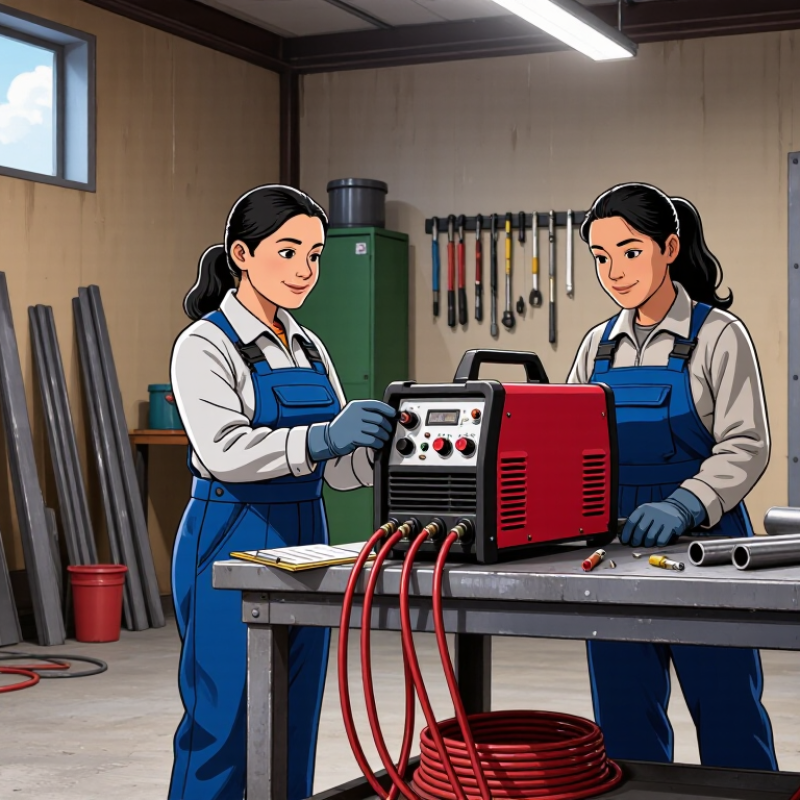
Tip 3: Judge portability by the whole setup, not the machine’s weight. Include the torch, leads, work clamp, and any gas cylinder you need to move. Check whether the handle is comfortable and whether the cables reach your work area. There is no perfect setup. The U.S. Bureau of Labor Statistics projects about 45,800 annual openings for welders and related workers from 2023 to 2033. Its Occupational Outlook Handbook is a useful workforce reference, though it cannot tell you which machine fits your shop.

Compare Controls, Safety Features, and Long-Term Costs

A welding machine can look simple until you adjust it with thick gloves on. Compare control layouts in person when possible. Clear labels, firm knobs, and a readable display make it easier to repeat settings. Some machines offer preset programs; these can help beginners, but they do not replace checking the material thickness and recommended settings. Try the controls before buying. Awkward controls get old.

Safety features deserve the same close attention. Look for thermal overload protection, a stable wire-feed system where applicable, and a case that shields internal parts from dust and accidental contact. Check the manual for duty cycle: a machine rated for shorter welding periods may need frequent cooling breaks during longer jobs. Keep ventilation, eye protection, gloves, and a suitable welding helmet in your plan; built-in protections do not make these optional. Details matter.

Compare more than the purchase price. Add expected costs for consumables, compatible torches or leads, replacement parts, and routine servicing. Ask how readily wear items can be obtained, and whether local repair support is available. A lower-priced unit may cost more over time if common parts are difficult to source. Still, estimates are imperfect. Your workload can change, and I would avoid paying for capacity you are unlikely to use. A simple cost sheet helps: list the machine, likely supplies, and one realistic repair allowance.