

News

Miro: A New Standard in Responsible Innovation

Miro: A New Standard in Responsible Innovation The Miro monitor arm is setting new benchmarks in sustainability. It offers a high-performance solution without compromising on environmental responsibility. Designed with careful material selection, local sourcing, and longevity in mind, Miro’s responsible approach to design and unique manoeuvrability set it apart from the competition. Sustainable Choices Miro is crafted from energy-efficient materials with a lower carbon impact....

Read more
HSE Advisor

Role Purpose Support in the development, implementation and maintenance of the company’s Health, Safety & Environmental policies, processes, operational procedures, and standards.  Ensuring best practice and championing a continually improving HSE culture within the business. Key Responsibilities Liaise with and provide support to all areas of the business to eliminate, mitigate or reduce identified HSE exposures. Partner with the production management team and team leaders,...

Read more
CMD Ltd LAUNCHES 48-HOUR TURNAROUND ON BETATRAK® RAPID ORDERING SERVICE

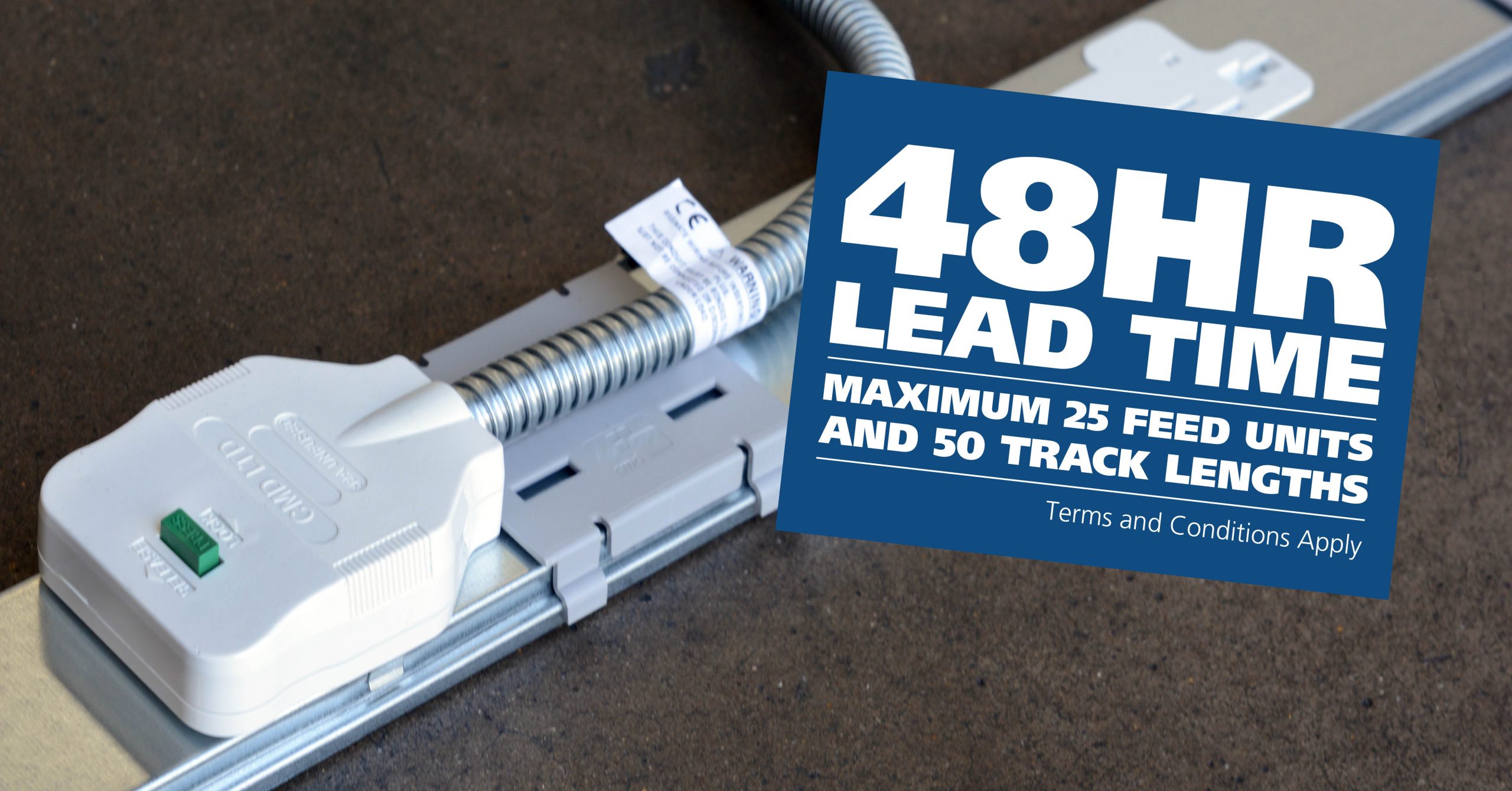
CMD Ltd, the specialist in power distribution systems, workstation power and monitor arms, has launched a rapid ordering service for its Betatrak® underfloor powertrack distribution systems and accessories, with a commitment to delivering within 48-hours of an approved purchase order*. The service enables customers to order up to 50 lengths of Standard or Clean Earth (C/E) low noise Betatrak, along with up to 25 feed...

Read more
CMD INVESTS £1/4 MILLION IN NEW MACHINE AS PART OF FACTORY UPGRADE

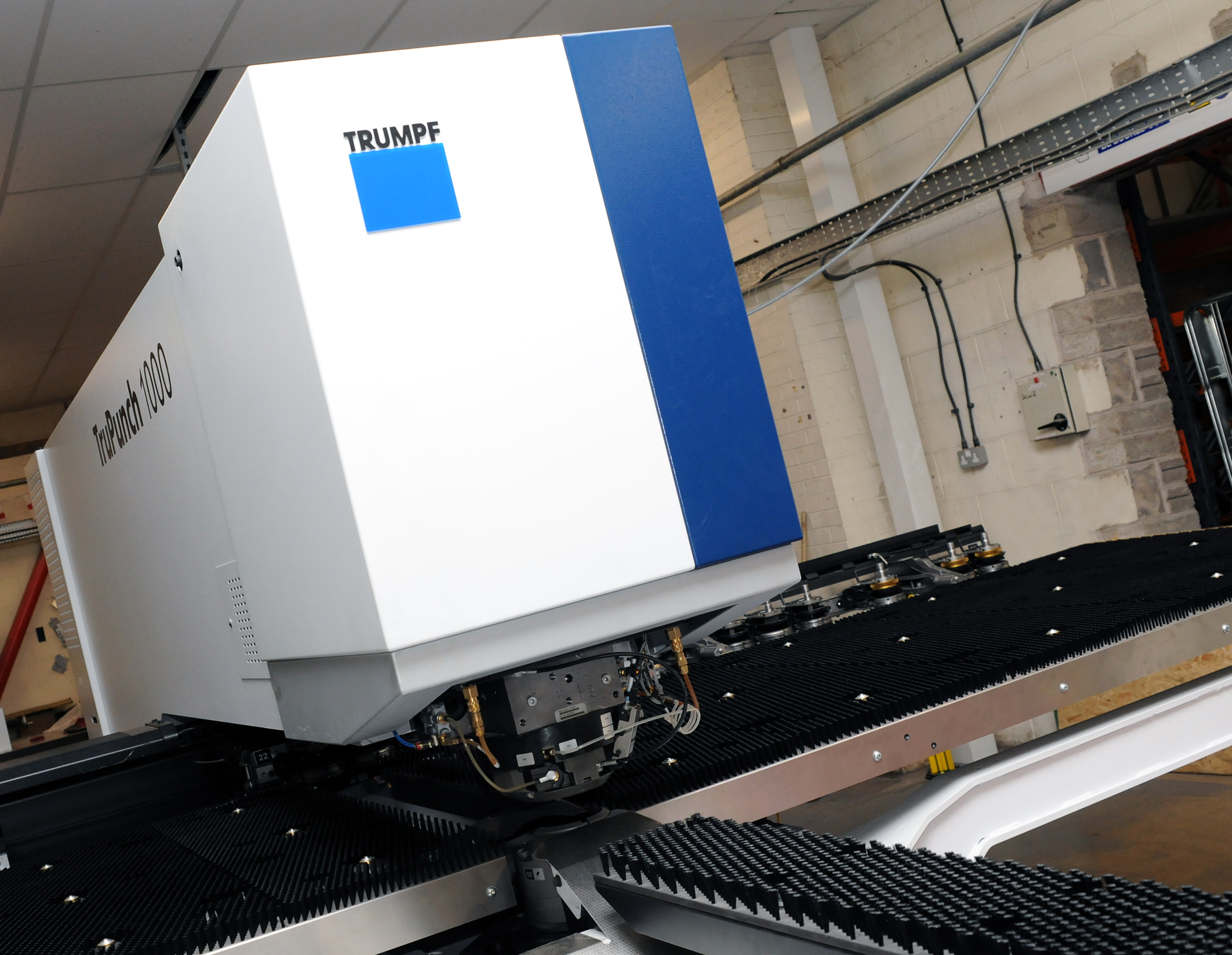
We have invested in a new £1/4m TRUMPF CNC metal punch as part of an asset renewal strategy for our UK manufacturing capability. The new machine will be used in the production of a wide variety of our power distribution systems and workstation power products at our Rotherham factory. Suitable for handling sheet metal between 0.9mm and 3.0mm thick, the new machine will replace one...

Read more
CMD CATALOGUE PROVIDES TECHNICAL POWER DISTRIBUTION GUIDE

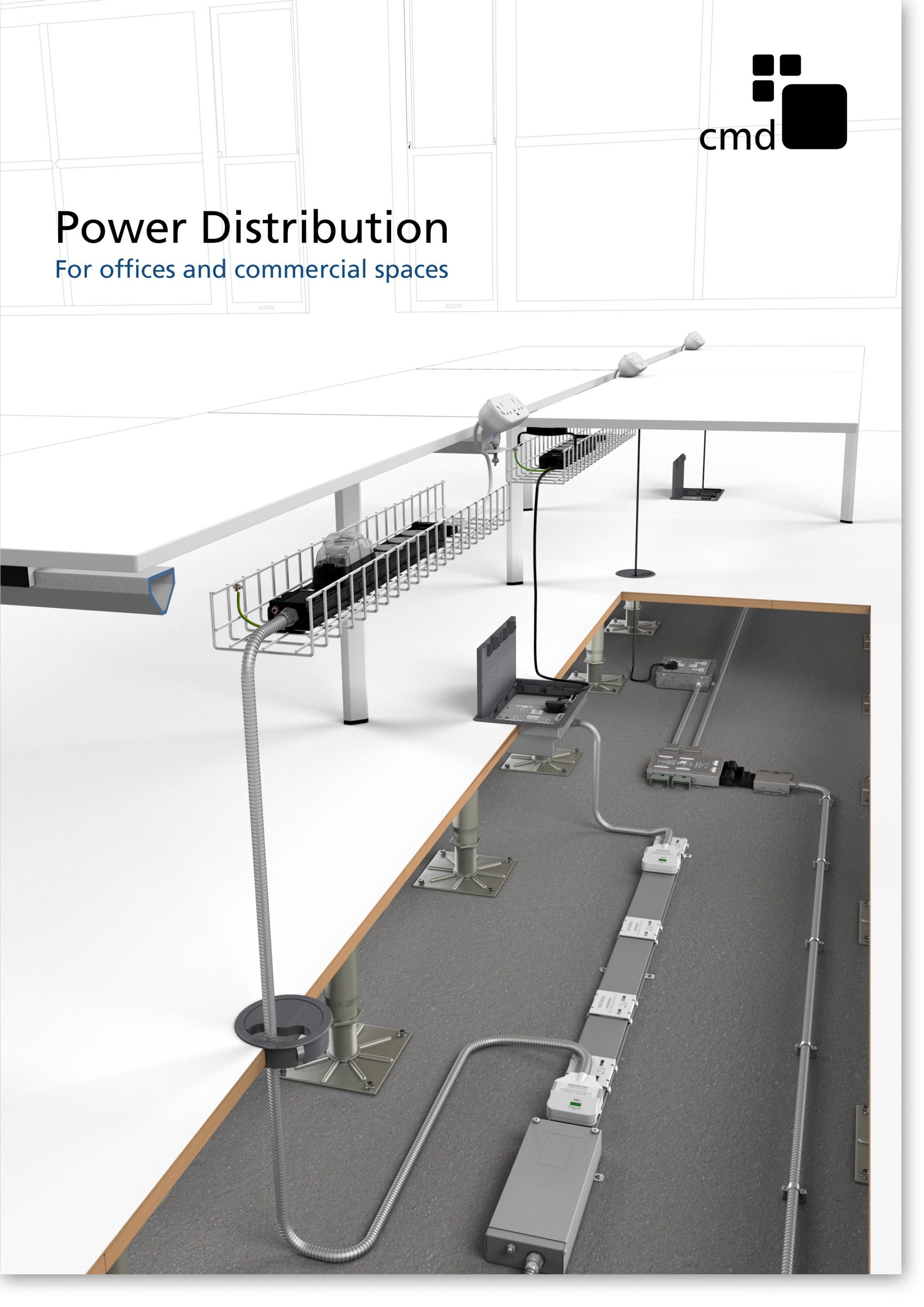
CMD Ltd has released a new catalogue, providing an easy to follow technical guide to our power distribution systems and plug and play desk modules. Detailing CMD’s full range of UK-manufactured power distribution systems and plug and play desk modules, the catalogue will be a helpful source of information to M&E engineers and contractors alike to understand how our power distribution systems connect together and...

Read more
Power Distribution Catalogue
CMD Ltd PLAYS ESSENTIAL ROLE IN ELECTRICAL FIT OUT AT LONDON’S PRESTIGIOUS OFFICE DEVELOPMENT

CMD Ltd, specialist in workplace connectivity and ergonomic solutions, has provided a flexible and high-quality power distribution network for The Ray, a prestigious office development in London’s Farringdon. Well-known for being the former site of The Guardian newspaper, The Ray now stands as an 83,000ft² office development characterised by a modernised warehouse aesthetic, with level two now occupied by a global social media company. The...

Read more

The Ray
CMD plugs in to european opportunity with Schuko Capsule unit launch

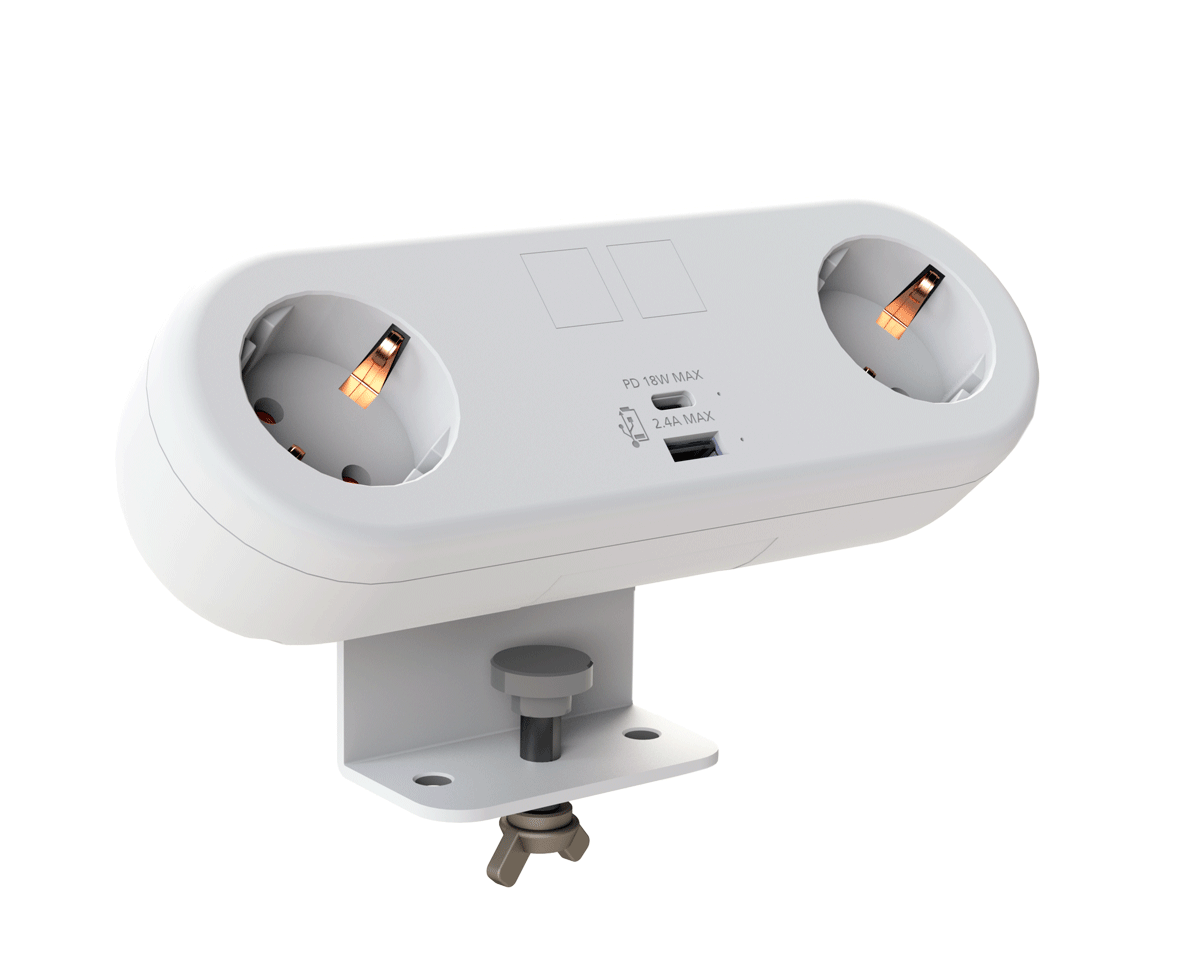
CMD Ltd, the specialist in power and connectivity solutions for commercial environments, has launched a Schuko version of its popular fixed format Capsule workstation power module for export to mainland Europe and beyond. A popular on desk power module comprising two sockets and dual USB (type A and C) chargers, CMD’s Capsule unit is already widely specified in the UK as an off-the-shelf workstation power...

Read more
CMD White Schuko Capsule Desk Power Module
CMD LTD EXTENDS MONITOR ARM RANGE WITH THE LAUNCH OF REACH PLUS

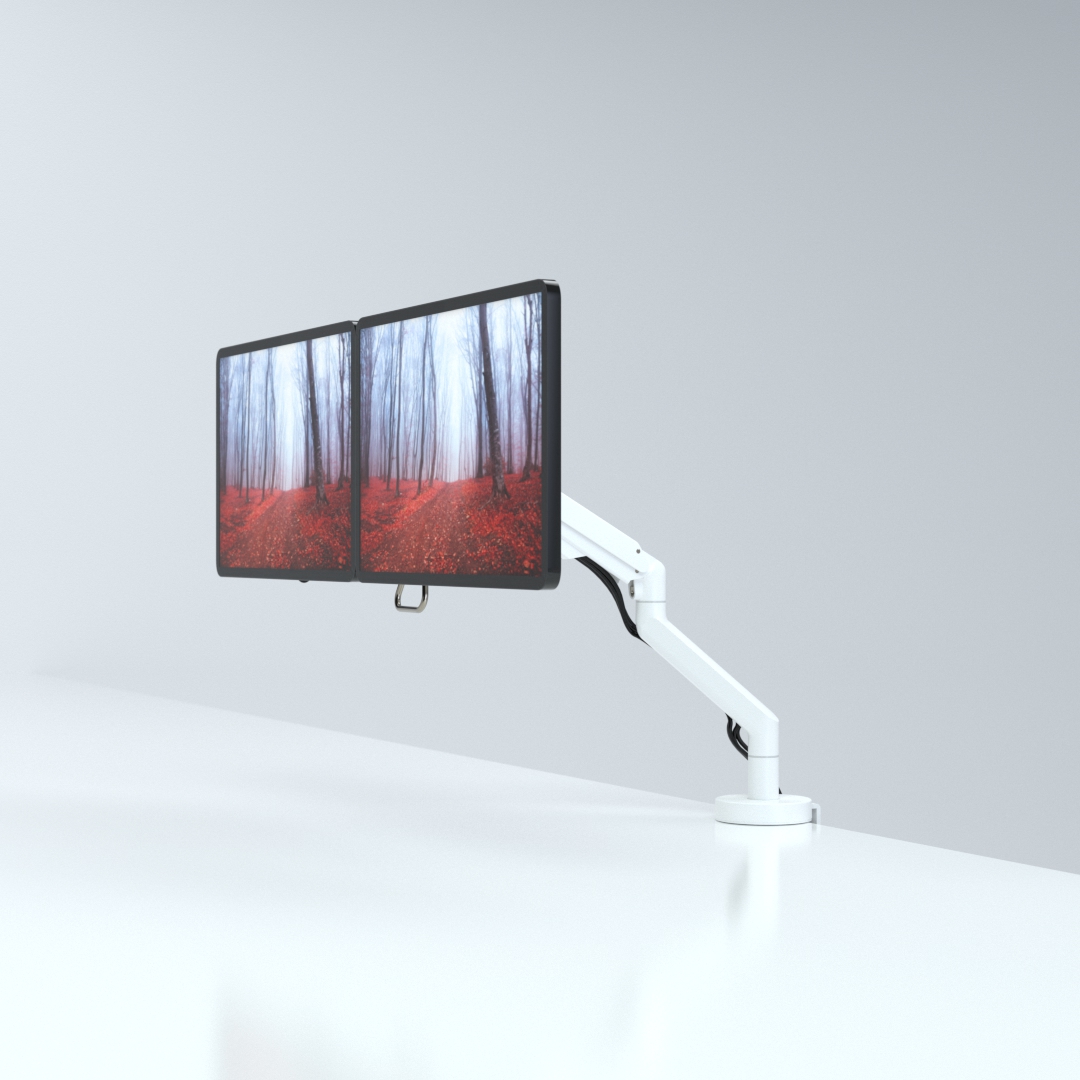
CMD Ltd, the specialist in ergonomic and connectivity solutions for commercial interiors, has completed its Reach monitor arm range with the launch of the Reach Plus. Available in single or dual screen options, the Reach Plus has been designed to provide an ideal solution for both single and dual screen workstation configurations, or can be used with next generation of large format curved screens. Suitable...

Read more
CMD Ltd DEMONSTRATES THE ART OF POWER DISTRIBUTION AT THE UNIVERSITY OF WARWICK

CMD Ltd, the specialist in workplace connectivity and ergonomic solutions, has provided Betatrak busbar power distribution and a range of electrical accessories for two major capital investment projects at the University of Warwick. Designed by Fielden Clegg Bradley Studios, the £33 million Faculty of Arts building is a showpiece development comprising four interconnected structures set around a central atrium, which will enable inter-disciplinary collaboration across...

Read more

University of Warwick
CMD BRINGS HARMONY TO COVENTRY UNIVERSITY RESEARCH FACILITIES

CMD Ltd, the specialist in power distribution solutions and workstation power and ergonomics, has provided under desk and on desk power modules for the refurbishment of three Coventry University research buildings. Located on Coventry University Technology Park, a business park designed to encourage collaboration between the university and knowledge-based businesses, the three buildings are being repurposed as office accommodation for university research teams. The refurbishment...

Read more

Coventry University

China Top Guide How to Recover Deleted Files From USB Drive?

Losing files from a USB drive can feel sudden and unsettling. One moment, a folder is visible. The next, important photos, reports, or project files seem gone. In many cases, deletion does not immediately erase the stored data. However, new files can overwrite it quickly.

This guide explains how to Recover Deleted Files From Usb Drive through careful, practical steps. It covers common causes, including accidental deletion, formatting, file-system errors, and unsafe removal. The guidance applies to Windows and Mac users, with attention to different recovery conditions. Stop using the USB drive immediately. Do not save recovered files back to the same device.

Real recovery work requires patience. A quick scan may find recently deleted documents, while deeper scans can reveal damaged folder structures. Reliable recovery software should show file previews before restoration. Yet no tool can promise success in every situation. If the drive makes clicking sounds, disconnects repeatedly, or becomes unusually hot, professional data recovery may be safer. Physical damage needs specialized equipment and controlled handling.

Small mistakes matter. Continuing to browse the drive can reduce recovery chances. We also recognize that some instructions may not work equally well on every USB model. File systems, storage conditions, and previous usage all affect results. Use this guide as a careful starting point, keep realistic expectations, and create regular backups after recovery.

China Top Guide How to Recover Deleted Files From USB Drive?

Identify Why Files Disappear From a USB Drive

A USB drive can appear empty even when its data still exists. The cause is often simple: files became hidden, not deleted. Check the drive’s properties and compare used space with visible folders. If several gigabytes remain occupied, hidden files or damaged directory records may be involved. Turn on hidden-item viewing through a trusted computer setting, then inspect unfamiliar folders carefully.

Unsafe removal can interrupt writing and corrupt the file system. A sudden power loss may produce the same result. Some files disappear after moving between devices with different permissions or file systems. Malware can also change file attributes, although it is not the only explanation. In my recovery work, I once blamed corruption too quickly. The real problem was a loose connector causing repeated read errors.

Stop saving new data immediately. Continued use can overwrite recoverable file fragments. Do not format the drive or run repair commands before making a sector-by-sector copy, especially when the drive clicks, disconnects, or shows the wrong capacity. A write-protected copy allows safer examination. Recovery software should scan the copy, preserve original filenames when possible, and show previews before restoration. If the drive becomes unusually hot or unstable, professional laboratory assessment is safer than repeated home attempts. Keep in mind that recovery results are never guaranteed.

Stop Using the USB Drive to Prevent Data Overwriting

China Top Guide How to Recover Deleted Files From USB Drive?

Stop Using the USB Drive to Prevent Data Overwriting

When files disappear from a USB drive, stop using it immediately. Do not copy new files, rename folders, or format the device. Deleted data may still exist until new information replaces its storage space. Even opening folders can create temporary system files. Small actions can reduce recovery chances.

Disconnect the drive safely and label it clearly. Avoid repeated plugging and unplugging. If the files are important, create a sector-by-sector image using a separate, healthy storage device. Work from the image, not the original drive. This protects the remaining data from accidental changes. Never install recovery software onto the affected USB drive. Save recovered files elsewhere.

Choose recovery software with read-only scanning and file-preview features. Scan for common formats, but check filenames, dates, and file sizes carefully. Some recovered documents may open with missing pages or damaged images. Recovery is not guaranteed. I have seen users stop too late, after downloading several large videos onto the same drive. Their deleted files became partly overwritten and could not be fully restored. If the drive disconnects, makes unusual sounds, or shows severe errors, stop testing it. A qualified data-recovery professional may provide a safer assessment, although results and costs can vary.

Check the Recycle Bin, Hidden Files, and Backup Copies

China Top Guide: How to Recover Deleted Files From USB Drive?

When files disappear from a USB drive, stop using it immediately. New files can overwrite the deleted data. Check the Recycle Bin, but remember that direct USB deletions often bypass it. If the drive was connected during a file move, the deleted item may still appear there. Search by file type and original folder name.

Hidden files can create confusion. Open your file manager, enable hidden items, and inspect the USB drive carefully. A file may be hidden rather than deleted. Check backup copies on your computer, external storage, or synchronized folders. The 2024 Cost of a Data Breach Report placed the global average breach cost at 4.88 million dollars. This figure shows why reliable backup routines matter, even for small offices. Recovery is not guaranteed. That limitation deserves honesty.

Tips: Do not format the drive or run repeated scans. Safely eject it, then create a sector-level copy if possible. Scan the copy, not the original. Review backup dates and file versions carefully. I have seen users overlook an older backup because its folder name looked unhelpful. Recovery software can help, but damaged hardware needs a qualified data-recovery professional. Never save recovered files back to the same USB drive.

Recover Deleted Files with Trusted Data Recovery Software

Recovering deleted files from a USB drive requires quick, careful action. Stop copying files to the drive immediately. New data can overwrite the deleted information, making recovery much harder.

Trusted data recovery software can scan the drive without changing its remaining data. Choose a tool with clear developer information, secure installation, and a read-only scanning option. It should support common file systems and show recoverable files before payment or export. A preview is useful for checking photos, documents, and videos with familiar names. Avoid unknown programs offering unrealistic guarantees. Recovery is never certain.

Connect the USB drive directly to the computer. Select the correct drive, then run a deep scan if a quick scan finds nothing. Save recovered files to another disk, not the original USB drive. I once saved recovered photos back to the same drive and damaged the chances of finding other files. That mistake still matters.

Keep the computer powered during the scan. Large drives may take hours. Do not format the USB drive when the system displays an error message. If the drive disconnects repeatedly, makes unusual sounds, or becomes extremely slow, stop using it. Professional help may be safer than repeated scans. I also recommend testing recovered files individually, because a visible filename does not guarantee a complete file. Some folders may return imperfectly. That is frustrating, but honest recovery software should report damaged results instead of hiding them.

Verify Recovered Files and Safely Restore USB Drive Use

Recovering deleted files from a USB drive is only half the job. Verification matters more than a successful scan result. Save recovered files to another healthy drive, never back to the damaged USB device. A separate destination prevents new data from overwriting deleted content.

Open several files from different folders. Check photos at full size, play videos beyond the first minute, and read documents from beginning to end. A file may open while missing pages or showing gray image blocks. Compare filenames, file sizes, dates, and folder structure with your memory or a previous backup. For important files, create checksums and compare them with known copies. Do not trust appearance alone.

Keep the original USB drive unchanged until every needed file is confirmed. This step is easy to rush. I have learned that one overlooked spreadsheet can matter more than hundreds of recovered pictures. After verification, copy the files to two separate locations. Then scan the USB drive for errors and check its physical condition. If the device disconnects, becomes unusually hot, or reports changing capacity, stop using it.

When the files are secure, reformat the USB drive through a reliable operating system tool. Select a suitable file system and avoid interrupting the process. Test the empty drive by copying a few small files, opening them, and safely ejecting the device. Replace the drive if errors return. A repaired USB drive is not automatically trustworthy.