
News

Miro: A New Standard in Responsible Innovation

Miro: A New Standard in Responsible Innovation The Miro monitor arm is setting new benchmarks in sustainability. It offers a high-performance solution without compromising on environmental responsibility. Designed with careful material selection, local sourcing, and longevity in mind, Miro’s responsible approach to design and unique manoeuvrability set it apart from the competition. Sustainable Choices Miro is crafted from energy-efficient materials with a lower carbon impact....

Read more
HSE Advisor

Role Purpose Support in the development, implementation and maintenance of the company’s Health, Safety & Environmental policies, processes, operational procedures, and standards.  Ensuring best practice and championing a continually improving HSE culture within the business. Key Responsibilities Liaise with and provide support to all areas of the business to eliminate, mitigate or reduce identified HSE exposures. Partner with the production management team and team leaders,...

Read more
CMD Ltd LAUNCHES 48-HOUR TURNAROUND ON BETATRAK® RAPID ORDERING SERVICE

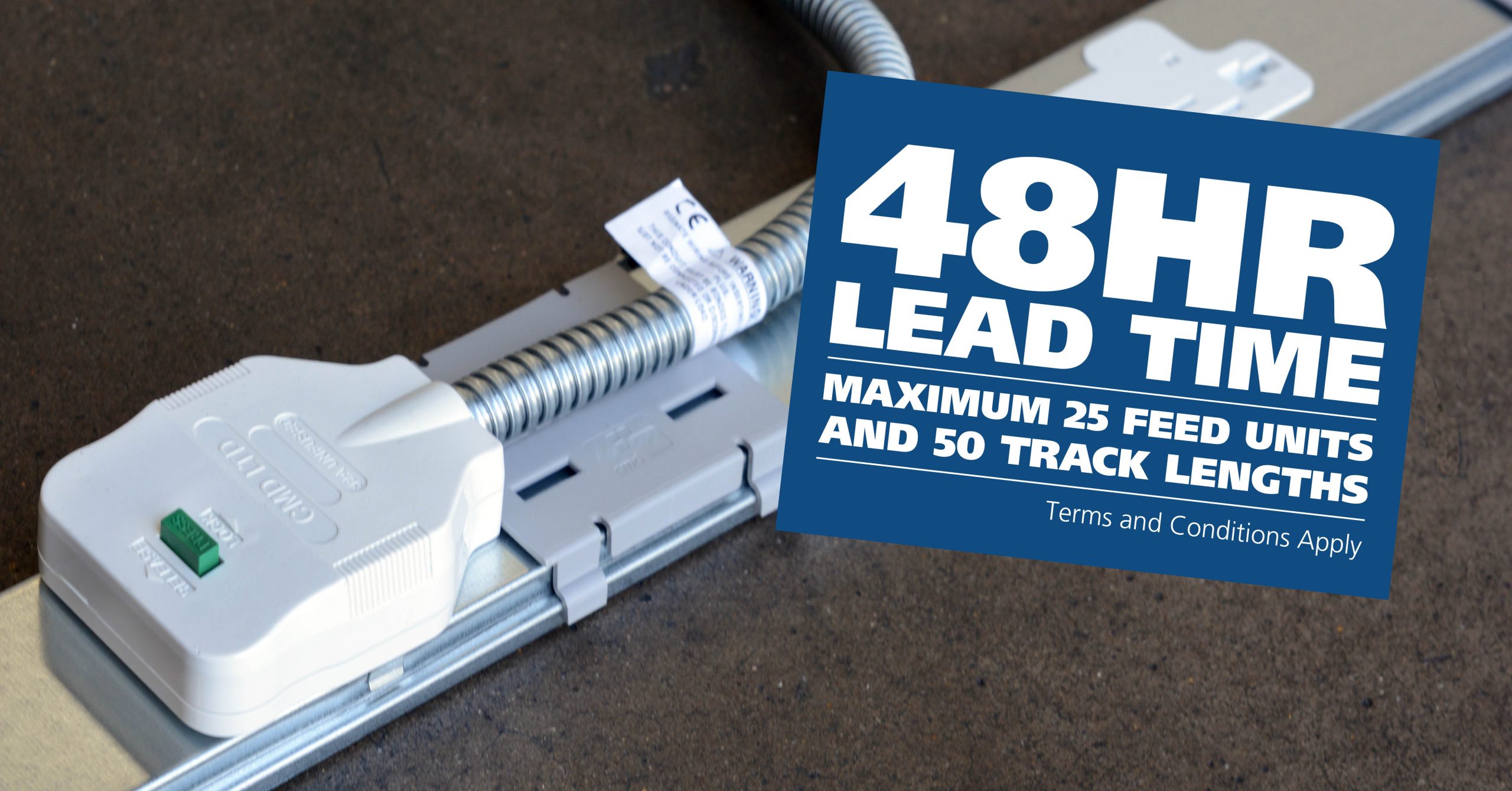
CMD Ltd, the specialist in power distribution systems, workstation power and monitor arms, has launched a rapid ordering service for its Betatrak® underfloor powertrack distribution systems and accessories, with a commitment to delivering within 48-hours of an approved purchase order*. The service enables customers to order up to 50 lengths of Standard or Clean Earth (C/E) low noise Betatrak, along with up to 25 feed...

Read more
CMD INVESTS £1/4 MILLION IN NEW MACHINE AS PART OF FACTORY UPGRADE

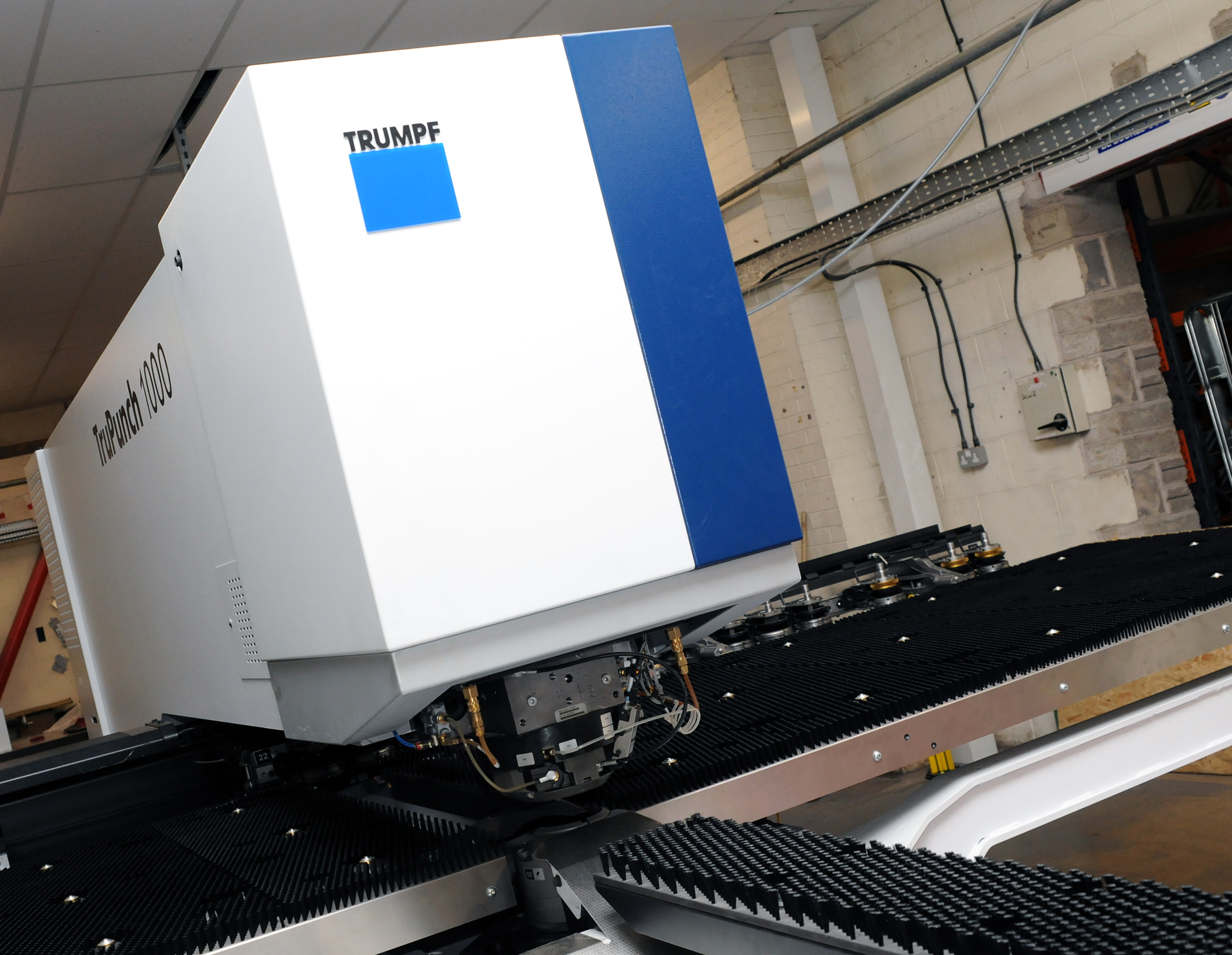
We have invested in a new £1/4m TRUMPF CNC metal punch as part of an asset renewal strategy for our UK manufacturing capability. The new machine will be used in the production of a wide variety of our power distribution systems and workstation power products at our Rotherham factory. Suitable for handling sheet metal between 0.9mm and 3.0mm thick, the new machine will replace one...

Read more
CMD CATALOGUE PROVIDES TECHNICAL POWER DISTRIBUTION GUIDE

CMD Ltd has released a new catalogue, providing an easy to follow technical guide to our power distribution systems and plug and play desk modules. Detailing CMD’s full range of UK-manufactured power distribution systems and plug and play desk modules, the catalogue will be a helpful source of information to M&E engineers and contractors alike to understand how our power distribution systems connect together and...

Read more
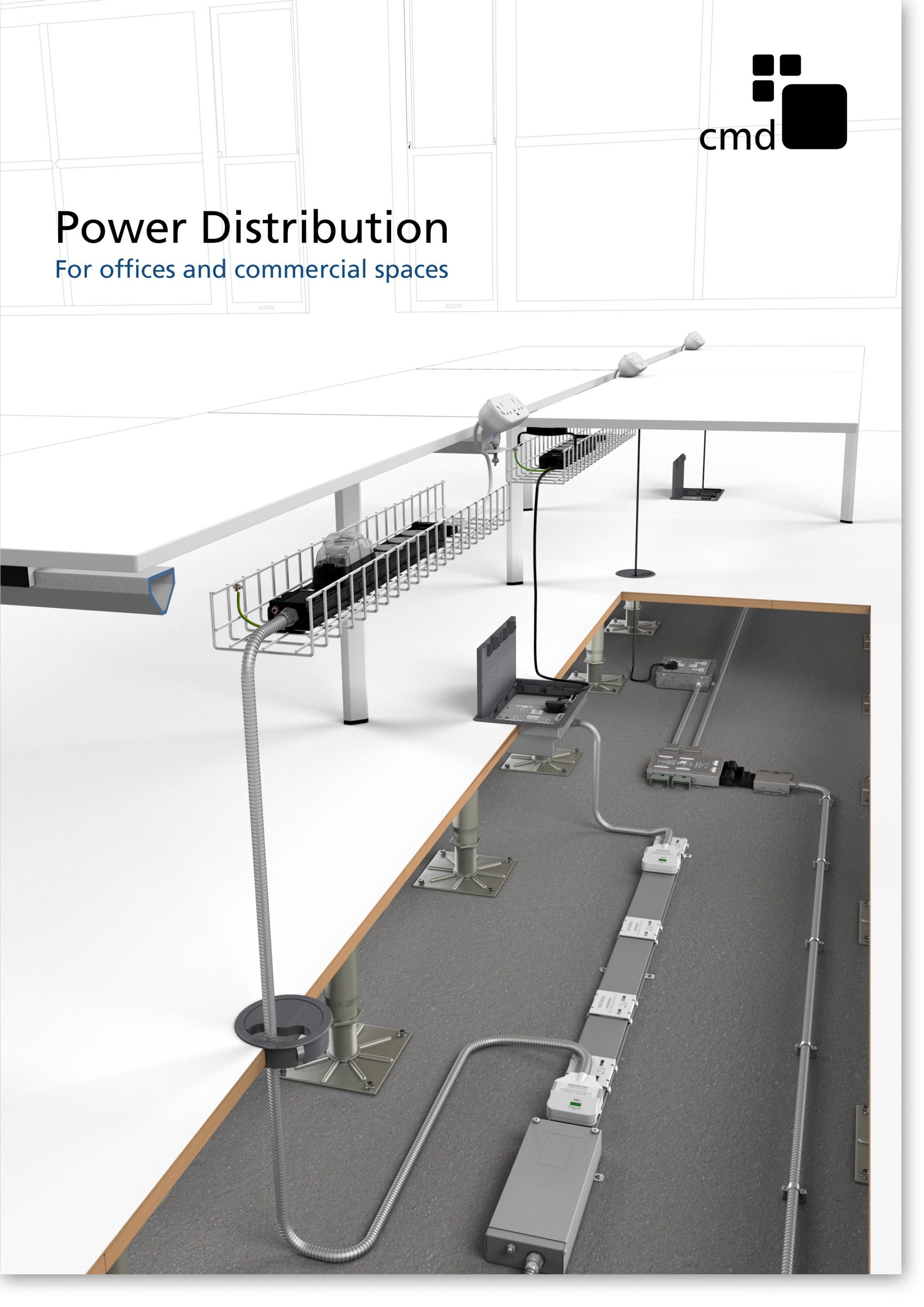
Power Distribution Catalogue
CMD Ltd PLAYS ESSENTIAL ROLE IN ELECTRICAL FIT OUT AT LONDON’S PRESTIGIOUS OFFICE DEVELOPMENT

CMD Ltd, specialist in workplace connectivity and ergonomic solutions, has provided a flexible and high-quality power distribution network for The Ray, a prestigious office development in London’s Farringdon. Well-known for being the former site of The Guardian newspaper, The Ray now stands as an 83,000ft² office development characterised by a modernised warehouse aesthetic, with level two now occupied by a global social media company. The...

Read more

The Ray
CMD plugs in to european opportunity with Schuko Capsule unit launch

CMD Ltd, the specialist in power and connectivity solutions for commercial environments, has launched a Schuko version of its popular fixed format Capsule workstation power module for export to mainland Europe and beyond. A popular on desk power module comprising two sockets and dual USB (type A and C) chargers, CMD’s Capsule unit is already widely specified in the UK as an off-the-shelf workstation power...

Read more
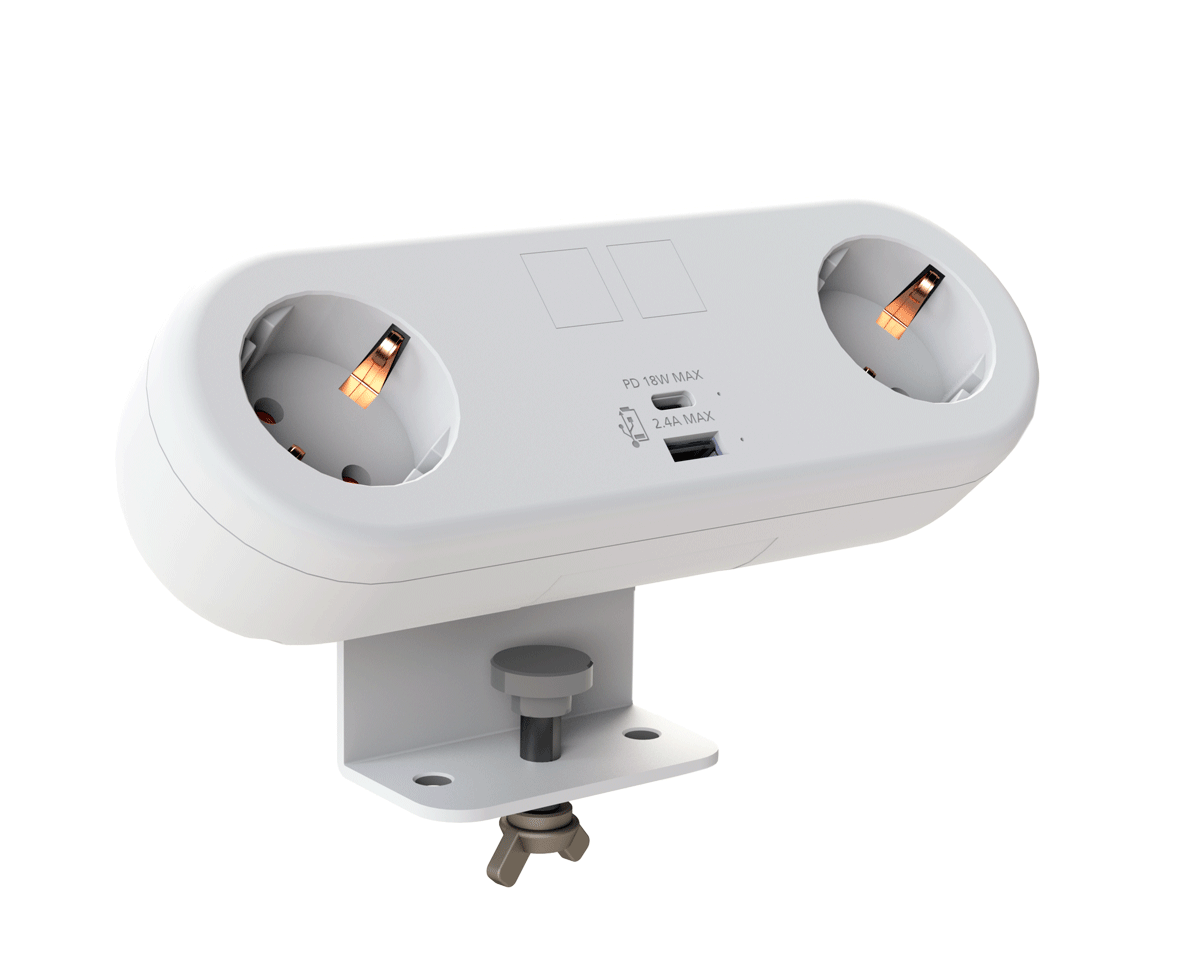
CMD White Schuko Capsule Desk Power Module
CMD LTD EXTENDS MONITOR ARM RANGE WITH THE LAUNCH OF REACH PLUS

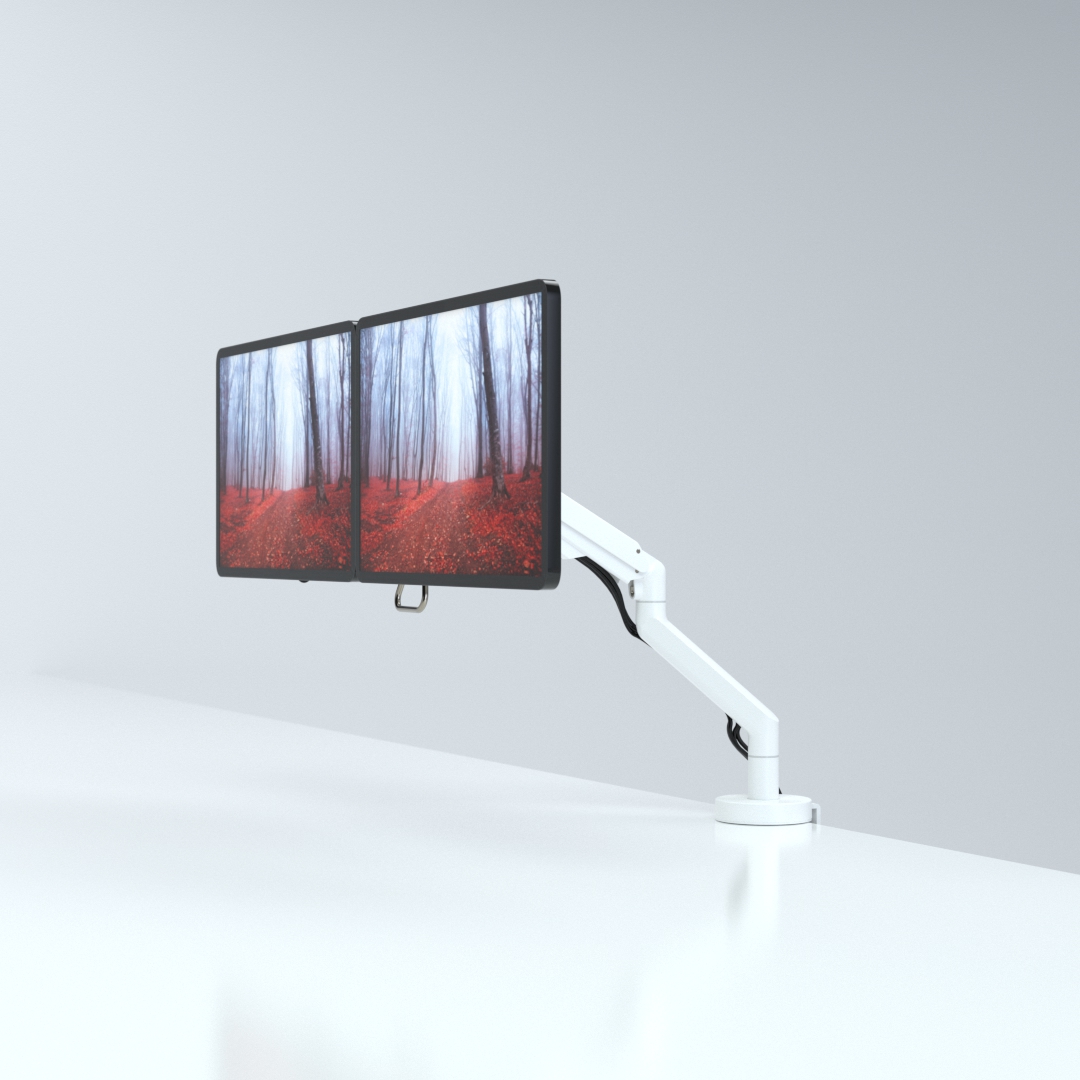
CMD Ltd, the specialist in ergonomic and connectivity solutions for commercial interiors, has completed its Reach monitor arm range with the launch of the Reach Plus. Available in single or dual screen options, the Reach Plus has been designed to provide an ideal solution for both single and dual screen workstation configurations, or can be used with next generation of large format curved screens. Suitable...

Read more
CMD Ltd DEMONSTRATES THE ART OF POWER DISTRIBUTION AT THE UNIVERSITY OF WARWICK

CMD Ltd, the specialist in workplace connectivity and ergonomic solutions, has provided Betatrak busbar power distribution and a range of electrical accessories for two major capital investment projects at the University of Warwick. Designed by Fielden Clegg Bradley Studios, the £33 million Faculty of Arts building is a showpiece development comprising four interconnected structures set around a central atrium, which will enable inter-disciplinary collaboration across...

Read more

University of Warwick
CMD BRINGS HARMONY TO COVENTRY UNIVERSITY RESEARCH FACILITIES

CMD Ltd, the specialist in power distribution solutions and workstation power and ergonomics, has provided under desk and on desk power modules for the refurbishment of three Coventry University research buildings. Located on Coventry University Technology Park, a business park designed to encourage collaboration between the university and knowledge-based businesses, the three buildings are being repurposed as office accommodation for university research teams. The refurbishment...

Read more

Coventry University

What Is In Desk Power and How Does It Work?

What is in desk power, and how does it work in a modern workplace? In desk power refers to integrated electrical and charging modules installed directly into desks, conference tables, and workstations. These units may include AC outlets, USB-A ports, USB-C Power Delivery, data connections, and wireless charging surfaces. They reduce cable clutter and keep power within easy reach.

Doug Mockett, founder of Doug Mockett & Company, describes the practical goal this way: “Good desk power should be easy to reach, simple to use, and quiet in the room.” That principle explains why these systems matter. A recessed module can sit beside a laptop, while a cable-management tray guides wires beneath the desktop. The result feels cleaner. It is not always perfect.

Inside, in desk power usually connects to a building circuit through a protected power lead. The module then distributes electricity through outlets or charging electronics. Some models support USB-C Power Delivery, which can charge compatible laptops and phones. Others include surge protection, resettable breakers, or tamper-resistant receptacles. Specifications still require careful checking.

A reliable installation must match the circuit rating, furniture design, and intended device load. Qualified professionals should handle permanent electrical connections. Product markings such as UL or ETL certification can support safer purchasing decisions in applicable markets. Yet certification does not replace correct installation.

This guide examines the components, wiring paths, charging limits, safety features, and practical selection factors behind in desk power. It also considers a common mistake: choosing a stylish module before measuring real power needs. Fancy hardware cannot solve poor planning.

What Is In Desk Power and How Does It Work?

Definition and Purpose of In-Desk Power

In-desk power means electrical, USB, and data connections built into a work surface. These outlets may sit beneath a hinged cover, along a rear rail, or inside a cable-management box. Their purpose is practical: bring power closer to laptops, monitors, task lights, and meeting equipment. Users avoid crawling under desks or stretching extension cords across walkways.

The U.S. Department of Energy reports that buildings use about 40% of U.S. energy, making office power planning more important than it first appears. The U.S. Energy Information Administration’s 2018 Commercial Buildings Energy Consumption Survey found that office buildings represented roughly 17% of commercial-building site energy use. In-desk power cannot solve that burden alone. It can, however, support cleaner layouts and easier equipment shutdowns. A tidy desk may also expose wasted chargers and permanently active devices.

A proper system connects to a rated electrical circuit through qualified installation. Its protection should match the building’s electrical code and expected load. USB charging is convenient, but high-power devices can exceed a desk module’s limits. I have seen teams treat every outlet as unlimited. That assumption is unsafe and expensive. Designers should check wattage, heat, accessibility, maintenance access, and future device changes. The best purpose is not adding more sockets. It is providing controlled, reachable power where work actually happens.

Main Components of an In-Desk Power System

In-desk power combines a concealed power module, wiring, sockets, USB charging ports, and protective controls. The module usually sits inside a desktop cutout or cable tray. It connects to a fixed electrical supply through a certified lead. International Energy Agency data shows that buildings consume about 30% of global final energy. Efficient desk power can reduce unnecessary adapters and standby loads.

The power module is the system’s control point. It distributes electricity to outlets and may include USB-C Power Delivery ports. USB-IF specifications allow USB PD 3.1 systems to deliver up to 240 watts under suitable conditions. That supports many laptops and professional displays. Surge protection, overload protection, and grounding are equally important. A resettable breaker can disconnect a faulty circuit quickly. Components should meet relevant requirements, such as UL 962 and IEC 62368-1. Keep it accessible.

Cables form the less visible part of the design. Their length, insulation, connector quality, and heat resistance affect daily reliability. A crowded cable tray can trap heat and complicate inspection. That weakness is often ignored. The Global E-waste Monitor 2024 reported 62 million tonnes of electronic waste in 2022. Replaceable modules may extend service life, but only when technicians can safely access them. Designers should also document load limits near each outlet. A neat surface is useful, but electrical clarity matters more.

How In-Desk Power Transfers Electricity

What Is In-Desk Power and How Does It Work?

In-desk power places electrical access inside or beneath a work surface. Instead of reaching for a wall outlet, you can connect a laptop near your keyboard. The transfer begins when alternating current travels from the building circuit to a concealed power module. Internal wiring then delivers electricity to outlets, USB ports, or a wireless charging area. No loose cable.

Some systems use induction for wireless charging. A coil beneath the desk creates a magnetic field when powered. A compatible device receives that energy through its own coil and converts it into usable electrical current. The process works best when the device rests directly above the charging zone. Misalignment can reduce charging speed. It feels simple, but the hidden parts matter more than the visible surface. Proper grounding, insulation, overload protection, and heat control help prevent faults. In practice, installation quality can vary, so I would not assume every desk module offers equal protection.

Tips: Check the module’s electrical rating before connecting equipment. Keep liquids away from charging areas and avoid covering ventilation openings. A qualified electrician should inspect fixed wiring and confirm compatibility with the building supply. Test one device at a time during setup. This reveals unusual heat, buzzing, or intermittent charging early. A small detail is often overlooked: thick desk materials may weaken wireless power transfer. Pair the system with certified cables and replace damaged connectors promptly.

Common Types and Installation Methods

What Is In Desk Power and How Does It Work?

In-desk power brings electricity and charging ports directly to a work surface. For many offices, practical units combine AC outlets with USB-C charging.

Common designs include:

  • pop-up modules
  • flush grommet units
  • clamp-on boxes
  • under-desk power centers

Each type suits a different desk thickness, cable route, and working style.

A pop-up or grommet unit usually needs a measured hole through the desktop. An installer secures the housing below, then connects it to a certified power supply. Clamp-on models avoid drilling and attach to the rear or side edge. They work well in rented spaces, although clamps can interfere with drawers.

Under-desk modules need less visible cutting. However, their cables must stay away from knees and moving chair parts.

Before installation

Check the desk material, underside clearance, circuit capacity, and local electrical requirements. Power should be disconnected during hardwired work, and a qualified electrician should handle fixed connections.

Loose adapters and overloaded sockets create heat, clutter, and avoidable risk. I have found that a neat cable path matters as much as outlet count. More ports are not always better.

A poorly measured cutout can also damage an expensive desktop, so measuring twice is sensible.

Safety Features and Practical Applications

In-desk power refers to electrical outlets and charging ports built into a desk surface. It keeps cables near laptops, lamps, monitors, and other everyday equipment. A typical unit connects to a wall outlet through an under-desk cable. Some models also include USB charging ports or a retractable cover.

Safety features matter more than appearance. Look for grounded outlets, overload protection, heat-resistant materials, and secure covers. A certified electrician should install fixed wiring or modify a desk. Loose connections can create heat, especially when several devices run together.

Keep liquids away from the power module, and never force a plug into a damaged socket. In offices, in-desk power reduces floor cables and trip hazards. In workshops, it can support small tools, but high-power equipment may require a separate circuit. I have found that tidy cable routing improves safety, yet it does not replace regular inspection.

Tips: Check the cable rating before connecting multiple devices. Leave ventilation space around adapters. Test the outlet with a suitable tester. Stop using it if you notice warmth, buzzing, discoloration, or a burning smell. A small gap matters. Remember that safety markings should match the electrical requirements in your region. Even well-designed power furniture can be misused. That is the part people often overlook.