

News

Miro: A New Standard in Responsible Innovation

Miro: A New Standard in Responsible Innovation The Miro monitor arm is setting new benchmarks in sustainability. It offers a high-performance solution without compromising on environmental responsibility. Designed with careful material selection, local sourcing, and longevity in mind, Miro’s responsible approach to design and unique manoeuvrability set it apart from the competition. Sustainable Choices Miro is crafted from energy-efficient materials with a lower carbon impact....

Read more
HSE Advisor

Role Purpose Support in the development, implementation and maintenance of the company’s Health, Safety & Environmental policies, processes, operational procedures, and standards.  Ensuring best practice and championing a continually improving HSE culture within the business. Key Responsibilities Liaise with and provide support to all areas of the business to eliminate, mitigate or reduce identified HSE exposures. Partner with the production management team and team leaders,...

Read more
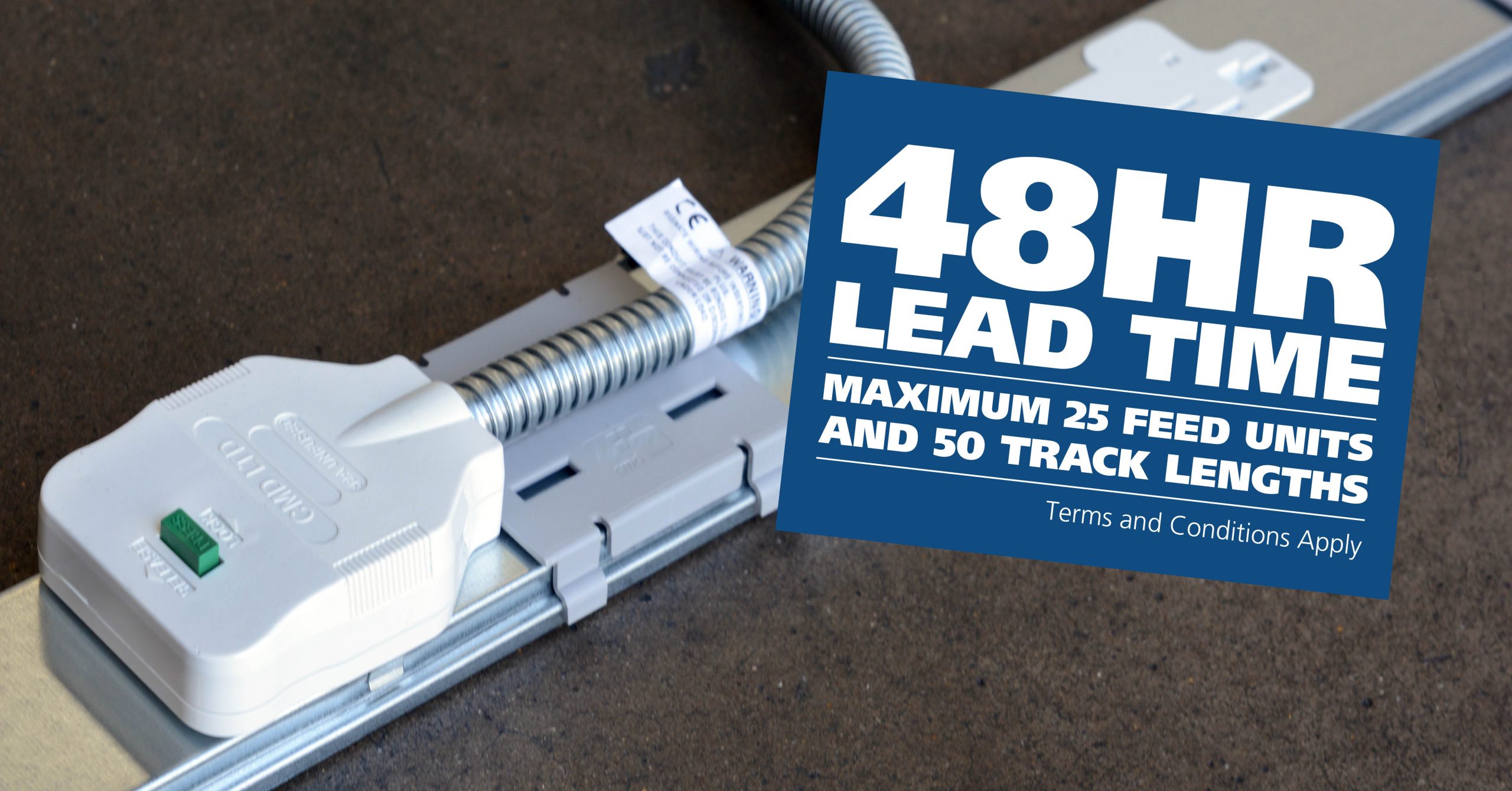
CMD Ltd LAUNCHES 48-HOUR TURNAROUND ON BETATRAK® RAPID ORDERING SERVICE

CMD Ltd, the specialist in power distribution systems, workstation power and monitor arms, has launched a rapid ordering service for its Betatrak® underfloor powertrack distribution systems and accessories, with a commitment to delivering within 48-hours of an approved purchase order*. The service enables customers to order up to 50 lengths of Standard or Clean Earth (C/E) low noise Betatrak, along with up to 25 feed...

Read more
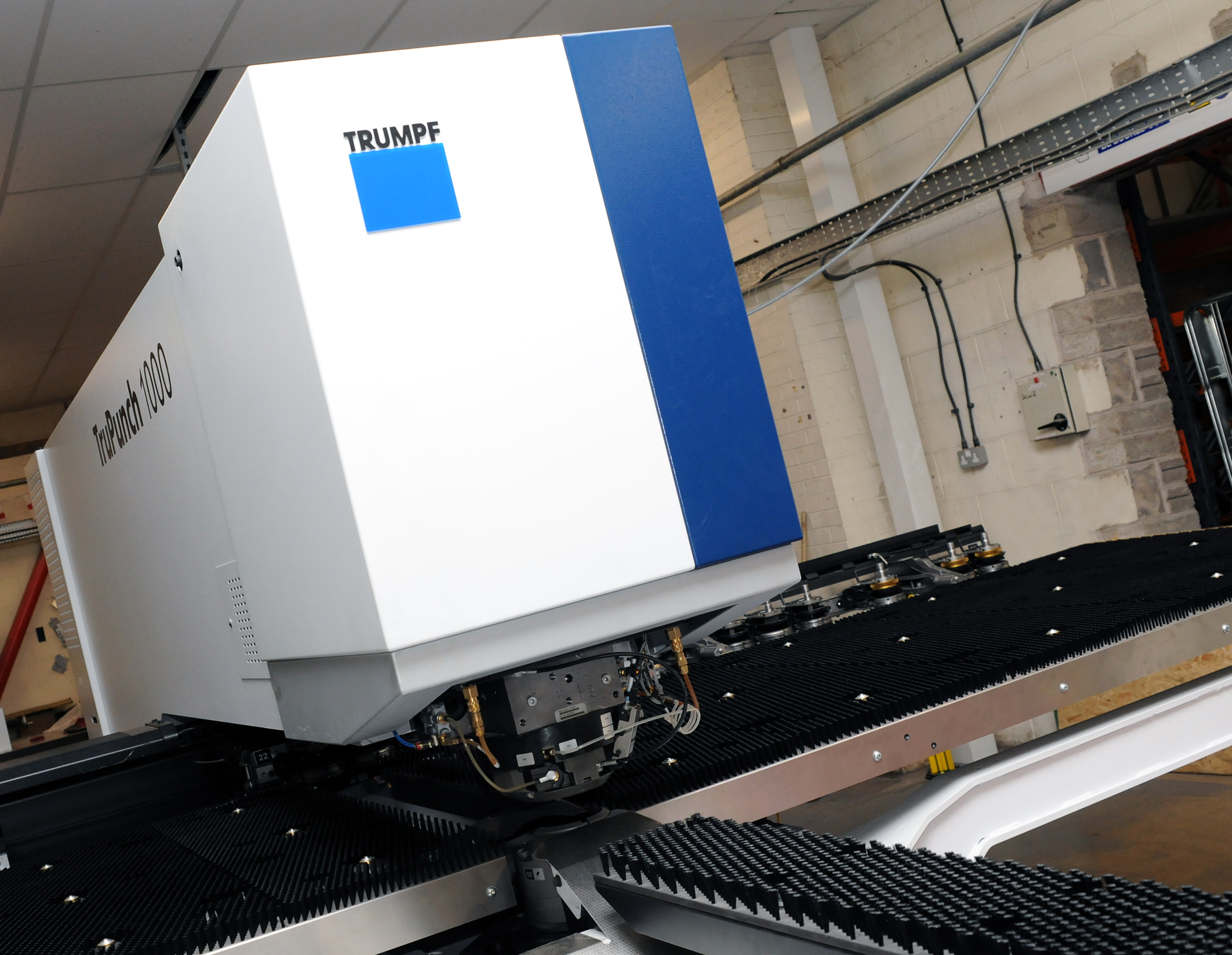
CMD INVESTS £1/4 MILLION IN NEW MACHINE AS PART OF FACTORY UPGRADE

We have invested in a new £1/4m TRUMPF CNC metal punch as part of an asset renewal strategy for our UK manufacturing capability. The new machine will be used in the production of a wide variety of our power distribution systems and workstation power products at our Rotherham factory. Suitable for handling sheet metal between 0.9mm and 3.0mm thick, the new machine will replace one...

Read more
CMD CATALOGUE PROVIDES TECHNICAL POWER DISTRIBUTION GUIDE

CMD Ltd has released a new catalogue, providing an easy to follow technical guide to our power distribution systems and plug and play desk modules. Detailing CMD’s full range of UK-manufactured power distribution systems and plug and play desk modules, the catalogue will be a helpful source of information to M&E engineers and contractors alike to understand how our power distribution systems connect together and...

Read more
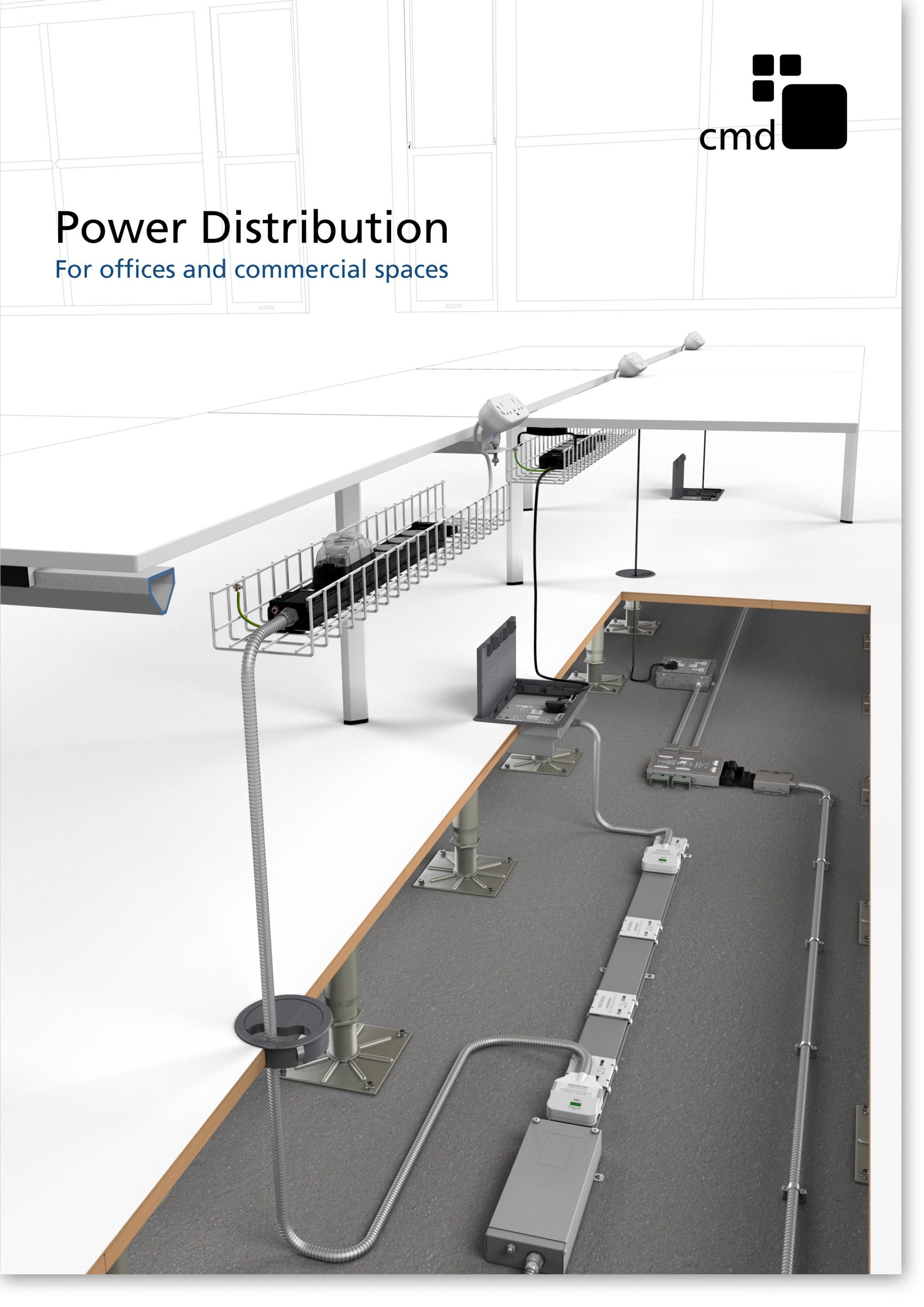
Power Distribution Catalogue
CMD Ltd PLAYS ESSENTIAL ROLE IN ELECTRICAL FIT OUT AT LONDON’S PRESTIGIOUS OFFICE DEVELOPMENT

CMD Ltd, specialist in workplace connectivity and ergonomic solutions, has provided a flexible and high-quality power distribution network for The Ray, a prestigious office development in London’s Farringdon. Well-known for being the former site of The Guardian newspaper, The Ray now stands as an 83,000ft² office development characterised by a modernised warehouse aesthetic, with level two now occupied by a global social media company. The...

Read more

The Ray
CMD plugs in to european opportunity with Schuko Capsule unit launch

CMD Ltd, the specialist in power and connectivity solutions for commercial environments, has launched a Schuko version of its popular fixed format Capsule workstation power module for export to mainland Europe and beyond. A popular on desk power module comprising two sockets and dual USB (type A and C) chargers, CMD’s Capsule unit is already widely specified in the UK as an off-the-shelf workstation power...

Read more
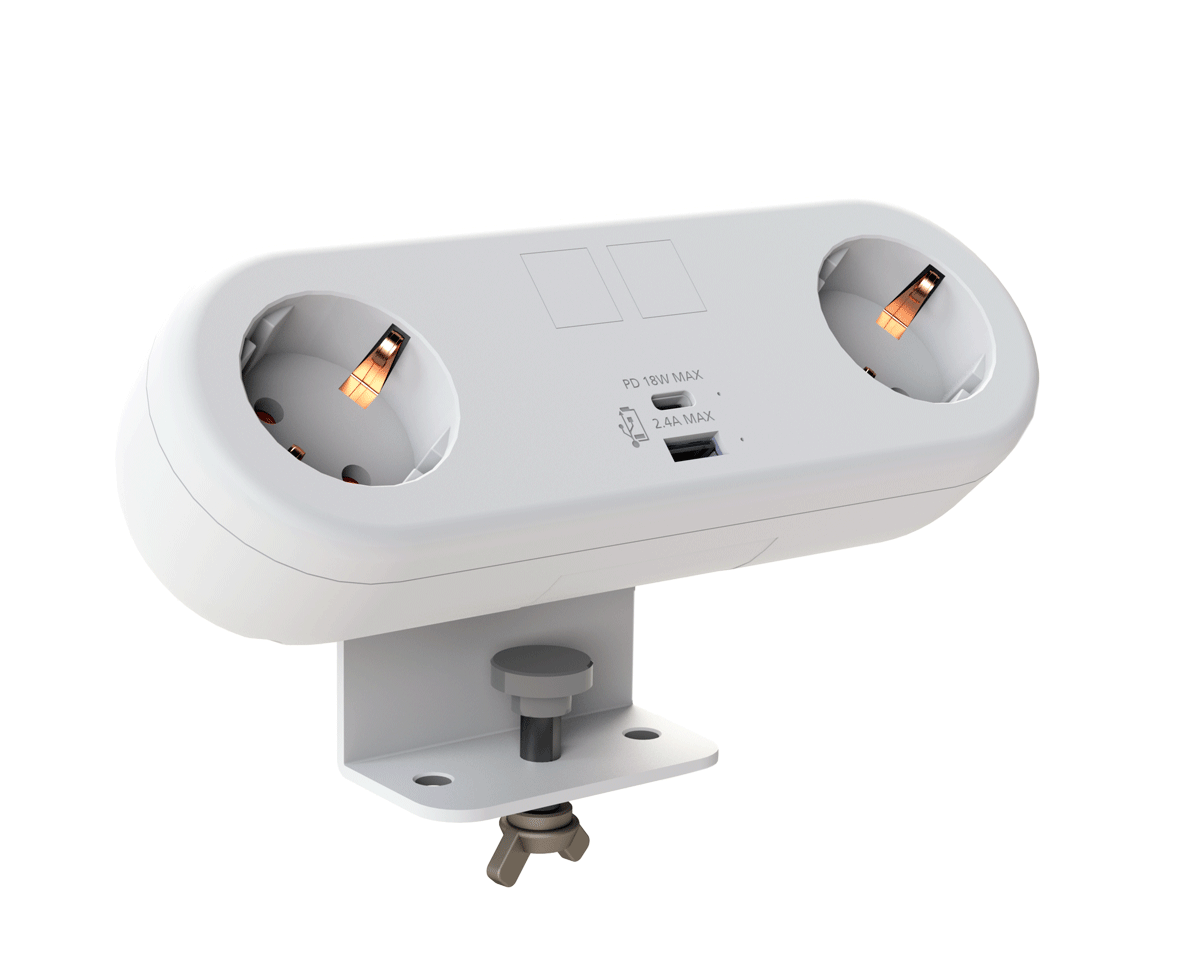
CMD White Schuko Capsule Desk Power Module
CMD LTD EXTENDS MONITOR ARM RANGE WITH THE LAUNCH OF REACH PLUS

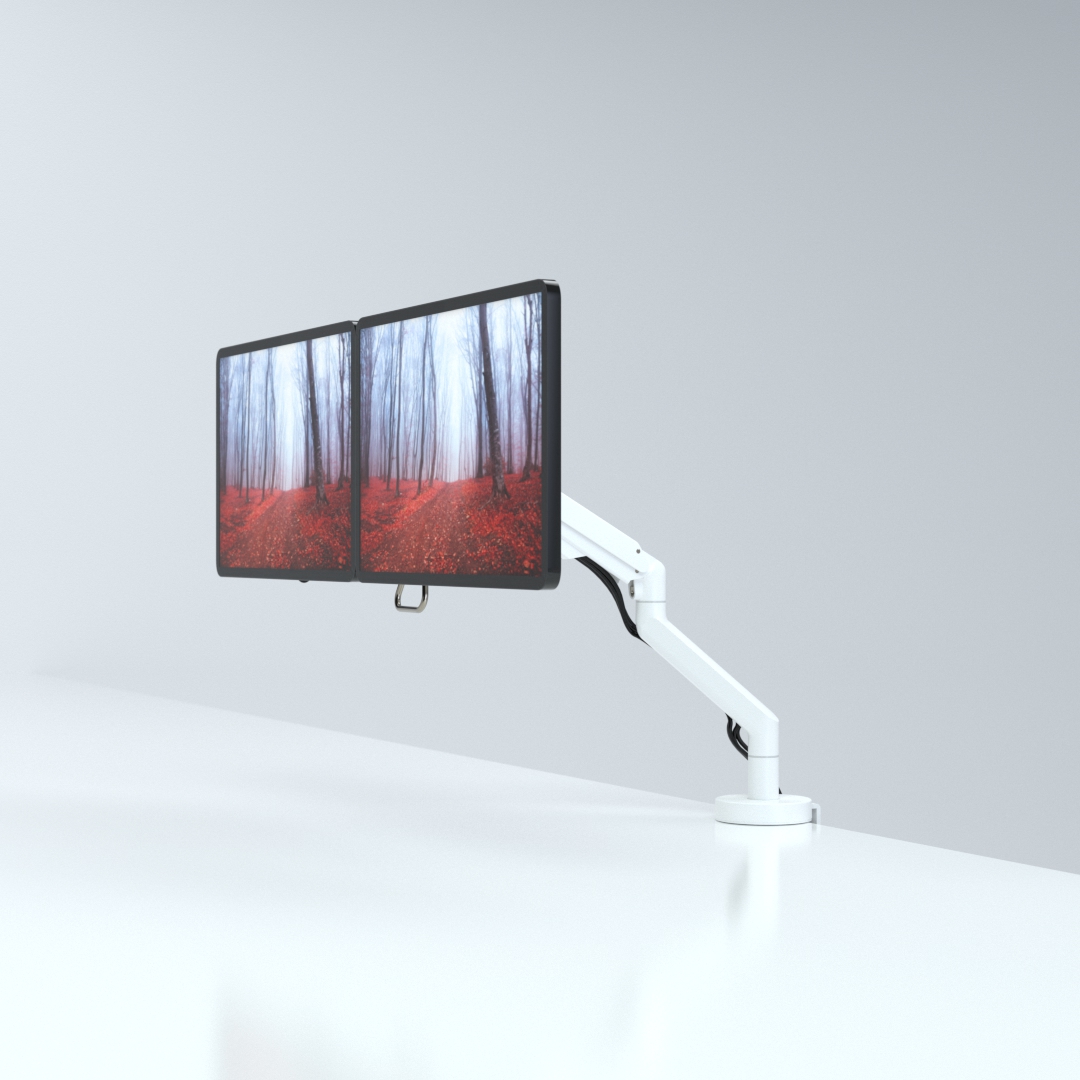
CMD Ltd, the specialist in ergonomic and connectivity solutions for commercial interiors, has completed its Reach monitor arm range with the launch of the Reach Plus. Available in single or dual screen options, the Reach Plus has been designed to provide an ideal solution for both single and dual screen workstation configurations, or can be used with next generation of large format curved screens. Suitable...

Read more
CMD Ltd DEMONSTRATES THE ART OF POWER DISTRIBUTION AT THE UNIVERSITY OF WARWICK

CMD Ltd, the specialist in workplace connectivity and ergonomic solutions, has provided Betatrak busbar power distribution and a range of electrical accessories for two major capital investment projects at the University of Warwick. Designed by Fielden Clegg Bradley Studios, the £33 million Faculty of Arts building is a showpiece development comprising four interconnected structures set around a central atrium, which will enable inter-disciplinary collaboration across...

Read more

University of Warwick
CMD BRINGS HARMONY TO COVENTRY UNIVERSITY RESEARCH FACILITIES

CMD Ltd, the specialist in power distribution solutions and workstation power and ergonomics, has provided under desk and on desk power modules for the refurbishment of three Coventry University research buildings. Located on Coventry University Technology Park, a business park designed to encourage collaboration between the university and knowledge-based businesses, the three buildings are being repurposed as office accommodation for university research teams. The refurbishment...

Read more

Coventry University

What Is a Fuse Holder and How Do You Choose One?

A Fuse Holder may look like a small plastic or ceramic fitting, but it carries a critical responsibility: keeping a fuse secure and making a reliable electrical connection. Choose the wrong one, and a fuse that fits physically may still be unsuitable for the circuit. Heat, vibration, moisture, and fault current all matter.

Industry standards offer a sound starting point. IEC 60269 specifies requirements for low-voltage fuses, while UL 4248 covers fuseholders. These standards help define performance and testing expectations; they do not replace checking the exact ratings of a particular product. A manufacturer’s datasheet should confirm fuse type, current and voltage ratings, mounting method, terminal style, and allowable operating temperature. Small details matter. A loose clip can generate heat.

Selection is practical, not mysterious. Picture a holder mounted inside a warm control cabinet, with wires pulling gently at its terminals. Check that the fuse fits securely, the terminals match the wiring, and the holder suits the enclosure and environment. Then verify that its ratings align with the circuit and the fuse manufacturer’s guidance. One caution: a holder’s rating alone does not prove that the complete assembly is suitable for every fault condition.

A named expert quotation should be verified against a reliable source before publication. No source material or verifiable expert statement was provided here, so attributing a quotation would risk inventing evidence. The sections ahead explain how to compare holder types, read specifications, and avoid common selection mistakes.

What Is a Fuse Holder and How Do You Choose One?

Fuse Holder: Definition, Purpose, and Basic Operation

A fuse holder is the insulated component that secures a fuse and connects it to an electrical circuit. It may use clips, a cap, or a cartridge-style enclosure. Its metal contacts keep the fuse in the current path, while its body helps prevent accidental contact with live parts. A holder does not interrupt excessive current by itself. The fuse inside does that work.

When current exceeds the fuse’s rated limit for long enough, a thin element inside the fuse heats and melts. This opens the circuit and stops current from reaching downstream equipment. The holder keeps the fuse aligned and maintains electrical contact during normal operation. A loose, corroded, or poorly matched holder can cause heat or unreliable connections. Small details matter.

Choose a holder that matches the fuse type, current and voltage ratings, and installation conditions. Check how it mounts and whether it can handle expected heat, vibration, and moisture. For example, a panel-mounted holder in a warm enclosure may need different ratings from one used in a dry indoor device. Turn off and verify power before replacing a fuse; if the correct rating is uncertain, consult the equipment documentation or a qualified technician. It can be easy to overlook the holder’s ratings. Don’t.

Common Fuse Holder Types and Their Applications

A fuse holder secures a fuse and connects it to a circuit. Its design affects installation, access, and heat management. Inline holders sit within a wire run, often under an insulated cap. They suit vehicle wiring, small appliances, and repairs where panel space is limited. Panel-mount holders pass through an enclosure wall, making the fuse easier to replace without opening the equipment. PCB holders solder directly to a circuit board and are common in compact electronics. DIN-rail holders clip into control cabinets, where technicians need clear, organized access. Small details matter.

Choose the type for the equipment’s layout and service conditions, not just its appearance. Check the fuse size, current and voltage ratings, and the holder’s interrupt rating against the circuit requirements. A holder designed for a cartridge fuse may not safely accept a blade fuse, even if a workaround seems possible. Not always interchangeable.

Heat, dust, moisture, and vibration can change how reliably a holder performs. In a warm cabinet, limited airflow may raise operating temperature; a tight, clean contact helps reduce unwanted resistance. For field wiring, confirm that terminals accept the conductor size and that the cover closes securely. A holder can fit neatly and still be the wrong choice if replacing the fuse requires awkward access or exposes live parts.

Electrical and Physical Ratings to Compare

A fuse holder must match the fuse and the circuit, not just look suitable. Compare its rated current with the fuse rating and expected operating load. Check the voltage rating for the circuit type, including whether it is AC or DC. Do not assume an AC rating applies to DC. The fuse must also have an adequate interrupting rating for the possible fault current; the holder alone does not provide this protection. Check the datasheet. Small details matter.

Physical fit affects reliability. Confirm the fuse’s size and style, then check the holder’s dimensions, panel cutout, and mounting depth. Leave enough room to replace the fuse without bending nearby wires. Inspect terminal type and wire-size range, too. A solid connection should not require forcing a wire into place. Fit matters.

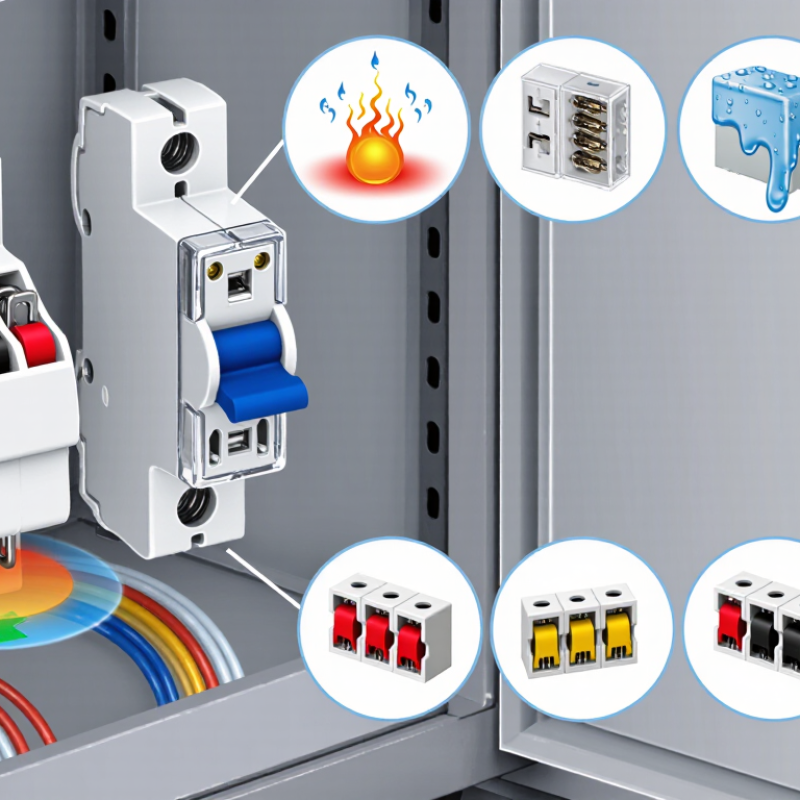
Temperature and surroundings deserve attention. A holder near a warm power component may need derating, even when its printed current rating seems sufficient. Check the manufacturer’s temperature limits and consider enclosure airflow, vibration, dust, and moisture. Those details are easy to overlook during selection; sometimes the first choice looks right on paper but proves awkward in the actual panel. Recheck clearances and installation conditions before specifying a part.

What Is a Fuse Holder and How Do You Choose One? — Electrical and Physical Ratings to Compare

Comparison Dimension What to Check Common Options or Examples How to Choose
Fuse format and size The holder must be designed for the fuse’s body style and physical dimensions. Cartridge fuses include common 5 × 20 mm and 6.3 × 32 mm formats; automotive blade fuses use format-specific sockets. Match the holder to the exact fuse family and dimensions. Similar-looking fuses are not necessarily interchangeable.
Rated current Check the holder’s maximum current rating and any conditions or derating stated by its manufacturer. Ratings depend on the holder design, terminals, fuse type, ambient temperature, and installation. The holder rating must be suitable for the circuit and fuse. Do not treat the holder’s rating as the fuse’s trip rating.
Rated voltage and AC/DC use Check the maximum rated voltage and whether the rating applies to AC, DC, or both. A holder may have different AC and DC ratings; a rating for one type of circuit does not automatically apply to the other. Choose a holder rated for the circuit voltage and current type. Also verify the fuse is appropriately rated for that circuit.
Fuse breaking capacity Confirm that the fuse’s interrupting (breaking) rating is adequate for the prospective fault current. Breaking capacity is specified for the fuse under stated voltage and test conditions; it is not established by the holder alone. Select a fuse with sufficient breaking capacity for the installation, and use a holder approved for that fuse type.
Mounting method Check how the holder attaches to the equipment or enclosure. Common arrangements include panel-mount, PCB-mount, DIN-rail, and in-line holders. Match the mounting style to the available space, enclosure design, and service-access requirements.
Terminals and conductor compatibility Review terminal type, supported conductor size, and the specified wire-stripping and tightening requirements. Depending on the design, connections may use screw terminals, quick-connect tabs, solder pins, or wire leads. Choose terminals compatible with the conductor and assembly method. Follow the stated wire-size and torque limits.
Number of poles and circuits Check how many fuses the assembly holds and which conductors or circuits it is intended to protect. Single-circuit holders and multi-circuit fuse blocks are available; circuit layouts vary. Use a configuration that matches the circuit diagram and applicable electrical requirements. Do not assume a multi-pole holder provides isolation unless specified.
Temperature and heat dissipation Check the operating-temperature range and any current derating for ambient temperature or enclosure conditions. Contact resistance, nearby heat sources, ventilation, and installation density can affect operating temperature. Allow for the actual enclosure environment and expected load. Keep within the manufacturer’s temperature and derating limits.
Ingress and environmental protection For exposed or harsh locations, check the enclosure’s stated protection against dust, moisture, vibration, and corrosion. Protection depends on the complete assembly, including covers, seals, cable entries, and installation. Choose a suitable environmental rating for the installed assembly; a covered holder alone does not guarantee system-level protection.
Access and fuse replacement Consider whether the fuse can be inspected and replaced safely and conveniently. Some holders use removable carriers or covers; others are intended for access only during servicing. Provide appropriate clearance and follow required isolation procedures before replacing a fuse.
Standards and approvals Check applicable safety standards, certifications, and the conditions under which they apply. Approval requirements depend on the product, end-use equipment, location, and governing regulations. Verify documentation for the exact holder and fuse combination and confirm it meets the requirements for the application.

Selection note: Fuse-holder ratings and permitted fuse types are product-specific. Always check the holder and fuse datasheets, installation instructions, and applicable electrical codes before use.

How to Match a Fuse Holder to Your Circuit

Matching a fuse holder to a circuit starts with the fuse, not the holder’s appearance. Check the fuse type and dimensions, then confirm that the holder accepts them securely. A loose fuse can create heat at the contact points. A snug fit matters.

Compare the holder’s voltage and current ratings with the circuit requirements. Its ratings should not be lower than the circuit’s operating conditions. Also check the fuse’s interrupt rating, which describes the fault current it can safely stop. The fuse itself must be selected to protect the wiring and equipment; a holder does not provide that protection. When in doubt, verify the circuit design with a qualified technician.

Consider where the holder will be installed. A holder near a warm motor, exposed to vibration, or mounted in a damp enclosure may need different construction from one inside a dry control panel. Check wire size, terminal style, and available mounting space too. A practical check is to inspect the assembled connection for movement, exposed conductors, or pinched insulation. It is easy to overlook those details when the fuse appears to fit. Recheck the specifications against the actual circuit before installation.

How to Match a Fuse Holder to Your Circuit

Illustrative examples only: choose a fuse for the circuit, wiring, and load conditions, then select a holder whose current rating meets or exceeds the fuse rating. Also verify that the holder’s voltage rating and interrupting capability are suitable for the circuit.

Installation, Safety, and Maintenance Considerations

A fuse holder does more than keep a fuse in place. It must match the fuse’s dimensions, current and voltage ratings, interrupting capacity, and the equipment’s operating environment. Check the holder’s temperature rating and wire-terminal compatibility too. A part that fits physically may still be unsuitable electrically.

Small mismatch, serious risk.

Installation requires a de-energized circuit and a verified absence of voltage. Follow the equipment instructions, use the specified wire size, and tighten terminals to the stated torque. Loose connections can create heat; over-tightening can damage terminals. Never bridge a holder or substitute a higher-rated fuse to stop nuisance trips. The NFPA report Electrical Fires estimated 46,700 U.S. home fires involving electrical failure or malfunction each year from 2015 to 2019, causing an estimated 390 civilian deaths. This broad figure is not specific to fuse holders, but it shows why careful electrical work matters.

During maintenance, look for browned plastic, cracks, corrosion, weak clips, or a burnt smell. Replace a damaged holder with one of the correct rating, and investigate repeated fuse failures instead of changing fuses again and again. Keep dust and moisture away where the holder’s enclosure requires it. A detail easily overlooked: some wear is hidden behind the panel. Visual checks help, but they cannot confirm every connection is sound. NFPA’s figures are estimates; local conditions vary.