

News

Miro: A New Standard in Responsible Innovation

Miro: A New Standard in Responsible Innovation The Miro monitor arm is setting new benchmarks in sustainability. It offers a high-performance solution without compromising on environmental responsibility. Designed with careful material selection, local sourcing, and longevity in mind, Miro’s responsible approach to design and unique manoeuvrability set it apart from the competition. Sustainable Choices Miro is crafted from energy-efficient materials with a lower carbon impact....

Read more
HSE Advisor

Role Purpose Support in the development, implementation and maintenance of the company’s Health, Safety & Environmental policies, processes, operational procedures, and standards.  Ensuring best practice and championing a continually improving HSE culture within the business. Key Responsibilities Liaise with and provide support to all areas of the business to eliminate, mitigate or reduce identified HSE exposures. Partner with the production management team and team leaders,...

Read more
CMD Ltd LAUNCHES 48-HOUR TURNAROUND ON BETATRAK® RAPID ORDERING SERVICE

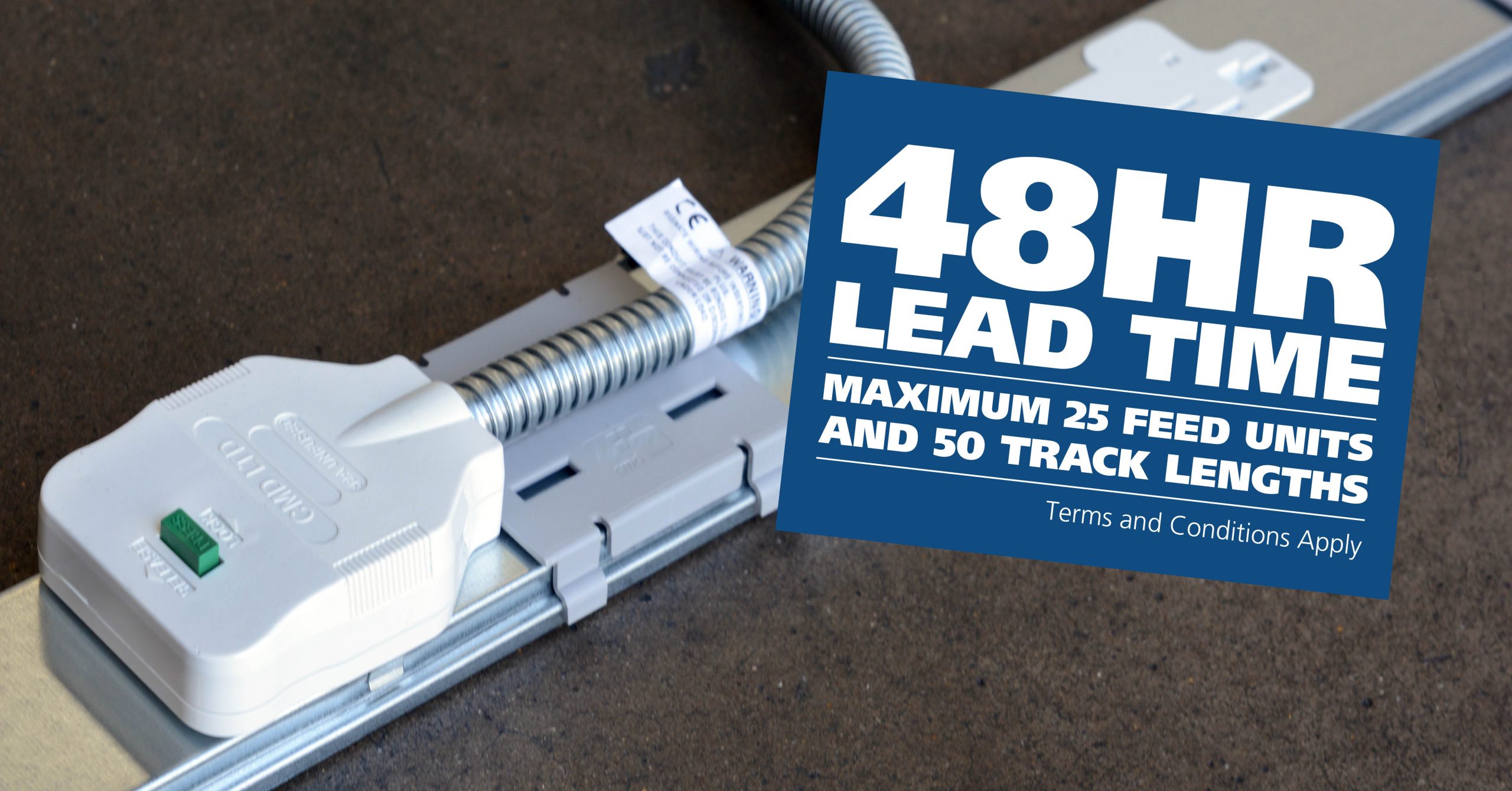
CMD Ltd, the specialist in power distribution systems, workstation power and monitor arms, has launched a rapid ordering service for its Betatrak® underfloor powertrack distribution systems and accessories, with a commitment to delivering within 48-hours of an approved purchase order*. The service enables customers to order up to 50 lengths of Standard or Clean Earth (C/E) low noise Betatrak, along with up to 25 feed...

Read more
CMD INVESTS £1/4 MILLION IN NEW MACHINE AS PART OF FACTORY UPGRADE

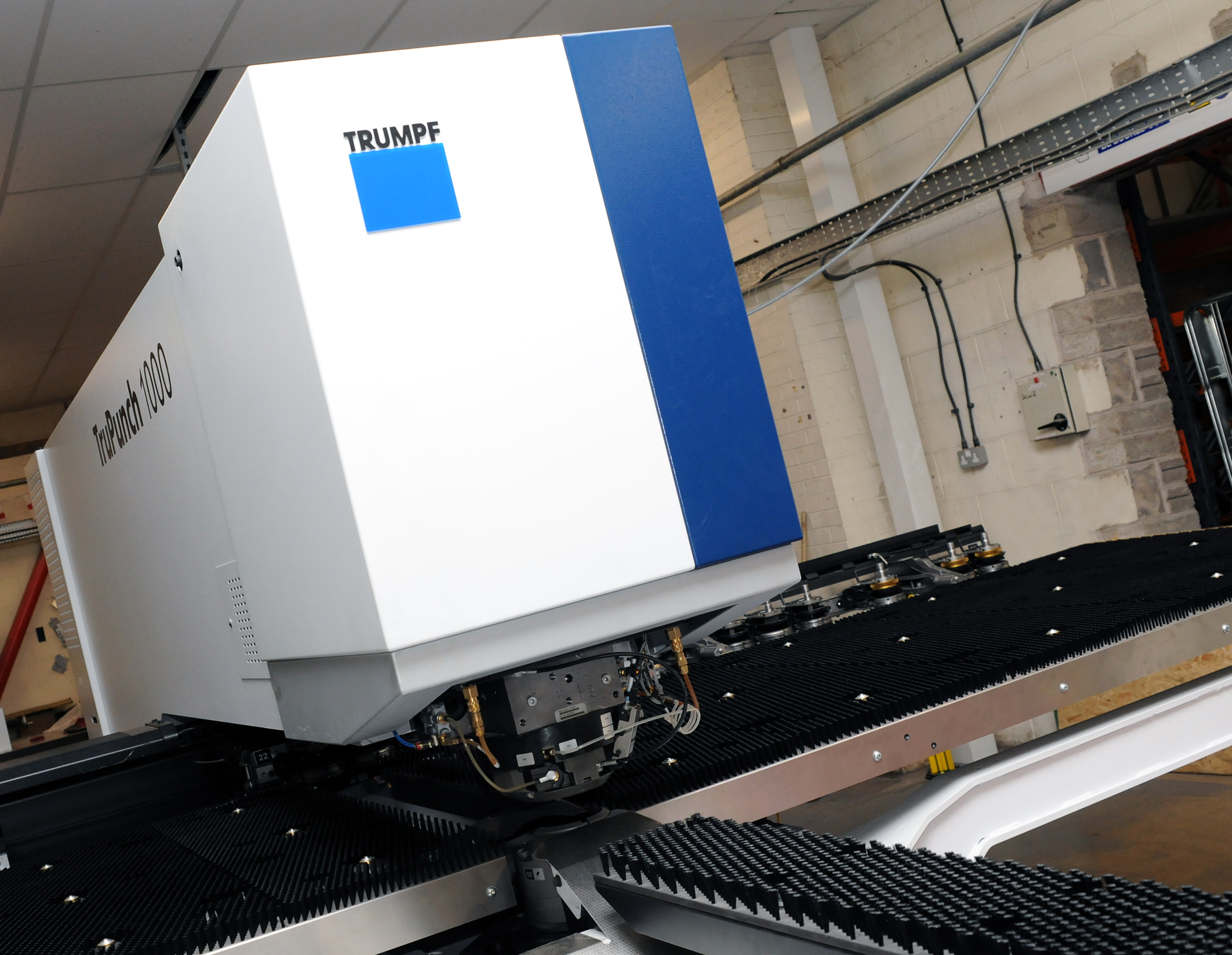
We have invested in a new £1/4m TRUMPF CNC metal punch as part of an asset renewal strategy for our UK manufacturing capability. The new machine will be used in the production of a wide variety of our power distribution systems and workstation power products at our Rotherham factory. Suitable for handling sheet metal between 0.9mm and 3.0mm thick, the new machine will replace one...

Read more
CMD CATALOGUE PROVIDES TECHNICAL POWER DISTRIBUTION GUIDE

CMD Ltd has released a new catalogue, providing an easy to follow technical guide to our power distribution systems and plug and play desk modules. Detailing CMD’s full range of UK-manufactured power distribution systems and plug and play desk modules, the catalogue will be a helpful source of information to M&E engineers and contractors alike to understand how our power distribution systems connect together and...

Read more
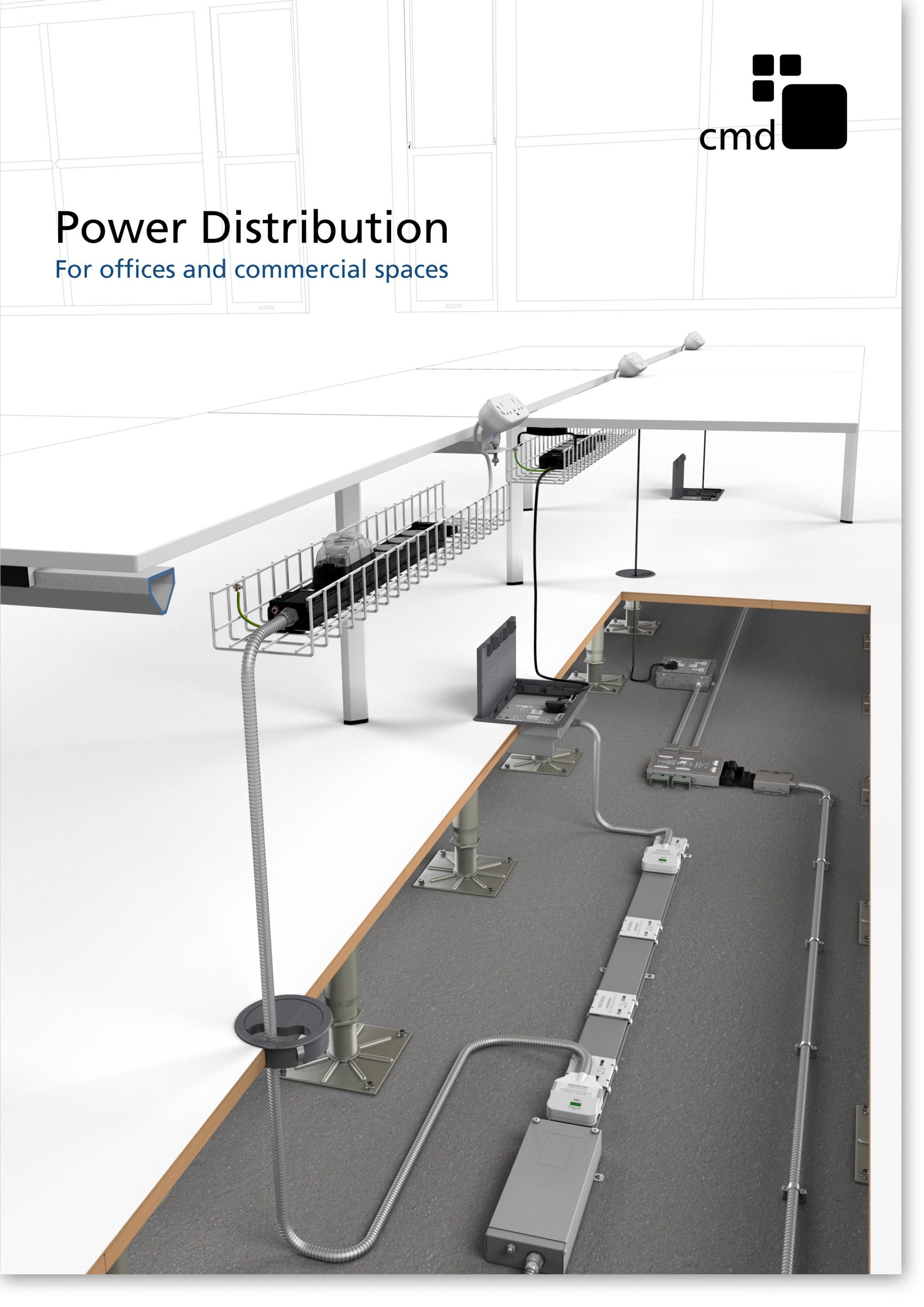
Power Distribution Catalogue
CMD Ltd PLAYS ESSENTIAL ROLE IN ELECTRICAL FIT OUT AT LONDON’S PRESTIGIOUS OFFICE DEVELOPMENT

CMD Ltd, specialist in workplace connectivity and ergonomic solutions, has provided a flexible and high-quality power distribution network for The Ray, a prestigious office development in London’s Farringdon. Well-known for being the former site of The Guardian newspaper, The Ray now stands as an 83,000ft² office development characterised by a modernised warehouse aesthetic, with level two now occupied by a global social media company. The...

Read more

The Ray
CMD plugs in to european opportunity with Schuko Capsule unit launch

CMD Ltd, the specialist in power and connectivity solutions for commercial environments, has launched a Schuko version of its popular fixed format Capsule workstation power module for export to mainland Europe and beyond. A popular on desk power module comprising two sockets and dual USB (type A and C) chargers, CMD’s Capsule unit is already widely specified in the UK as an off-the-shelf workstation power...

Read more
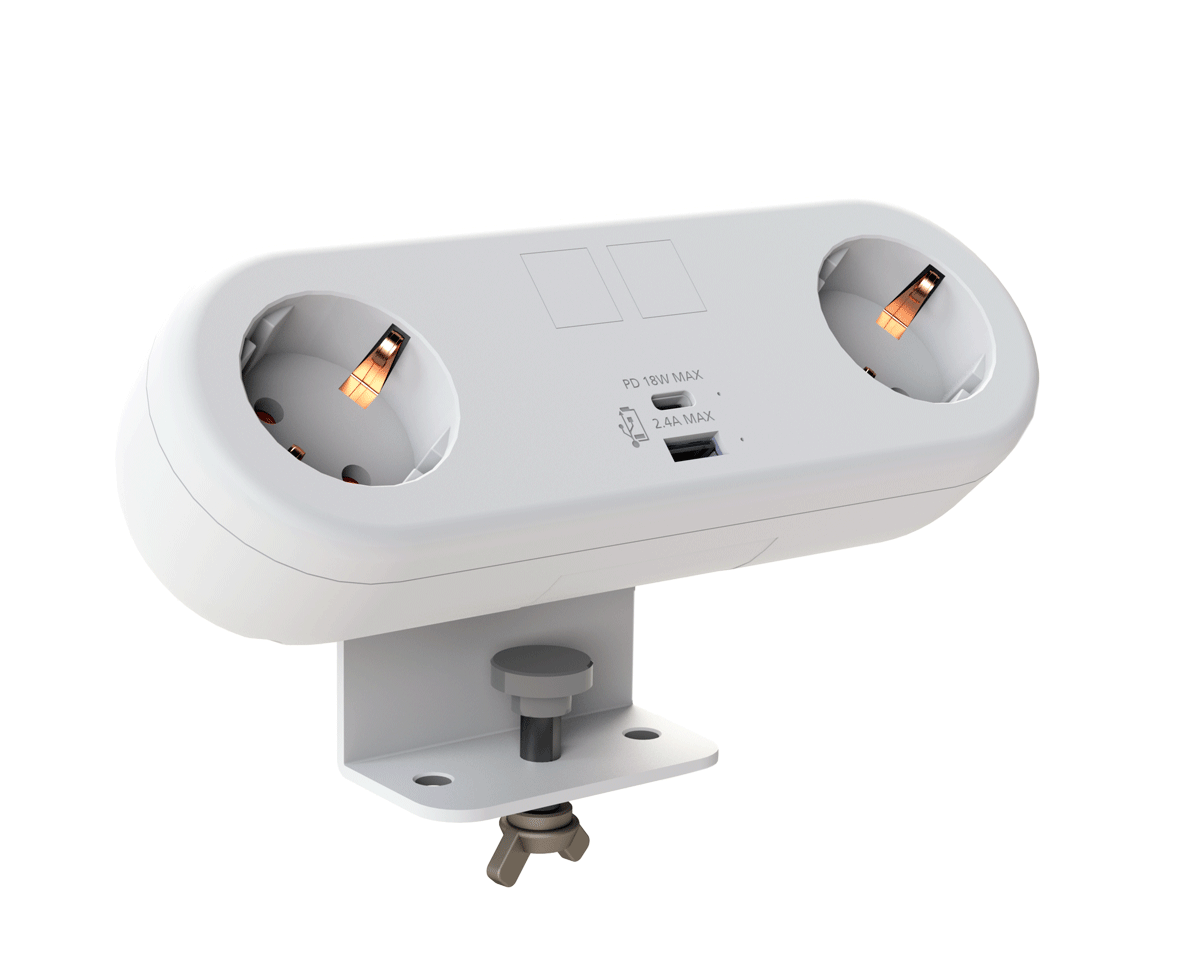
CMD White Schuko Capsule Desk Power Module
CMD LTD EXTENDS MONITOR ARM RANGE WITH THE LAUNCH OF REACH PLUS

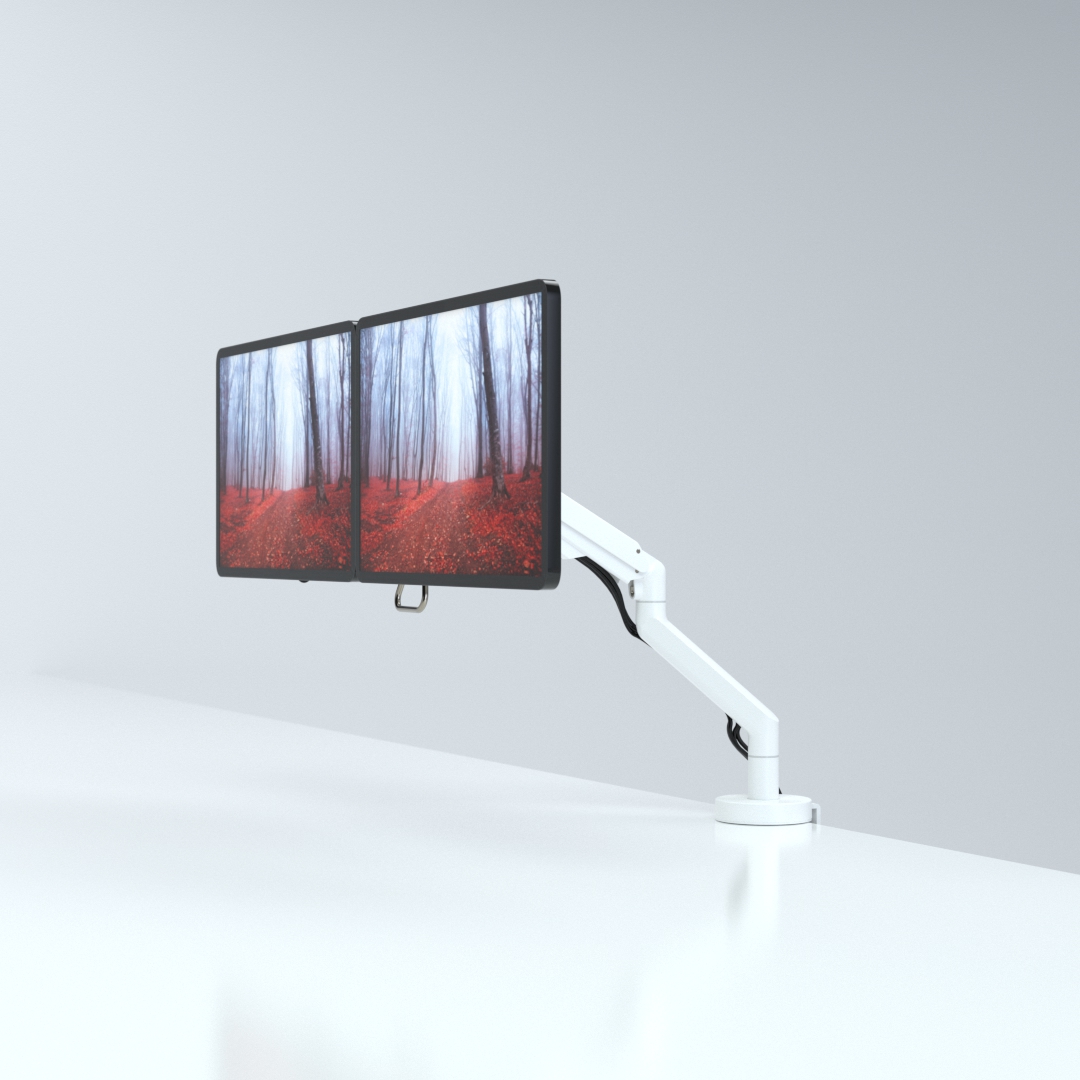
CMD Ltd, the specialist in ergonomic and connectivity solutions for commercial interiors, has completed its Reach monitor arm range with the launch of the Reach Plus. Available in single or dual screen options, the Reach Plus has been designed to provide an ideal solution for both single and dual screen workstation configurations, or can be used with next generation of large format curved screens. Suitable...

Read more
CMD Ltd DEMONSTRATES THE ART OF POWER DISTRIBUTION AT THE UNIVERSITY OF WARWICK

CMD Ltd, the specialist in workplace connectivity and ergonomic solutions, has provided Betatrak busbar power distribution and a range of electrical accessories for two major capital investment projects at the University of Warwick. Designed by Fielden Clegg Bradley Studios, the £33 million Faculty of Arts building is a showpiece development comprising four interconnected structures set around a central atrium, which will enable inter-disciplinary collaboration across...

Read more

University of Warwick
CMD BRINGS HARMONY TO COVENTRY UNIVERSITY RESEARCH FACILITIES

CMD Ltd, the specialist in power distribution solutions and workstation power and ergonomics, has provided under desk and on desk power modules for the refurbishment of three Coventry University research buildings. Located on Coventry University Technology Park, a business park designed to encourage collaboration between the university and knowledge-based businesses, the three buildings are being repurposed as office accommodation for university research teams. The refurbishment...

Read more

Coventry University

7 Tips for Choosing the Best Infrared Light Device

Choosing an Infrared Light Device can feel simple until product pages begin listing wavelengths, output levels, treatment areas, and glowing promises. The right choice depends on what you want to use it for, where you plan to place it, and whether its specifications are clear. A compact handheld unit may suit a small area, while a larger panel can cover more skin but needs adequate space and careful positioning. Small details matter.

Look beyond polished photos. Check the stated wavelength, irradiance measurement distance, recommended session guidance, and whether the manufacturer explains how those figures were tested. A number without context can be hard to compare. That takes patience. Also consider practical details: adjustable settings, eye-safety instructions, build quality, warranty terms, and access to customer support. Reviews can help, but they should not replace transparent product information or independent evidence.

The seven tips in this guide offer a structured way to compare options without assuming that higher output or a higher price means better results. They also highlight limits worth considering. Light-based devices are not a substitute for professional medical care, and suitability can vary with personal health, medications, and eye sensitivity. If you have a health condition or a specific treatment goal, ask a qualified clinician before use. Even a well-made device may not be right for everyone. A careful choice starts with realistic expectations, readable specifications, and instructions you can follow consistently.

7 Tips for Choosing the Best Infrared Light Device

Clarify Your Goals and the Area You Want to Treat

Before comparing infrared light devices, define what you want help with: temporary muscle discomfort, joint stiffness, or a specific skin concern. These are different goals, and evidence for one should not be assumed to apply to another.

The World Health Organization’s 2022 musculoskeletal conditions fact sheet estimates that 1.71 billion people worldwide live with musculoskeletal conditions. That figure shows how common these problems are; it does not prove that a light device treats them. Keep expectations modest.

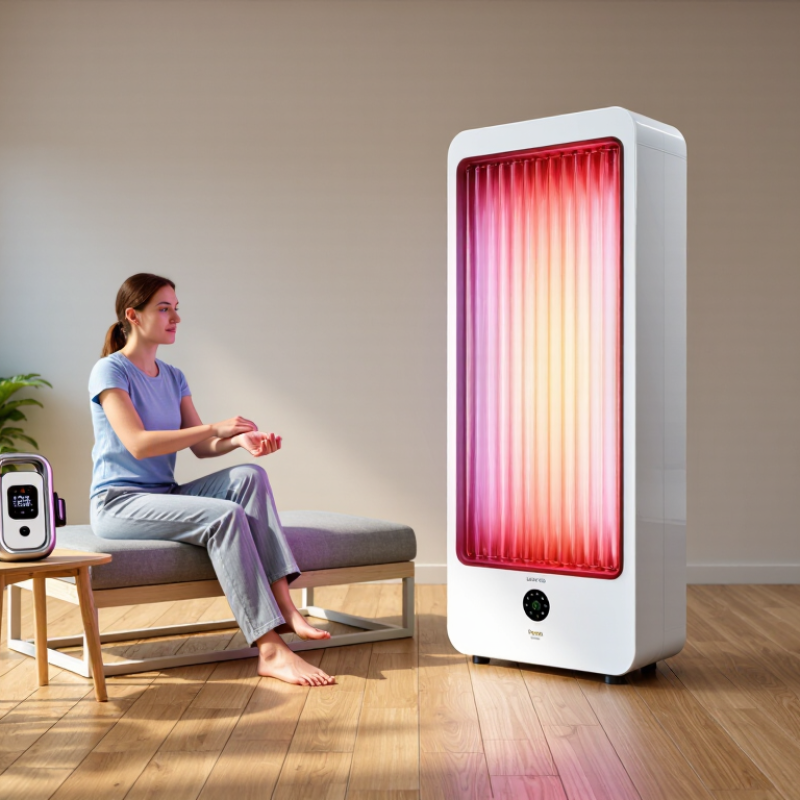
Then name the body area and estimate its size. A small panel may suit a knee, while treating a broad area such as the back could require more coverage or repositioning. Check the device’s instructions for treatment distance, session length, and whether its output has been measured. Those details matter more than a bright-looking lamp. Not every device reports them clearly.

That distinction matters. If your goal is skin-related, check whether the device and its safety guidance are intended for that use, and ask a qualified clinician about persistent symptoms or a diagnosed condition.

It is easy to shop for a device before deciding what success would look like. A short written goal can help: “less morning stiffness in my right hand” is clearer than “better wellness.”

Compare Wavelengths, Power Output, and Treatment Coverage

Wavelength is the color range of light, measured in nanometers. Many red-light devices use wavelengths around 630–660 nm, while near-infrared devices often use about 800–850 nm. These bands interact with tissue differently, so compare the device’s stated wavelengths with the intended use and relevant research. A wavelength number alone does not prove effectiveness. Check whether the manufacturer reports how it was measured, rather than relying on vague terms such as “deep penetrating.”

Power output needs context. Look for irradiance, usually listed in milliwatts per square centimeter, and check the measurement distance. Numbers can mislead. A reading taken directly at the panel may not match the light reaching skin from several inches away. Distance matters. Also consider treatment coverage: a small lamp may suit one joint, while a larger panel can illuminate a broader area. Look for information about evenness across the treatment surface; bright centers and dim edges can make exposure inconsistent. Compare practical session guidance, too, since higher output does not automatically mean better results. Device specifications can be incomplete, and independent testing is useful when available. I would treat unclear measurements as a reason to pause and ask questions.

Check Device Design, Safety Features, and Certifications

Tip 1: Check whether the device suits your space and routine. A stable stand, clear controls, and an adjustable angle can make sessions easier to manage. Look for a cord that reaches a safe outlet without crossing a walkway. Small details matter.

Tip 2: Read the specifications carefully. Confirm the light type, stated wavelength, treatment area, and recommended distance. These details help you compare devices without relying on vague claims.

Tip 3: Inspect the safety features before buying. Look for clear instructions on exposure time, distance, ventilation, and eye protection. The housing should feel sturdy, and the device should not wobble when positioned. Check whether it has an automatic shutoff or overheat protection. A warm panel may be expected, but excessive heat or an unusual smell is a reason to stop using it and contact the seller. I would not assume every device needs the same precautions; follow its specific instructions.

Tip 4: Verify certifications, not just logos. Check the named testing organization, certificate number, and applicable safety standard in the organization’s records when available. Ask for proof. A certification can indicate that a product was assessed against particular requirements, but it does not prove every wellness claim or guarantee the device is right for you. Sometimes product pages leave out useful details; that is a reason to ask questions, not to guess.

Assess Ease of Use, Treatment Time, and Everyday Fit

A practical infrared light device should fit the routine you already have, not demand a new one. Check whether its controls are clear, its surface is easy to position, and its instructions specify distance and session length. Can you use it beside your desk or after washing up, without rearranging the room? Small details matter. A stiff cable or awkward stand can turn a simple session into a chore.

Treatment time needs context. Wavelength, light output, distance, and treated area all affect the prescribed session; a shorter timer does not automatically mean a better device. The World Association for Photobiomodulation Therapy’s dosage guidance emphasizes dose, rather than minutes alone. Compare the device instructions with the protocol used in relevant clinical research, and ask a qualified clinician if the guidance is unclear. The WHO’s 2003 report on long-term therapy estimated average adherence at about 50% in developed countries. That figure is not specific to light devices, but it is a useful reminder: routines can be hard to maintain. Not just minutes. Consider storage, cleaning, and whether you can use the device consistently without skipping other care. I would also question any promise of effortless results; convenience helps, but it cannot replace suitable guidance or realistic expectations.

Compare Evidence, Price, Warranty, and Customer Support

Tip 1: Compare the evidence, not just the product descriptions. Look for clear device specifications, published research, and explanations of how closely the research matches the device’s wavelength and intended use. Evidence can be limited or mixed. That matters. Be cautious when a seller promises dramatic results without explaining the basis for those claims. A small detail, such as a missing wavelength range, can make comparisons difficult.

Tip 2: Compare the full price. Include shipping, replacement parts, and any required accessories, not only the amount shown beside the product. A lower upfront price may not mean a lower long-term cost. Check the warranty in writing. Note its length, covered parts, exclusions, and who pays return shipping. Fine print is easy to miss.

Tip 3: Test customer support before buying. Send a specific question about setup, safety instructions, or warranty coverage, then see whether the answer is clear and timely. Save the reply. Support quality can be hard to judge from reviews alone, and one unanswered message is not conclusive. Still, vague responses are worth considering. A careful comparison takes time.