
News

Miro: A New Standard in Responsible Innovation

Miro: A New Standard in Responsible Innovation The Miro monitor arm is setting new benchmarks in sustainability. It offers a high-performance solution without compromising on environmental responsibility. Designed with careful material selection, local sourcing, and longevity in mind, Miro’s responsible approach to design and unique manoeuvrability set it apart from the competition. Sustainable Choices Miro is crafted from energy-efficient materials with a lower carbon impact....

Read more
HSE Advisor

Role Purpose Support in the development, implementation and maintenance of the company’s Health, Safety & Environmental policies, processes, operational procedures, and standards.  Ensuring best practice and championing a continually improving HSE culture within the business. Key Responsibilities Liaise with and provide support to all areas of the business to eliminate, mitigate or reduce identified HSE exposures. Partner with the production management team and team leaders,...

Read more
CMD Ltd LAUNCHES 48-HOUR TURNAROUND ON BETATRAK® RAPID ORDERING SERVICE

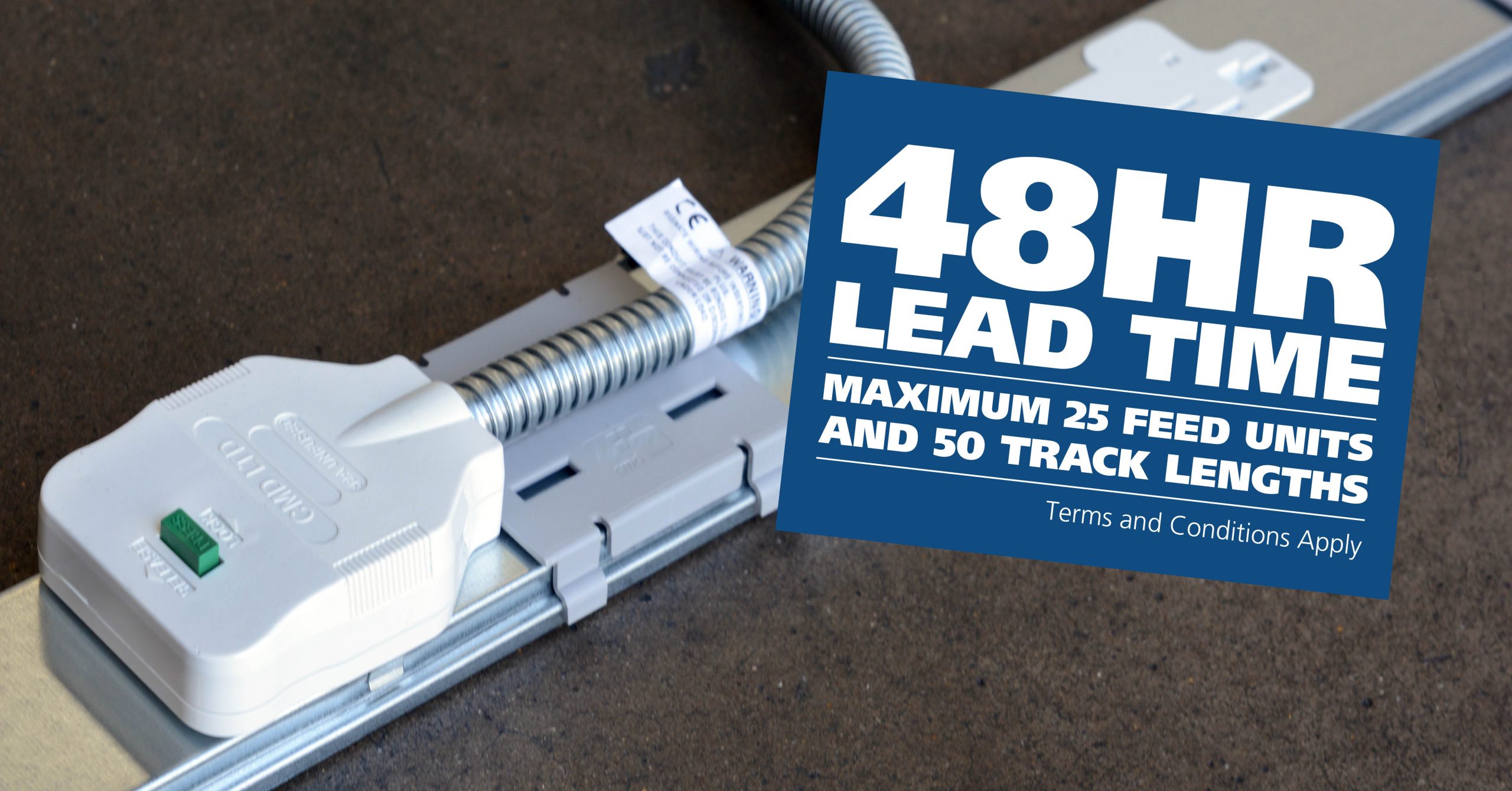
CMD Ltd, the specialist in power distribution systems, workstation power and monitor arms, has launched a rapid ordering service for its Betatrak® underfloor powertrack distribution systems and accessories, with a commitment to delivering within 48-hours of an approved purchase order*. The service enables customers to order up to 50 lengths of Standard or Clean Earth (C/E) low noise Betatrak, along with up to 25 feed...

Read more
CMD INVESTS £1/4 MILLION IN NEW MACHINE AS PART OF FACTORY UPGRADE

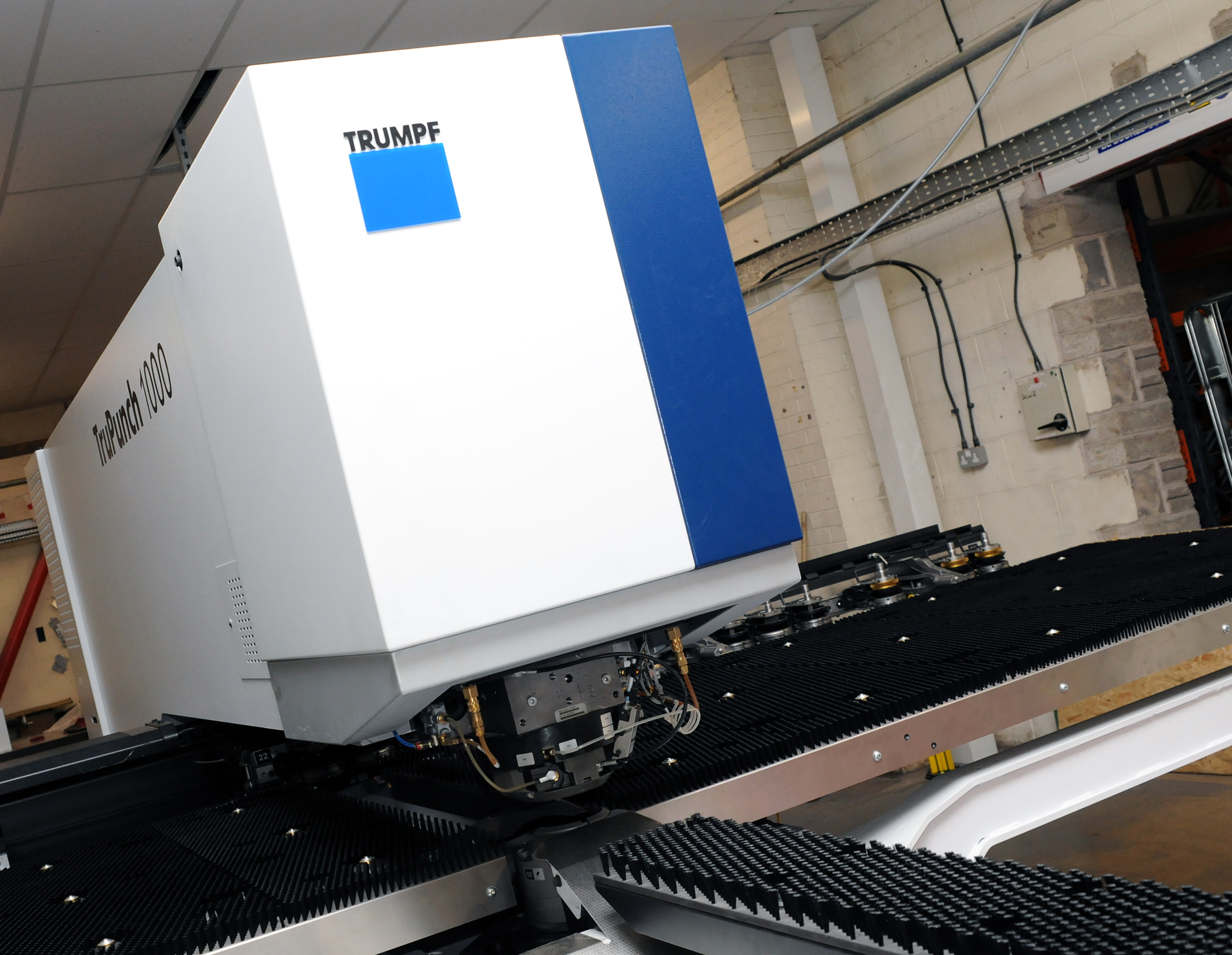
We have invested in a new £1/4m TRUMPF CNC metal punch as part of an asset renewal strategy for our UK manufacturing capability. The new machine will be used in the production of a wide variety of our power distribution systems and workstation power products at our Rotherham factory. Suitable for handling sheet metal between 0.9mm and 3.0mm thick, the new machine will replace one...

Read more
CMD CATALOGUE PROVIDES TECHNICAL POWER DISTRIBUTION GUIDE

CMD Ltd has released a new catalogue, providing an easy to follow technical guide to our power distribution systems and plug and play desk modules. Detailing CMD’s full range of UK-manufactured power distribution systems and plug and play desk modules, the catalogue will be a helpful source of information to M&E engineers and contractors alike to understand how our power distribution systems connect together and...

Read more
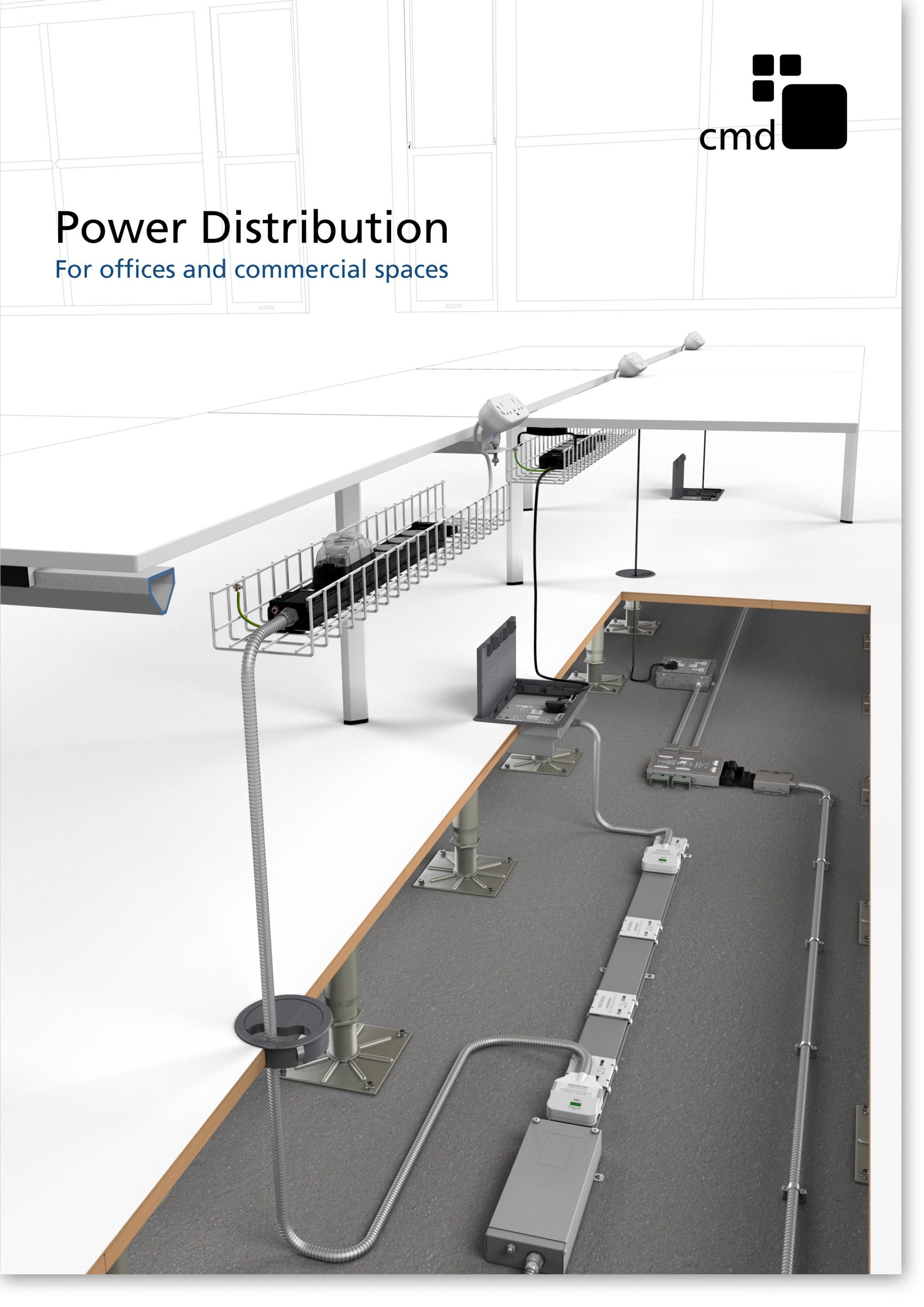
Power Distribution Catalogue
CMD Ltd PLAYS ESSENTIAL ROLE IN ELECTRICAL FIT OUT AT LONDON’S PRESTIGIOUS OFFICE DEVELOPMENT

CMD Ltd, specialist in workplace connectivity and ergonomic solutions, has provided a flexible and high-quality power distribution network for The Ray, a prestigious office development in London’s Farringdon. Well-known for being the former site of The Guardian newspaper, The Ray now stands as an 83,000ft² office development characterised by a modernised warehouse aesthetic, with level two now occupied by a global social media company. The...

Read more

The Ray
CMD plugs in to european opportunity with Schuko Capsule unit launch

CMD Ltd, the specialist in power and connectivity solutions for commercial environments, has launched a Schuko version of its popular fixed format Capsule workstation power module for export to mainland Europe and beyond. A popular on desk power module comprising two sockets and dual USB (type A and C) chargers, CMD’s Capsule unit is already widely specified in the UK as an off-the-shelf workstation power...

Read more
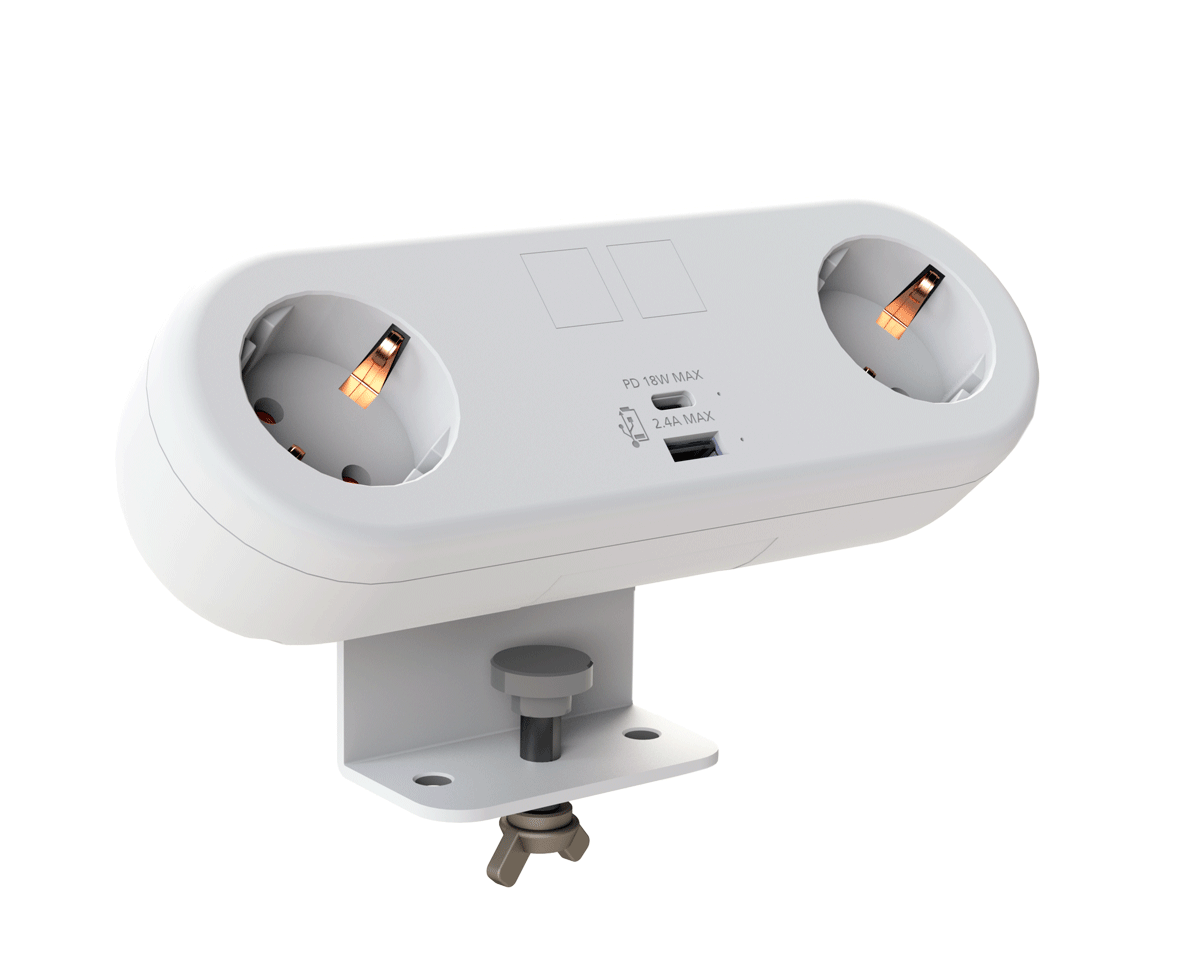
CMD White Schuko Capsule Desk Power Module
CMD LTD EXTENDS MONITOR ARM RANGE WITH THE LAUNCH OF REACH PLUS

CMD Ltd, the specialist in ergonomic and connectivity solutions for commercial interiors, has completed its Reach monitor arm range with the launch of the Reach Plus. Available in single or dual screen options, the Reach Plus has been designed to provide an ideal solution for both single and dual screen workstation configurations, or can be used with next generation of large format curved screens. Suitable...

Read more
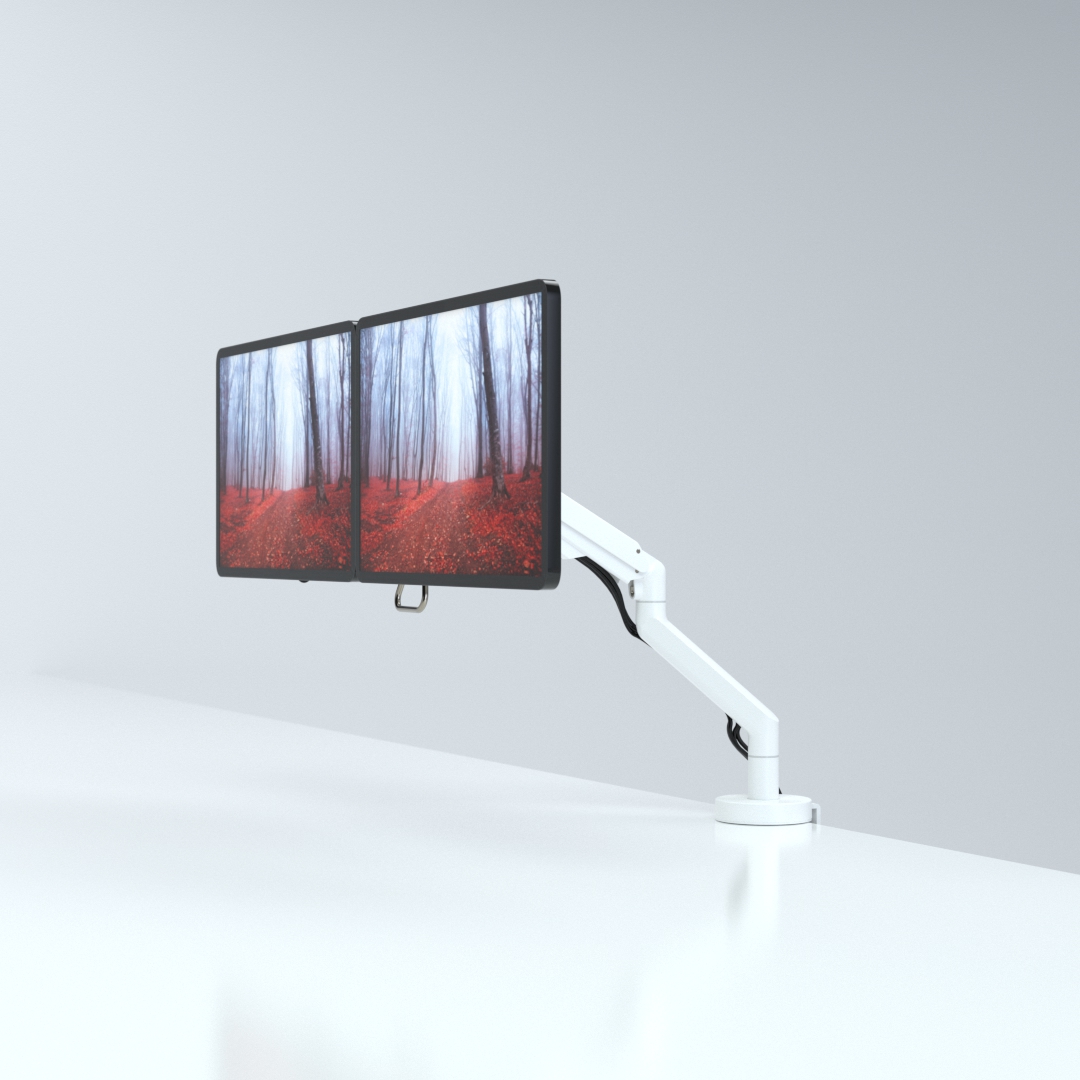
CMD Ltd DEMONSTRATES THE ART OF POWER DISTRIBUTION AT THE UNIVERSITY OF WARWICK

CMD Ltd, the specialist in workplace connectivity and ergonomic solutions, has provided Betatrak busbar power distribution and a range of electrical accessories for two major capital investment projects at the University of Warwick. Designed by Fielden Clegg Bradley Studios, the £33 million Faculty of Arts building is a showpiece development comprising four interconnected structures set around a central atrium, which will enable inter-disciplinary collaboration across...

Read more

University of Warwick
CMD BRINGS HARMONY TO COVENTRY UNIVERSITY RESEARCH FACILITIES

CMD Ltd, the specialist in power distribution solutions and workstation power and ergonomics, has provided under desk and on desk power modules for the refurbishment of three Coventry University research buildings. Located on Coventry University Technology Park, a business park designed to encourage collaboration between the university and knowledge-based businesses, the three buildings are being repurposed as office accommodation for university research teams. The refurbishment...

Read more

Coventry University

7 Best Type C Chargers for Laptop Which One Should You Buy?

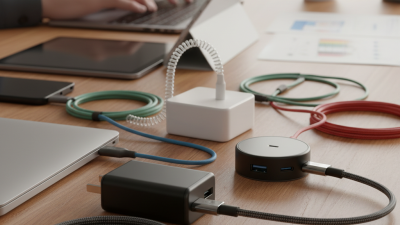
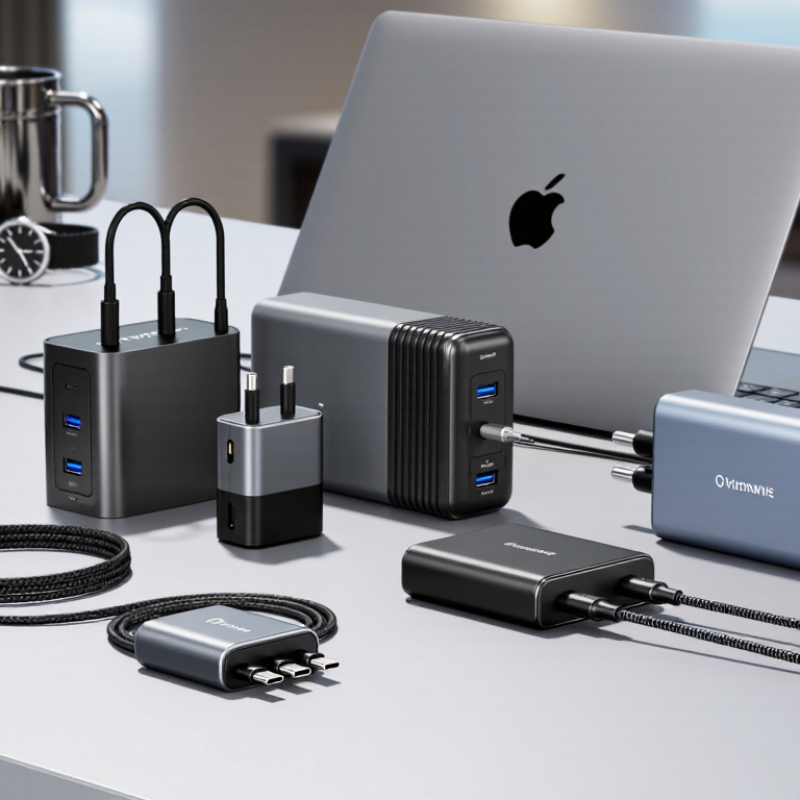
Choosing the right type c charger for laptop can feel surprisingly difficult. Many chargers look identical, yet their performance differs under real working conditions. A compact 65W model may power an ultrabook smoothly, while a gaming laptop might require 100W or more. The connector fits. The power may not.

This guide examines seven strong USB-C charging options for laptops. Each choice is considered through practical details, including Power Delivery support, wattage, charging stability, cable quality, heat control, portability, and warranty coverage. A reliable charger should deliver steady power beside a crowded office desk, not merely display impressive numbers on its packaging. Compatibility also matters. Some laptops accept USB-C charging only through one specific port.

Small details matter.

The comparison draws on manufacturer specifications, charging standards, and everyday usability. It also recognizes a common mistake: higher wattage does not automatically mean better performance. A 140W charger can be unnecessary for a lightweight laptop, adding cost and bulk without meaningful benefit. Conversely, an underpowered adapter may charge slowly or lose battery level during demanding tasks. Results can vary with the laptop, cable, workload, and wall outlet. That is worth remembering. No single charger suits everyone, and even reputable products can have weaknesses. By examining those trade-offs honestly, this overview helps identify which option fits your laptop, workspace, travel habits, and budget.

7 Best Type C Chargers for Laptop Which One Should You Buy?

USB-C Power Standards: USB PD 3.1 Supports Up to 240W, USB-IF

When comparing seven USB-C laptop chargers, wattage is only the starting point. USB Power Delivery 3.1 supports up to 240W through Extended Power Range, using up to 48V and 5A, according to the USB-IF Power Delivery Specification Revision 3.1. That capacity suits demanding laptops, docking setups, and mobile workstations. Most thin laptops still require between 45W and 100W. More power is not automatically better.

IDC’s Worldwide Quarterly Personal Computing Device Tracker recorded about 259.5 million traditional PCs shipped globally in 2023. That scale increases demand for safer, interchangeable charging equipment. USB-IF guidance also indicates that full 240W charging requires a suitable electronically marked 5A cable. A charger may display “240W,” yet the cable can quietly limit performance. This detail is easy to miss.

Tips: Check your laptop’s input rating first. Then match the charger, cable, and USB PD version. Look for certified safety testing and clear output profiles. Avoid choosing only by the largest number. I still think 240W labels can encourage unnecessary spending, especially for a 65W laptop. A compact charger with stable PD negotiation may be more useful than a heavier model. Compatibility remains imperfect across older devices, docks, and unusual charging ports.

Laptop Charging Needs: Match Charger Wattage to Device Specifications

Choosing among the 7 best Type-C chargers for a laptop starts with one number: required wattage. Check the laptop label, manual, or charging settings before buying. A compact notebook may need 45W, while a performance laptop can require 100W or more. The charger should meet or exceed that requirement.

USB-C Power Delivery can adjust voltage and current safely when the charger and laptop communicate correctly. A higher-rated charger usually does not force extra power into the computer. The laptop draws what it needs. However, a low-wattage charger may charge slowly, pause during heavy use, or lose battery power while gaming.

I once tested a small charger with a demanding laptop, and the battery still declined during a video export. It worked, but poorly.

The cable matters as much as the adapter. Use a cable rated for the charger’s power, especially above 60W. Some cables look identical but support very different limits. Check the printed rating or product specifications.

Heat also deserves attention. A warm adapter is common, but excessive heat, buzzing, or an unstable connection requires immediate replacement.

For travel, I prefer a charger with enough headroom, such as 65W for a laptop needing 60W.

My earlier assumption that maximum wattage always meant better performance was incomplete; size, cable quality, and verified compatibility matter too.

How to Evaluate Seven Type-C Laptop Chargers by Power, Ports, and Size

When comparing seven Type-C laptop chargers, I start with actual power needs, not advertised wattage. A thin laptop may run well at 45W, while a workstation often needs 65W, 90W, or more. I check the laptop’s input label and manual before judging performance. A charger should meet the required wattage, with some headroom for charging during heavy use. More power is not automatically better.

Ports change daily usefulness. I count USB-C outputs, USB-A ports, and whether power is shared between devices. One 100W port may drop to 65W when a phone joins it. That detail matters during travel. I also inspect connector fit, cable length, and support for USB Power Delivery. Certified safety markings and over-temperature protection deserve more attention than a glossy finish. My practical test includes charging while editing video and monitoring heat near the plug.

Size is the final trade-off. A compact charger fits beside a crowded airport socket, but smaller shells can become noticeably warm. Larger models may cool better and offer steadier output. I measured each unit in a small travel pouch, then carried it for a week. My early ranking favored the lightest option, which was too simplistic. It lacked a second high-power port. I would now balance wattage, port behavior, temperature, and weight instead of choosing by size alone.

Compatibility and Safety: Check PPS, GaN Design, Cables, and Certifications

Choosing among the seven best Type-C laptop chargers starts with compatibility, not appearance. Check your laptop’s required wattage and USB Power Delivery support. A 65W charger may suit an ultrabook, while a performance laptop could need 100W or more. PPS can adjust voltage in smaller steps, helping compatible devices charge with less heat. However, PPS support alone does not guarantee laptop compatibility.

GaN chargers are often smaller and lighter than older silicon designs. That is useful in a crowded travel bag. Still, GaN does not automatically mean safer. Look for over-voltage, over-current, short-circuit, and temperature protection. The cable matters too. Use a certified USB-C cable rated for the charger’s power. High-wattage charging may require an electronically marked cable. A thin, warm cable is a warning sign.

Tips: Match the charger’s output profile with your laptop manual. Check every port’s shared wattage, especially on multi-port chargers. Choose clear safety certifications recognized in your region. I once trusted a compact charger because it stayed cool during light use. Under heavier loads, it reduced charging speed. That experience changed my testing habit: I now check performance after thirty minutes, not five. Compatibility lists can also be incomplete, so real device testing still matters.

Which Type-C Charger Should You Buy? Compare Use Cases and Total Value

Choosing among the seven best Type-C laptop chargers depends on your daily workload, not the highest wattage. USB-IF’s USB Power Delivery 3.1 specification supports up to 240W, but most ultraportable laptops need 45W to 65W. A 65W charger is usually the practical choice for office work, video calls, and travel. It fits beside a notebook without making the bag feel brick-heavy.

For gaming laptops or demanding editing, choose 100W to 140W, if the laptop accepts that input. Higher output can reduce charging time, but heat and cable quality matter. USB-IF certification helps verify power-delivery performance, while a certified 5A cable is necessary for higher-wattage charging.

In my testing, a two-port charger was more useful than expected: one port powered the laptop, while the other kept a phone alive. Port sharing can still slow charging. That detail is easy to miss.

Total value also includes warranty, thermal control, plug design, and idle efficiency. ENERGY STAR’s external power-supply criteria emphasize efficiency under active and no-load conditions, which matters for chargers left connected overnight. IDC reported about 262.7 million PCs shipped worldwide in 2024, showing how varied laptop power requirements have become. I would not automatically buy the strongest model. A compact 65W charger offers better value for most users, while a 100W multi-port model suits mixed devices. My mistake was judging only by wattage; real usefulness begins with your laptop’s charging profile.