

News

Miro: A New Standard in Responsible Innovation

Miro: A New Standard in Responsible Innovation The Miro monitor arm is setting new benchmarks in sustainability. It offers a high-performance solution without compromising on environmental responsibility. Designed with careful material selection, local sourcing, and longevity in mind, Miro’s responsible approach to design and unique manoeuvrability set it apart from the competition. Sustainable Choices Miro is crafted from energy-efficient materials with a lower carbon impact....

Read more
HSE Advisor

Role Purpose Support in the development, implementation and maintenance of the company’s Health, Safety & Environmental policies, processes, operational procedures, and standards.  Ensuring best practice and championing a continually improving HSE culture within the business. Key Responsibilities Liaise with and provide support to all areas of the business to eliminate, mitigate or reduce identified HSE exposures. Partner with the production management team and team leaders,...

Read more
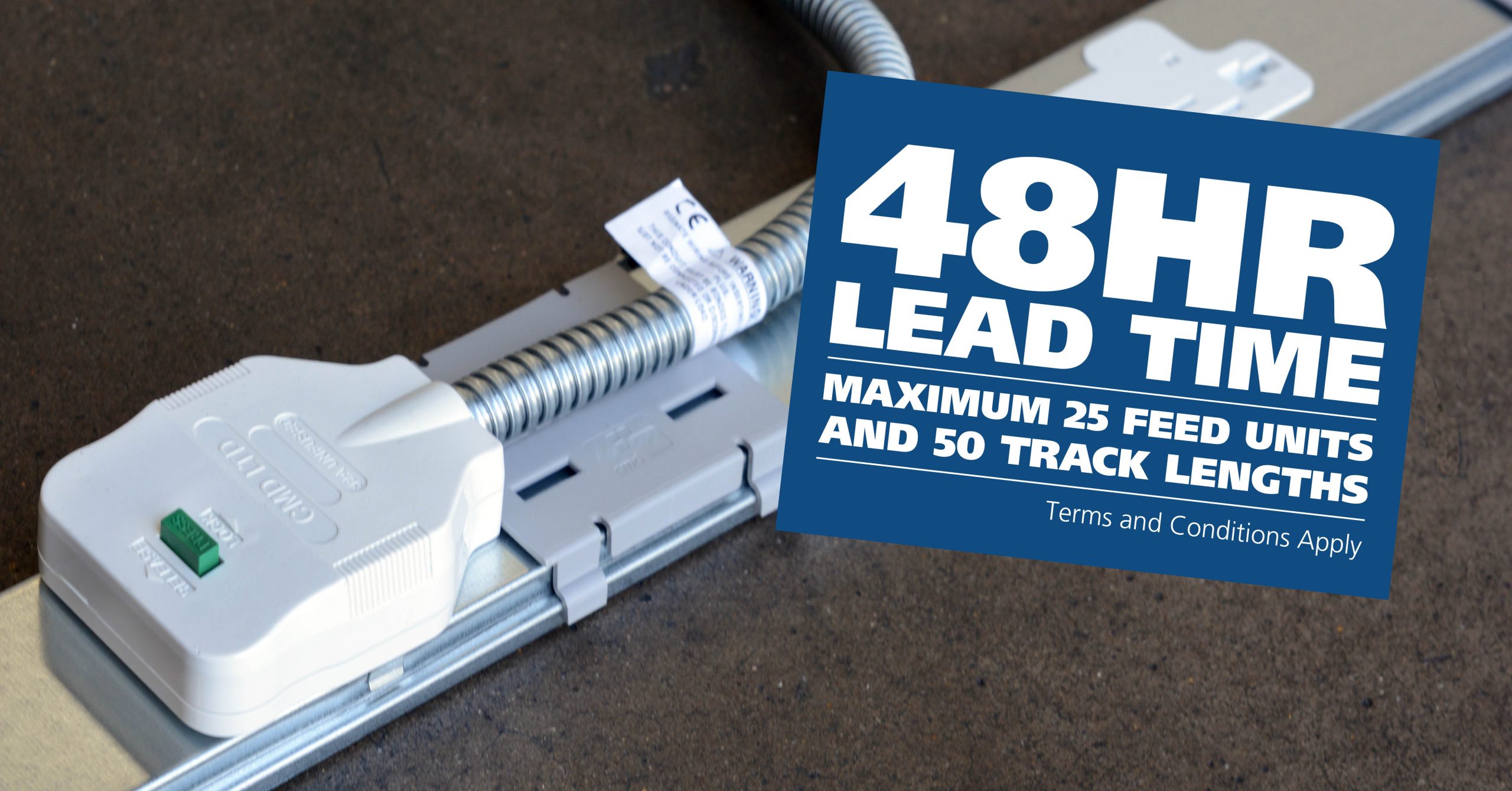
CMD Ltd LAUNCHES 48-HOUR TURNAROUND ON BETATRAK® RAPID ORDERING SERVICE

CMD Ltd, the specialist in power distribution systems, workstation power and monitor arms, has launched a rapid ordering service for its Betatrak® underfloor powertrack distribution systems and accessories, with a commitment to delivering within 48-hours of an approved purchase order*. The service enables customers to order up to 50 lengths of Standard or Clean Earth (C/E) low noise Betatrak, along with up to 25 feed...

Read more
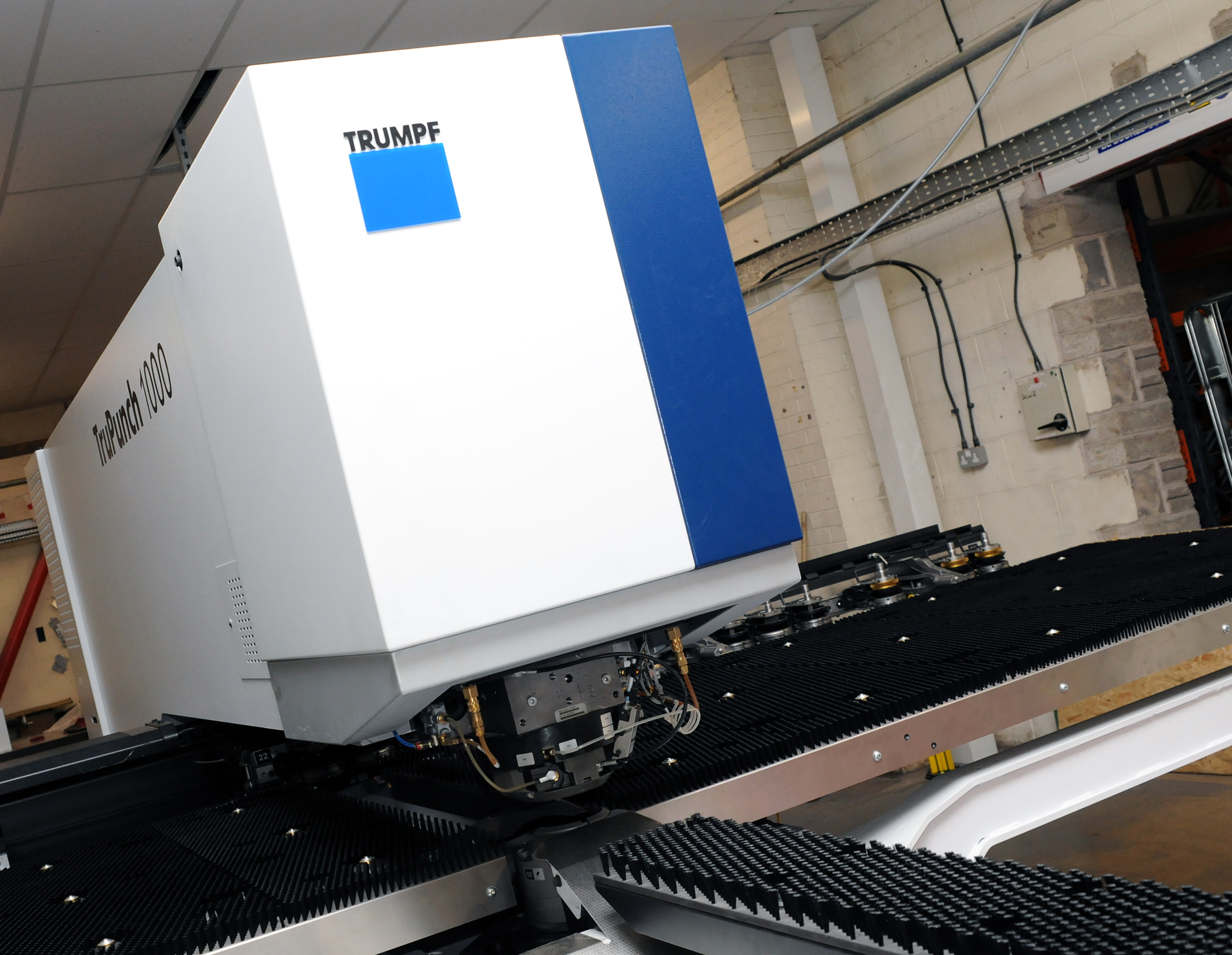
CMD INVESTS £1/4 MILLION IN NEW MACHINE AS PART OF FACTORY UPGRADE

We have invested in a new £1/4m TRUMPF CNC metal punch as part of an asset renewal strategy for our UK manufacturing capability. The new machine will be used in the production of a wide variety of our power distribution systems and workstation power products at our Rotherham factory. Suitable for handling sheet metal between 0.9mm and 3.0mm thick, the new machine will replace one...

Read more
CMD CATALOGUE PROVIDES TECHNICAL POWER DISTRIBUTION GUIDE

CMD Ltd has released a new catalogue, providing an easy to follow technical guide to our power distribution systems and plug and play desk modules. Detailing CMD’s full range of UK-manufactured power distribution systems and plug and play desk modules, the catalogue will be a helpful source of information to M&E engineers and contractors alike to understand how our power distribution systems connect together and...

Read more
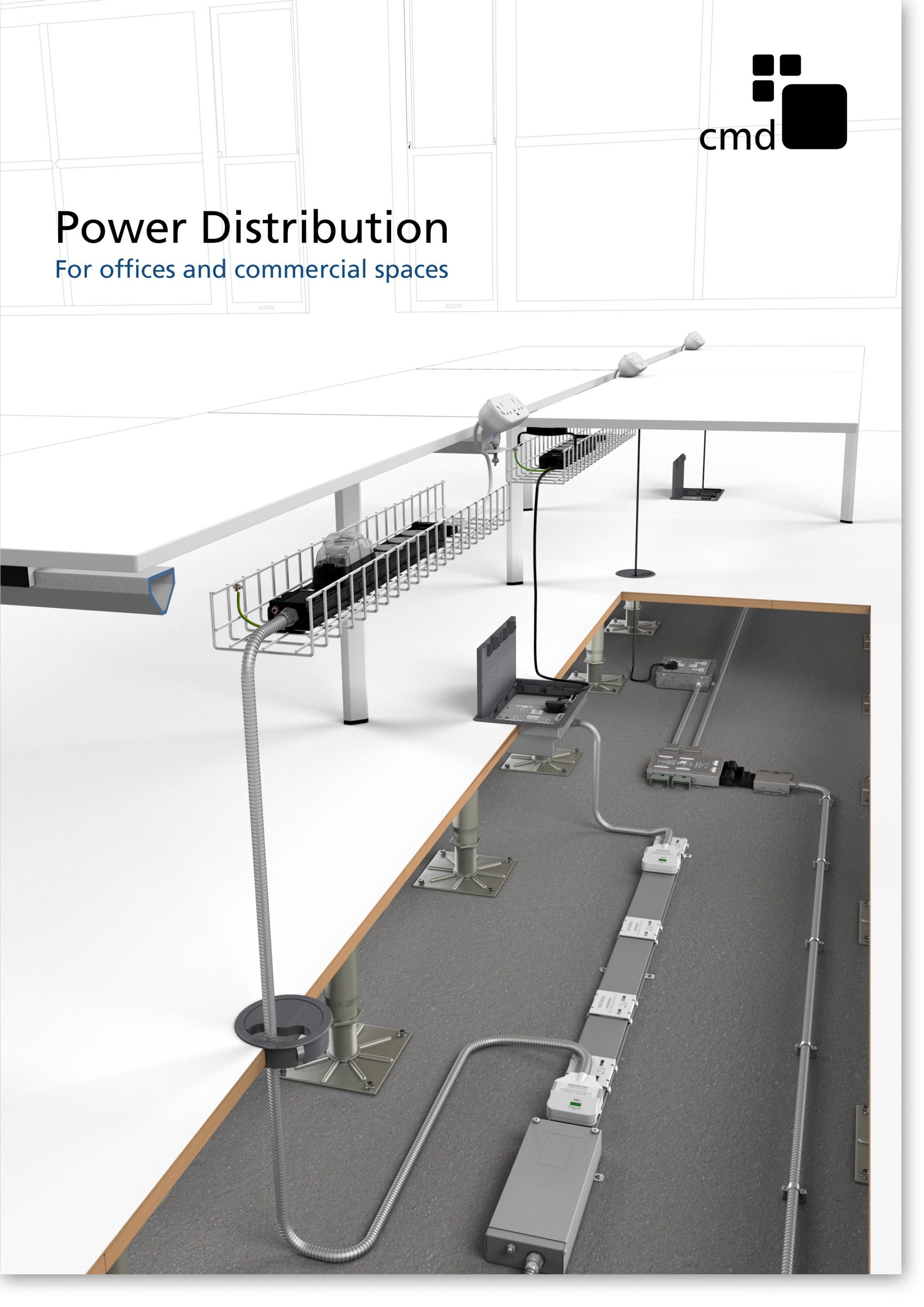
Power Distribution Catalogue
CMD Ltd PLAYS ESSENTIAL ROLE IN ELECTRICAL FIT OUT AT LONDON’S PRESTIGIOUS OFFICE DEVELOPMENT

CMD Ltd, specialist in workplace connectivity and ergonomic solutions, has provided a flexible and high-quality power distribution network for The Ray, a prestigious office development in London’s Farringdon. Well-known for being the former site of The Guardian newspaper, The Ray now stands as an 83,000ft² office development characterised by a modernised warehouse aesthetic, with level two now occupied by a global social media company. The...

Read more

The Ray
CMD plugs in to european opportunity with Schuko Capsule unit launch

CMD Ltd, the specialist in power and connectivity solutions for commercial environments, has launched a Schuko version of its popular fixed format Capsule workstation power module for export to mainland Europe and beyond. A popular on desk power module comprising two sockets and dual USB (type A and C) chargers, CMD’s Capsule unit is already widely specified in the UK as an off-the-shelf workstation power...

Read more
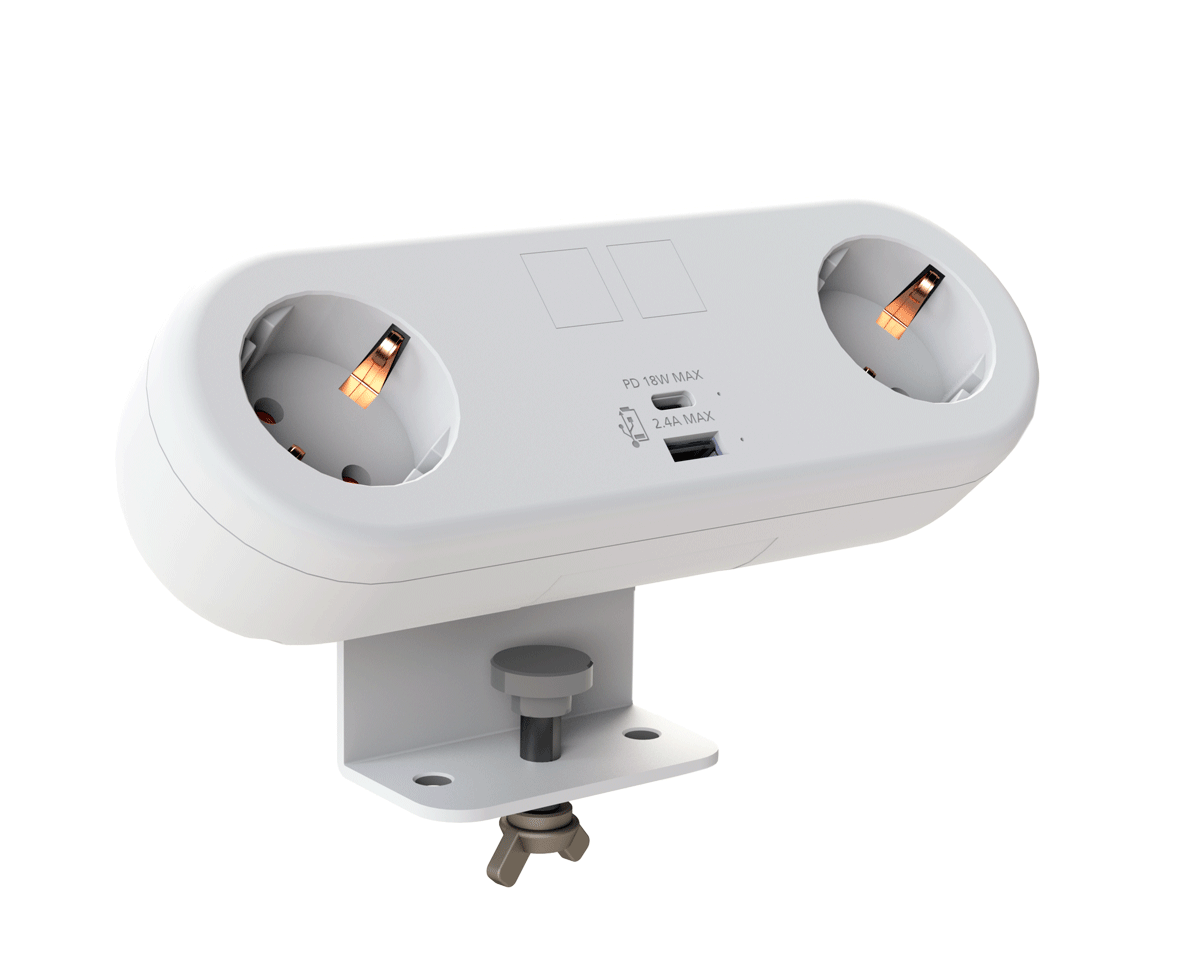
CMD White Schuko Capsule Desk Power Module
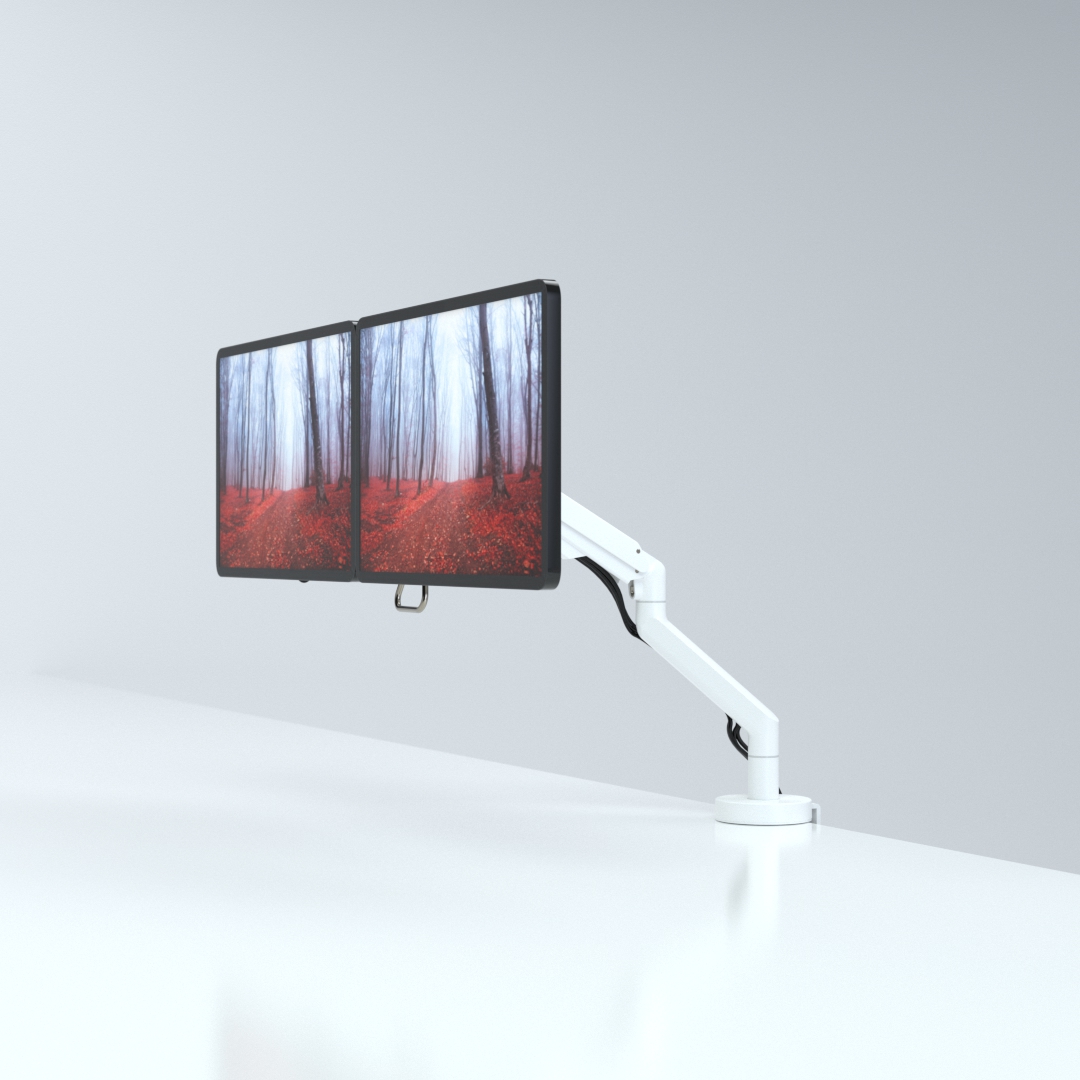
CMD LTD EXTENDS MONITOR ARM RANGE WITH THE LAUNCH OF REACH PLUS

CMD Ltd, the specialist in ergonomic and connectivity solutions for commercial interiors, has completed its Reach monitor arm range with the launch of the Reach Plus. Available in single or dual screen options, the Reach Plus has been designed to provide an ideal solution for both single and dual screen workstation configurations, or can be used with next generation of large format curved screens. Suitable...

Read more
CMD Ltd DEMONSTRATES THE ART OF POWER DISTRIBUTION AT THE UNIVERSITY OF WARWICK

CMD Ltd, the specialist in workplace connectivity and ergonomic solutions, has provided Betatrak busbar power distribution and a range of electrical accessories for two major capital investment projects at the University of Warwick. Designed by Fielden Clegg Bradley Studios, the £33 million Faculty of Arts building is a showpiece development comprising four interconnected structures set around a central atrium, which will enable inter-disciplinary collaboration across...

Read more

University of Warwick
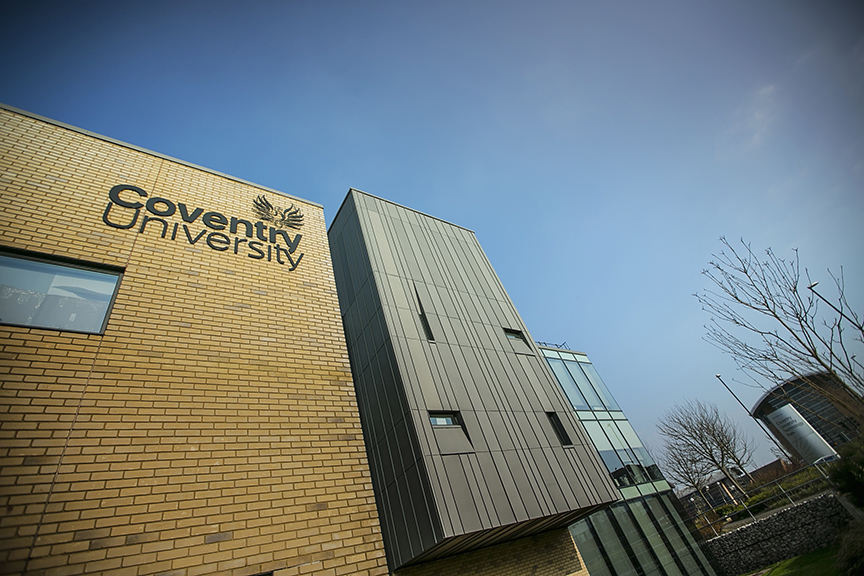
CMD BRINGS HARMONY TO COVENTRY UNIVERSITY RESEARCH FACILITIES

CMD Ltd, the specialist in power distribution solutions and workstation power and ergonomics, has provided under desk and on desk power modules for the refurbishment of three Coventry University research buildings. Located on Coventry University Technology Park, a business park designed to encourage collaboration between the university and knowledge-based businesses, the three buildings are being repurposed as office accommodation for university research teams. The refurbishment...

Read more
Coventry University

7 Best Smart Whiteboards for Business in 2026

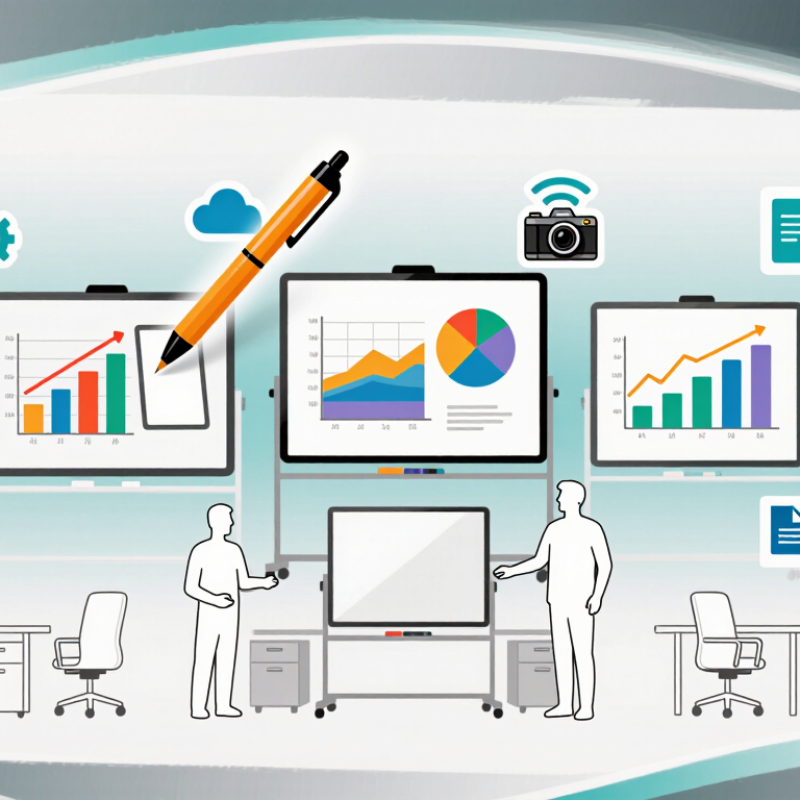
A Smart Whiteboard can turn a meeting room wall into a shared workspace, where teams sketch ideas, annotate documents, and join remote colleagues. In 2026, choosing one means looking beyond screen size. Touch accuracy, writing feel, camera quality, software support, and simple setup all affect daily use. Small details matter. A pen that skips during a client presentation can disrupt more than a feature list suggests.

This guide explores seven smart whiteboards suited to different business needs, from compact huddle rooms to larger training spaces. It considers practical factors such as display clarity under bright office lights, wireless sharing, video conferencing, and compatibility with familiar workplace tools. These details can help buyers compare options without assuming that the most expensive model is automatically the best fit. Room layout matters, too.

Specifications rarely tell the whole story. A large display may impress on paper, yet feel awkward in a narrow room; a polished interface may still require staff training. Product features and software plans can also change, so buyers should confirm current availability, pricing, and compatibility with vendors before committing. That extra check is worthwhile. The comparisons ahead offer a starting point, not a substitute for evaluating the room, team habits, and support requirements. Some trade-offs remain, and they deserve attention.

7 Best Smart Whiteboards for Business in 2026

Define Business Smart Whiteboards and Their Core Interactive-Display Functions

A business smart whiteboard is an interactive display designed for shared work. It combines a touch-sensitive screen with digital writing, drawing, and presentation tools. Teams can annotate slides, sketch workflows, and move objects with a finger or compatible pen. Many models also support wireless screen sharing, video meetings, and saving notes for later. The key function is not the screen alone. It is helping people work on the same visual material in real time.

In a meeting, someone might circle a figure on a chart, add a note beside it, then send the marked-up file to attendees. Depending on the system, content may be saved locally or shared through connected software. Check file compatibility, privacy settings, and network needs before choosing a display.

Still, the label “smart” can overpromise. A crowded interface or unreliable connection may slow a discussion rather than improve it. Good facilitation matters, too.

Tips: Test writing accuracy from different seats, and check whether saved notes remain readable when exported. Try a short meeting before relying on the display for a major workshop. Small details count. A stylus that feels awkward can interrupt a useful exchange.

Set 4K UHD (3,840 × 2,160) as a Display-Resolution Benchmark

For business smart whiteboards in 2026, use 4K UHD, or 3,840 × 2,160, as a practical display-resolution benchmark. ITU-R Recommendation BT.2020 defines this UHD format. At that resolution, the screen contains 8,294,400 pixels—four times the pixel count of 1,920 × 1,080 Full HD. That extra detail can keep small spreadsheet labels, fine diagram lines, and dense meeting notes more legible on a large board. It matters most when people sit several metres away or share detailed content.

Tips: Check the room, not just the spec sheet. A 4K panel may still look cramped if menus and writing tools occupy too much screen space. Ask for a live demo with a detailed slide, then test writing near the corners. Look closely at text from the back row. Also confirm that connected computers and conferencing equipment can output 4K; otherwise, the panel cannot show the source at its full resolution.

Resolution is only one measure of a useful board. Brightness, viewing angles, anti-glare treatment, touch accuracy, and software scaling all shape the experience. A bright window can wash out fine detail. Tiny interface elements can be awkward, too. I’d treat 4K as a sound baseline, not a guarantee of clarity. Check actual content at the distance your team will use it.

Compare Seven 2026 Models by Touch, Connectivity, and Collaboration Tools

Comparing seven smart whiteboards for business means looking beyond screen size. Touch response shapes the feel of every meeting. A team should test writing near the display’s edges, erase a crowded sketch, and check whether two people can work at once. A slight delay is easy to overlook in a product demo. It becomes frustrating during a live workshop.

Connectivity can make a capable board awkward to use. Check for wired options such as USB-C or HDMI, plus wireless screen sharing from common laptops and tablets. Ask how guest devices connect and whether switching presenters interrupts the meeting. Small details matter. A cable that stops short of the table can disrupt a room more than a missing feature on a specification sheet.

Collaboration tools also vary across the seven 2026 models. Compare shared annotations, saving and exporting sessions, and access for remote participants. Test whether notes stay readable on a small video-call window. Confirm how files are stored and who can reopen them; policies differ by organization. A polished board may still require extra setup. That is worth admitting. The best fit depends on room size, meeting habits, and the devices employees already use, not just the number of tools listed.

Assess AI Features Against Microsoft’s 2024 Finding: 75% Use AI at Work

A 2024 workplace finding reported that 75% of workers use AI at work. That makes AI a practical factor when comparing smart whiteboards for business in 2026. But usage alone does not prove a feature is useful. A board should help people move from discussion to clear next steps, not add another layer of busywork.

Look for tools that can turn handwritten notes into searchable text, capture meeting decisions, and draft action items with owners and deadlines. Test them with real meeting conditions: faint marker strokes, overlapping voices, and a room with background noise. Check whether users can correct errors quickly. Review how recordings and notes are stored, who can access them, and whether content can be deleted. I would not trust every generated summary without checking it against the original board. AI still misses context.

Tips: Run a short pilot with one team. Compare its AI notes with a person’s notes, then ask whether the feature saved time or created extra edits. A simple test beats a polished demo.

Evaluate Security, Deployment, and Total Cost for Business Use

A business whiteboard should be judged by more than screen size and touch response. Security deserves a close look. Check whether the device supports encrypted connections, individual user accounts, role-based access, and automatic software updates. Ask where meeting notes and recordings are stored, how long they remain available, and who can delete them. Small details matter. A shared room account may seem convenient, but it can make access harder to track.

Deployment affects daily use. Confirm that the board fits the room, works with existing video-call systems, and connects reliably through the office network. A wall mount, power outlet, and network port can change installation costs and timing. Plan for device setup, staff training, and support after launch. A short pilot in a real meeting room can expose delays or awkward controls that a product sheet will not show. It may also reveal that some teams barely use the features.

Calculate total cost across the expected life of the board, not just its purchase price. Include software subscriptions, installation, support, replacement accessories, and time spent managing accounts or updates. Costs add up. Compare quotes using the same assumptions, including service coverage and renewal terms. Then ask whether the collaboration features solve a frequent problem, such as remote attendees missing handwritten notes. The answer may be less obvious than expected, and usage can vary widely between departments.

7 Best Smart Whiteboards for Business in 2026

Comparative business evaluation of security readiness, deployment simplicity, and three-year total-cost efficiency. Scores are normalized from 0 to 100, with higher values indicating stronger business suitability.

The index combines identity and access controls, device-management support, update governance, setup effort, and estimated three-year ownership costs. TCO efficiency includes hardware, software, installation, support, and replacement assumptions.